UT4

DM-Thaq, post # 3

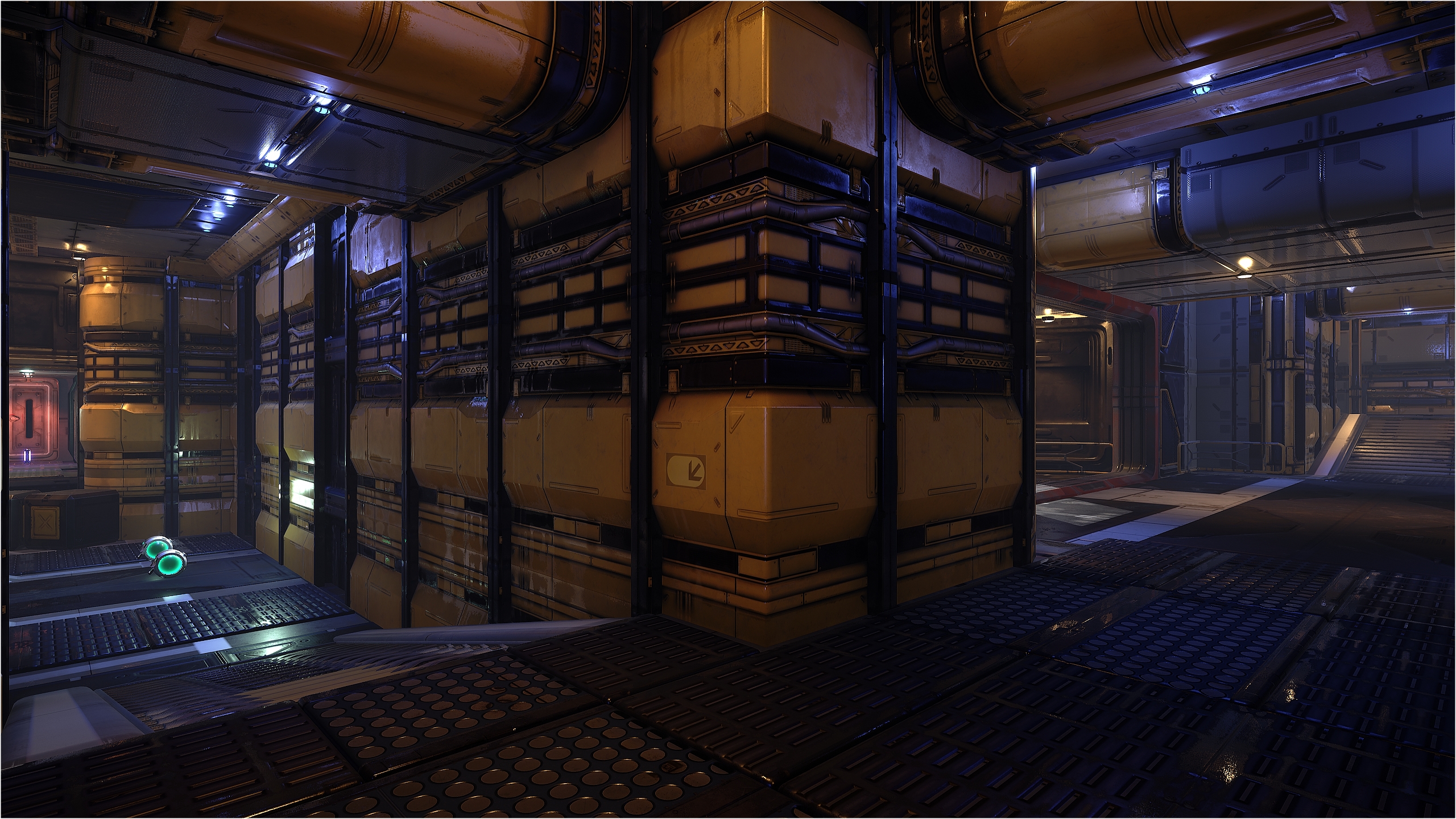
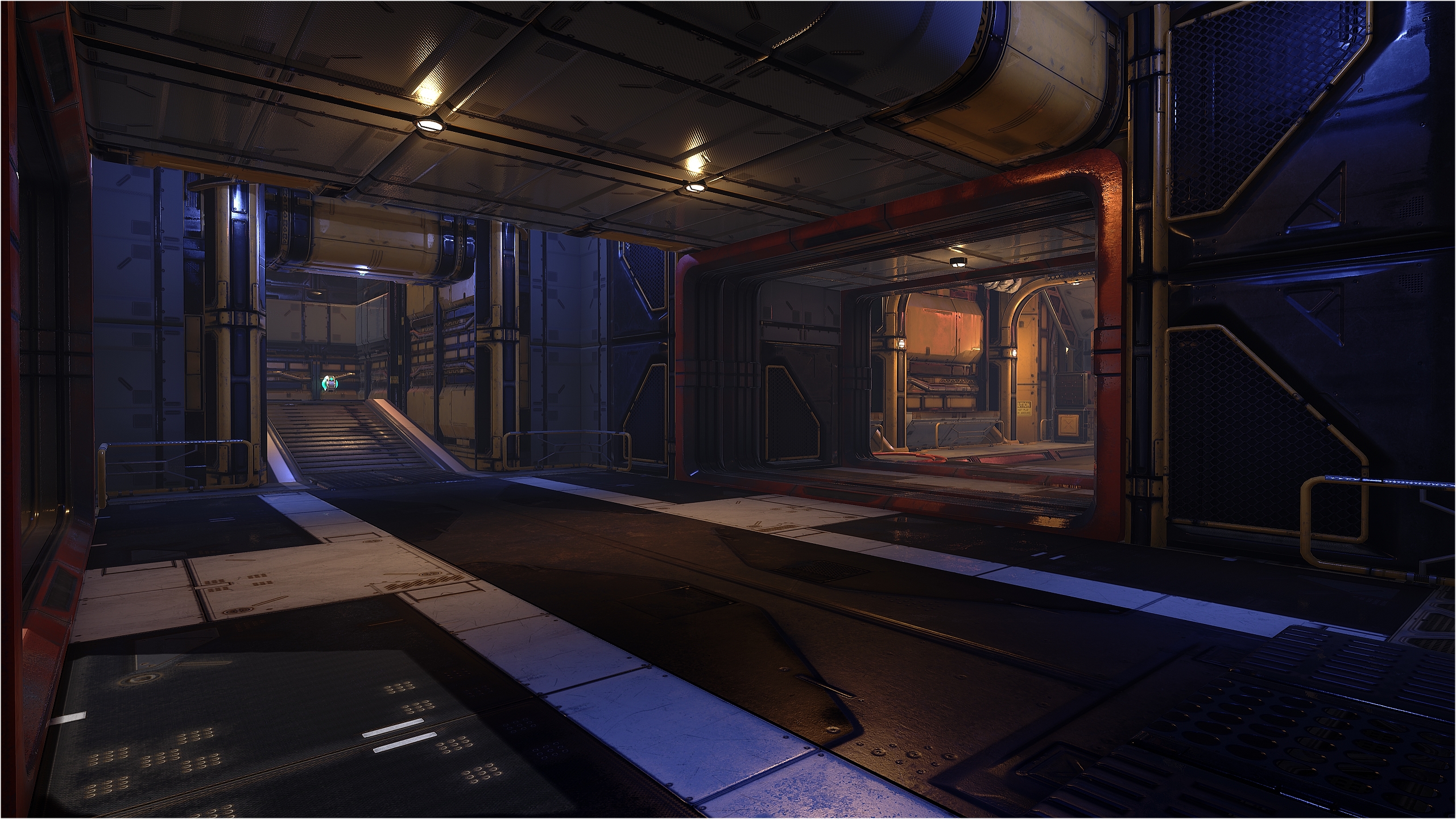
Making progress on crafting up DM-Thaq 😀

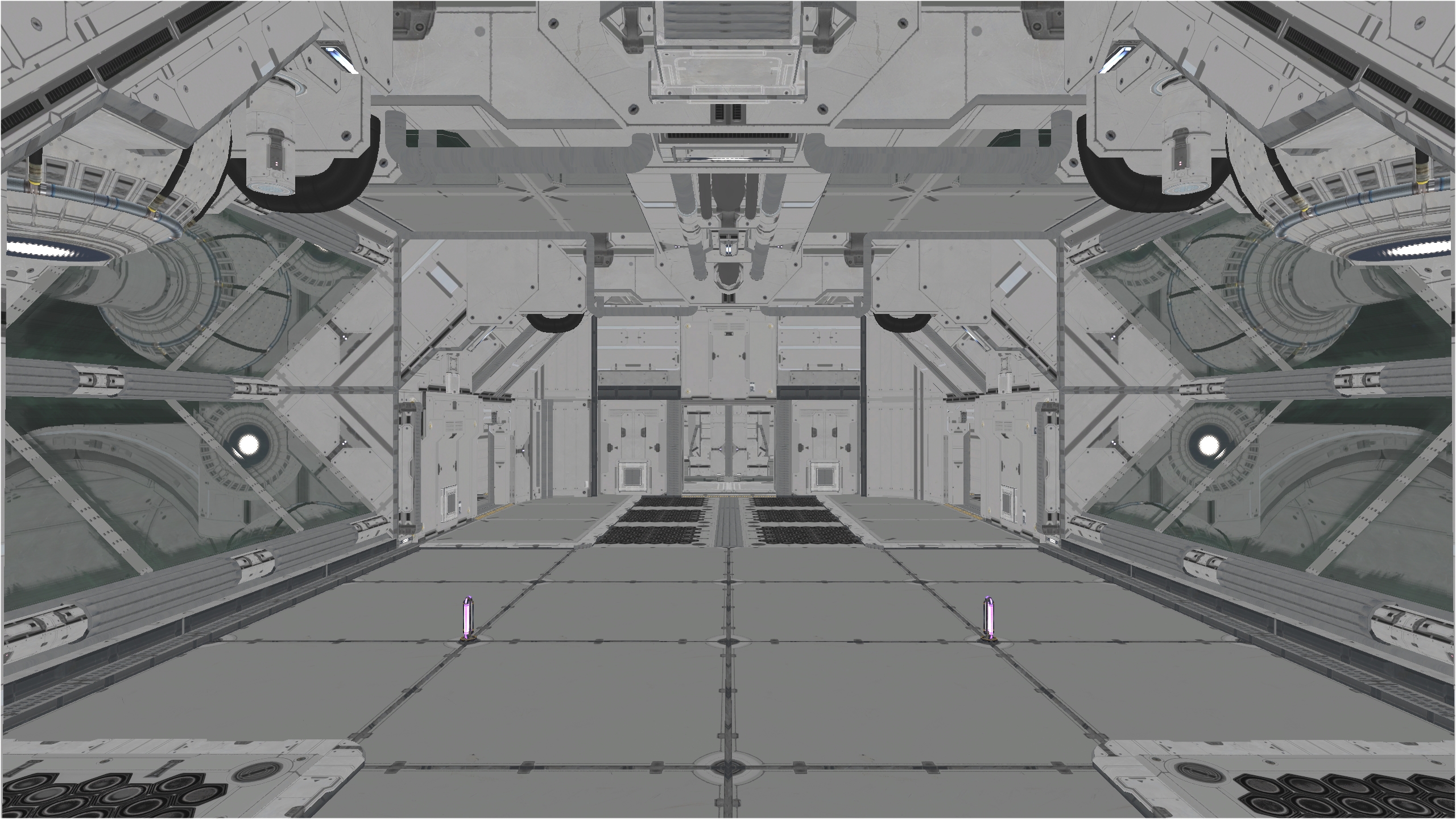
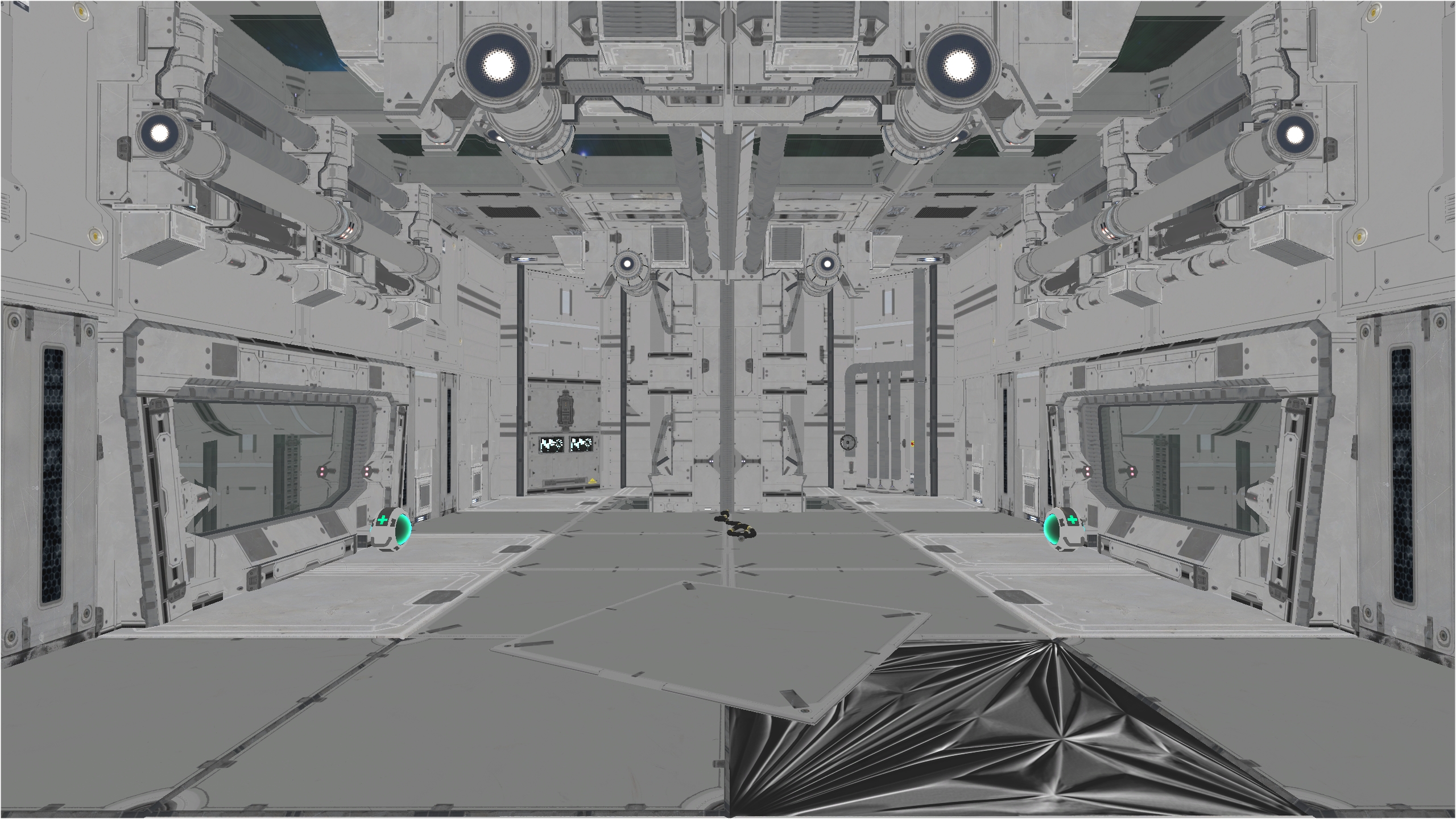
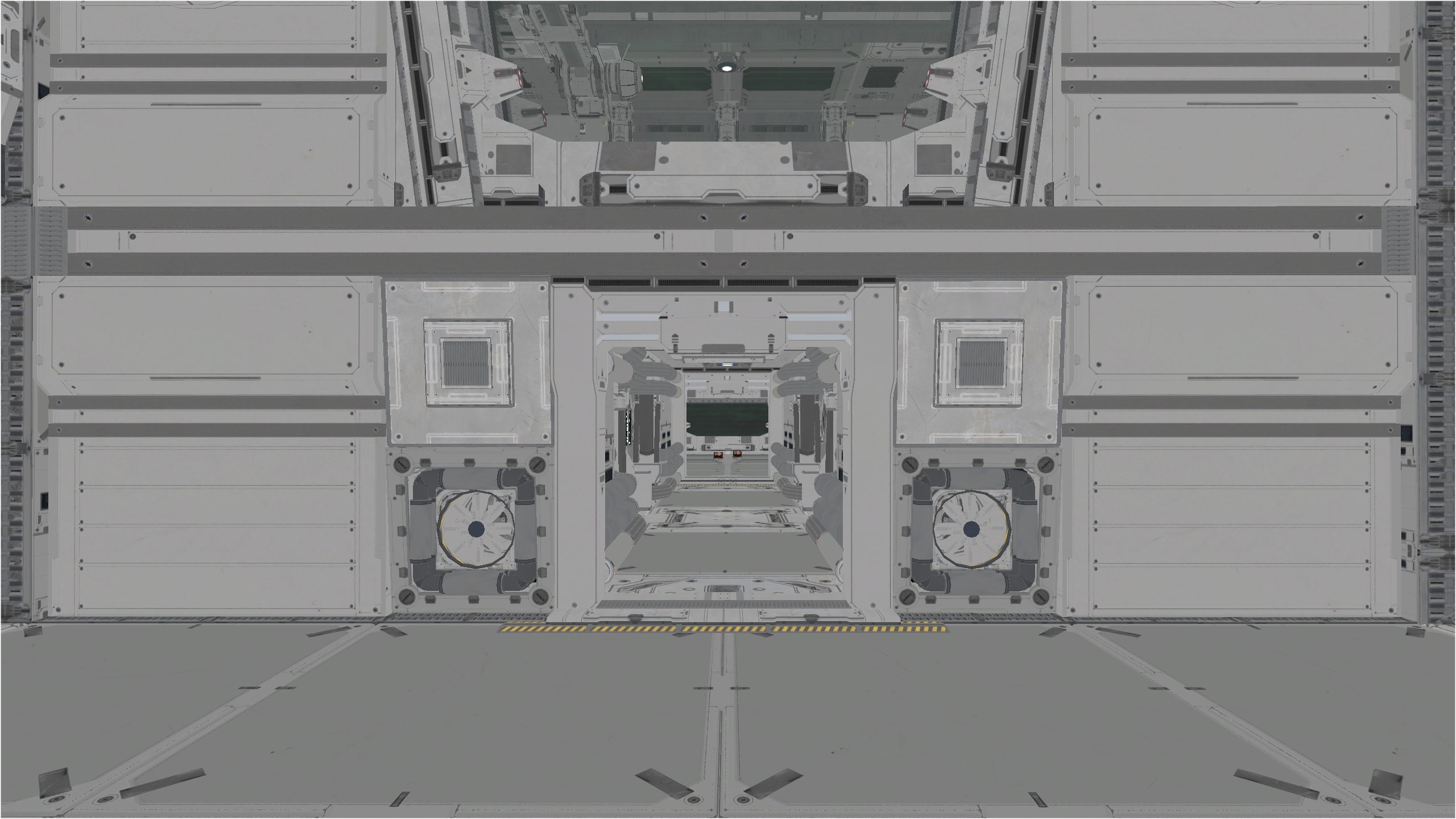
While the default materials look already dirty and worn, I’ve added some leak decals (dust, rust, etc). The first pic show the default meshes and the second with the added decals 🙂

Enjoy and let me know what you think 😉

DM-Thaq, post # 2

Making progress on crafting up DM-Thaq 😀

Not obvious since the limited amount of the meshes included in this pack. I’m trying to make the overall look not to much repetitive but I can’t make miracle neither.

What the pack misses is deco meshes, like pipes, barrels, wires, etc. I’ve found some nice free LP pipes meshes on CGTrader I could use in this level. Like the barrel that I added founded in one of the marketplace free HQ sci-fi pack, I had to tweak the material so it look dirty and worn.

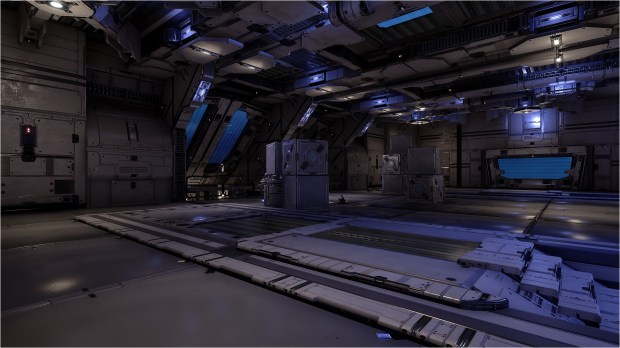
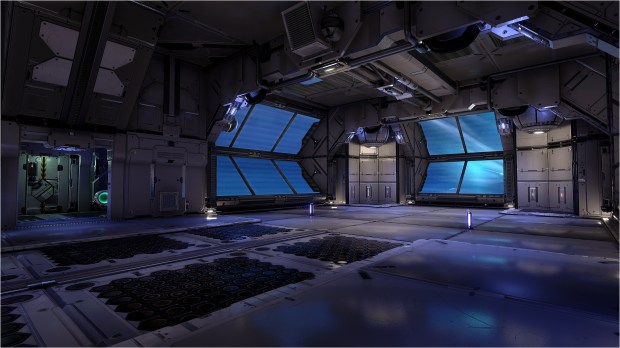
The pics are to show the geometry I’ve obtained so far and the lighting scheme using a combination of static & stationary lights with various roughness & fallout values. Quite a long process to tweak but the result is awesome 🙂

Enjoy and let me know what you think 😉

DM-Cruel post # 3

Dev is going slowly as you might expect, but still, I’m progressing. I put the map a bit on the side since I started DM-Thaq.

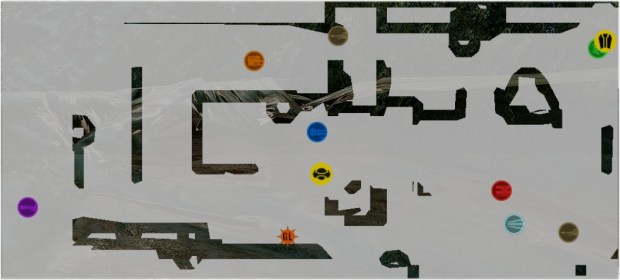
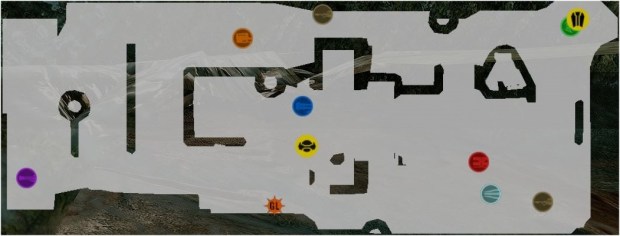
Now, I’m working on the last area of the map, the Shock room (showed in the yellow rectangle) which I started to mesh. It’s hard meshing a map with those assets (I know, I’m repeating myself lol).

So for now, the room is extremely basic but I wanted you to see how much work left I have to do to obtain a nice look. I have ideas to test and I need to finish the meshing before starting the lighting.

My new map with Mothership service rooms assets

Hello,

Now that I bought the Mothership service rooms assets. It’s time to use them 😀

First, there are assets I really don’t understand their use. Like a vent that you can’t see outside when you’re in it. It’s logical, but since they are half size the player, I don’t intent to use them for traveling… There another mesh which is a wall corner but doesn’t have the wall to go with it… Bah, at least there as many great assets I can play with and make an entire level out of those meshes 😀

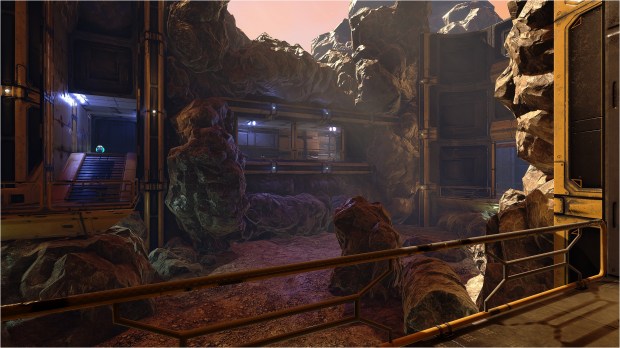
I took a break from DM-Cruel and start my new map. It’s called DM-Thaq. And I’m happy to finally create something futuristic AND also dirty. It won’t be a big level. Something to accomodate 8 players max. Since past friday night, I worked on this room to finally finish it and I’m satisfied by the result so I’m happy to share the pics with the world 🙂

Preview build quality

Full build quality

Enjoy and let me know what you think 😉

DM-Cruel post # 2

Dev is going veeeeeeeeeeeeeeeeeeeeeeeeeeeeeery slowly… but still, it is progressing 🙂

It’s hard to mesh the map with those assets. They look awesome but man, it’s hard!

Anyway, I post this pic just to give an idea of the actual look. Note that I added a skylight but for a reason I can’t explain it isn’t active?! I never saw that in any of my previous maps.

DM-Cruel post # 1

Dev is going slowly…

I honestly found it very hard to mesh the map base on the Modular SciFi Season 2 Starter Bundle.

When you look at the demo maps, everything is looking awesome because all of the assets are a part of the scene and all fit together. Therefore, when building a UT4 map, you just simply can’t reproduce a cool scene in the demo map in UT4, it would be way to easy. You must use of A LOT of imagination & mapping skill to create a map that look awesome without looking to boring & repetitive. Many meshes are made to use in a certain way and using them in another way doesn’t work at all. So I’m very limited in the way of using the meshes. For example, I have access to 158 meshes in all but can use only around 5 for walls, 4 for floor and ceiling. All the remaining are for deco.

Anyway, I’m doing my best to build a remarkable level. Meanwhile, you get a pic of the layout and 2 on mostly finished areas 🙂

My next map, DM-Cruel

This will be my new map for UT4 which I called DM-Cruel.

I’m using completely new assets from the Modular SciFi Season 2 Starter Bundle. Again, I had to redo everything from scratch so I could use them in the UT Editor. I have now 158 meshes to play with 😀

And like DM-Chroma, DM-Chroma FPS and DM-Coda, it is a new map, not a remake.

As for the layout, I inspire myself from one of my favorite UT2003/UT2004 map called DM-1on1-Crash made by Paul Fahss 🙂 The map was part of Epic UT2003 bonus pack. A remake attempt as already been made by jonzie23 on Epic forums a long time ago but as been abandoned. For the records, here is his DM-Crash (Remaster).

Now, a FlyBy of the original map 😀

DM-Coda, final release!

The final version of DM-Coda is here 😀

This is what as been done for the final version :

  • Added more decals. Also, they are visible only in High and Epic mode.
  • Added Redeemer. Grab it by doing a WallJump or WallRun. It add lot’s of fun!
  • Added rocks above the roof windows in the Invisibility sector.
  • Changed ingame preview pic.
  • Changed music track.
  • Manually set culling on a huge amount of static meshes all across the map to obtain more performances by reducing draw calls. That was a very, very long process since the map have 5 410 static meshes.
  • Map size dropped from 601 MB to 250 MB!!! Imagine, a 351 MB reduction 😮 I obtained that magic size by adjusting all textures LOD Bias. The map use roughly 400 textures! After many tweaking, they’re mostly appear in 1024 x 1024 quality ingame instead of 2K / 4K with a very minor visual quality loss. THX to MoxNix suggestion, I wasn’t aware of that setting and it made a drastic difference for map size while maintaining a excellent visual quality if set right 😀
  • Remeshed the Rocket Launcher windows. I wasn’t 100% satisfied from R1.
  • Performed a full lighting build, production level quality.
  • Tweak post process volume to get nice occlusion from far rocks and subtle grain effect all across the map.