UT4

DM-Valas, post # 5

I’ve receive some good suggestions on Unreal Carnage discord, suggestions that are more focused for competitive playing than casual gaming. I’ve decide to release a CE version (Competitive Edition) after the final to make happy the competitive crowd 🙂 The only feedback I’ve receive from Epic forums as been from ÐutchSmºke, which I THX him a lot 😉

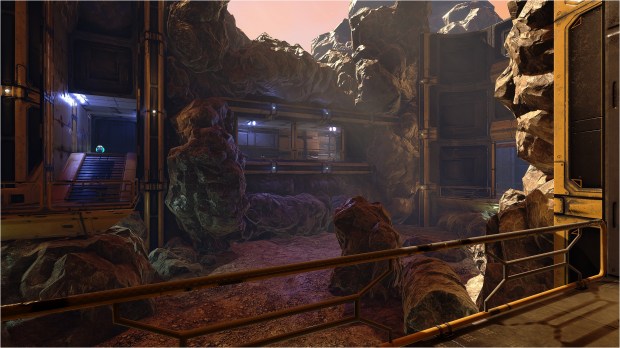
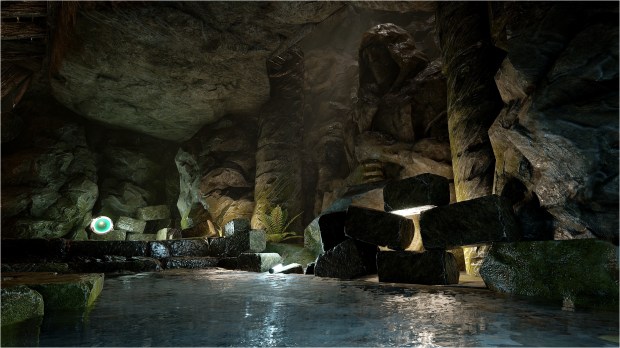
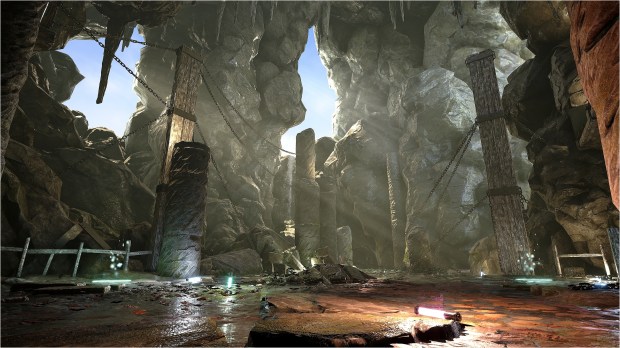
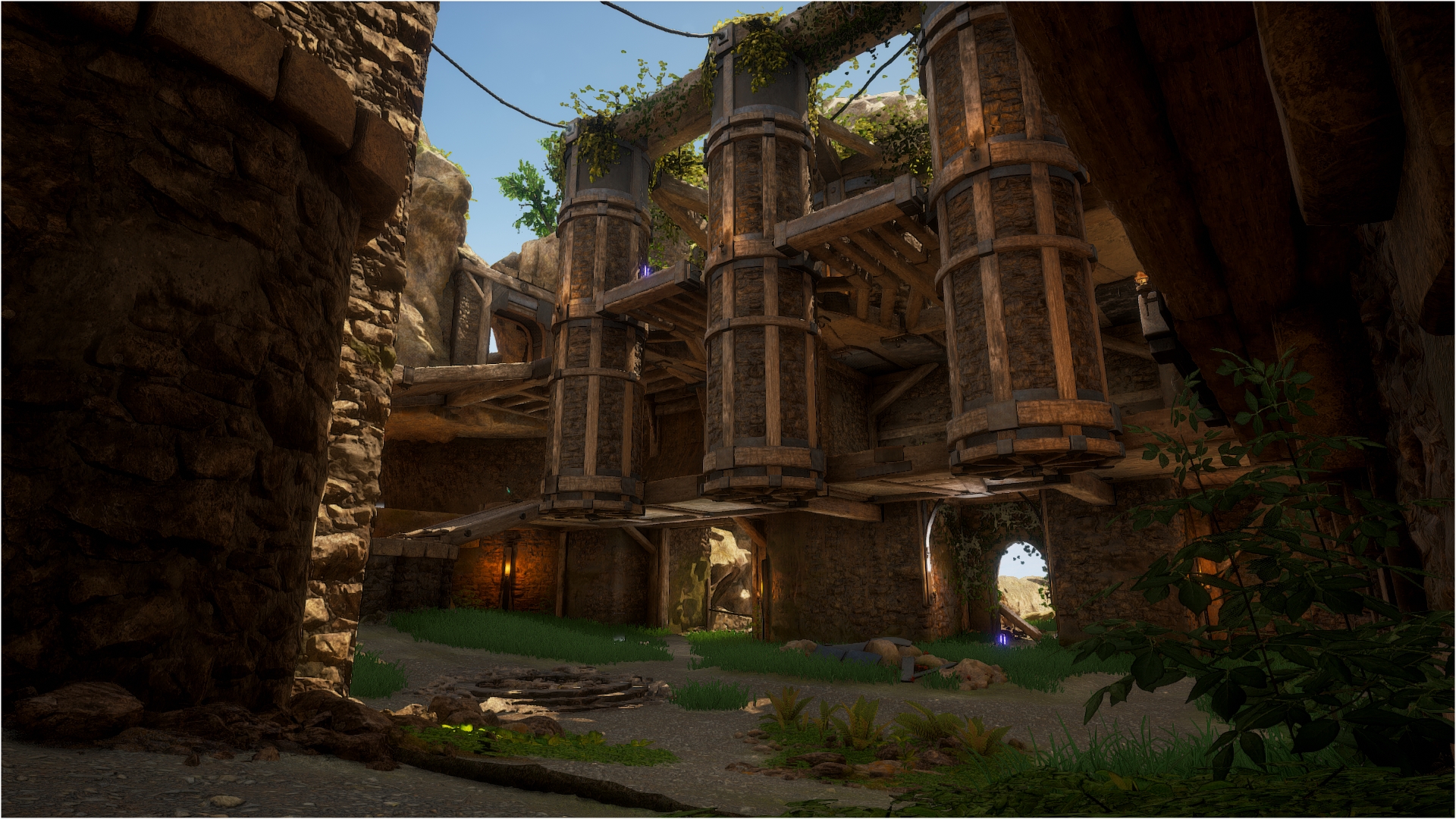
Meanwhile, I was having a hard time to dress up the scenery of this map, the outside view if you like. I had few ideas, I’ve tried many meshing style, like industrial or urban but couldn’t found something that I like. I choose a organic scenery instead. After many hours of work and many, many coffee lol, I built this scene :

I like it but isn’t finished yet. Therefore, the issue I have is the file size… which I did a bunch of trial / error to compress the textures the more I could without sacrificing the visuals. First builds was around 650 MB, and after many tweaks, the map still weight 470 MB 😦 I know, it’s big, you don’t need to tell me and I was hoping that it wouldn’t be that big. R1 weight 312 MB but the scenery is completely empty so it would be a bit bigger after some meshing in the end because I wouldn’t leave the scenery completely empty for a regular version. Still, for the CE version, I will leave it empty.

DM-Valas R1 Release!

I’m working on this level since few weeks now and I’m rather satisfied with the actual state. Gameplay is great and visuals are looking good 😀

Only thing left to do is to ‘dress up’ the outside of the map (which I have no idea what I’ll do yet) and maybe fix issues I didn’t saw and add stuff from the feedback you’ll give me… yeah you! Since the outside of the map isn’t related to gameplay and is only a cosmetic thing, it’s time to share the map with the 5 persons on the planet who play my maps. At least, that is my impression 😛

Head over DM-Valas page to get all the details and download link 🙂

Note, for all my maps I use Temporal AA since it offer the best visuals. Also, before you play it, know that I made all I could to optimise the map for max FPS. My average FPS is 100 playing in 1440 on Epic settings. I hope it run well for you!

Enjoy, happy w-e and let me know what you think 😉

DM-Thaq final Release!

In case you didn’t notice, I always release my maps the friday so it start well the weekend 😀 I do that since, well… heu… since always I think lol. For the final version of DM-Thaq, those changes has been made and head over the map page to download it.

Visually :

  • Add decals arrow in both side of the lift tight corridor, the one that is near the Shock pickup that lead you to the Bio pickup.
  • Add decals warning stripes in few spots to distinguish some lifts better.
  • Made another spark particle and also a steam particle.
  • Made some small meshing here and there in some place so it look better.
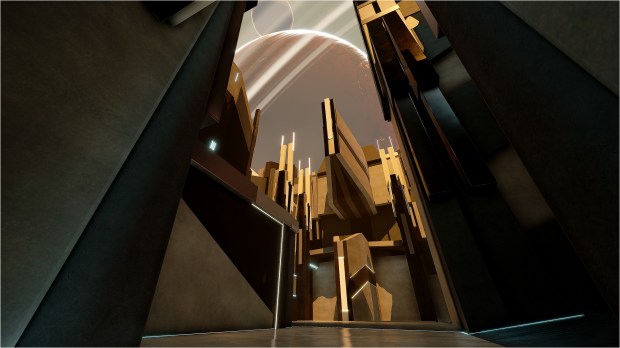
  • Refine the scenery outside the map by adding a second sun, clouds in the sky and fog-like for the ground. Move the planets a bit.
  • Perform few full lighting build (production quality) to adjust some lighting changes which benefit specially the lifts.

Gameplay :

  • Add a blocking volume surrounding the lamp close to the pipes in the Link room. You can still fall down from the platform above between the pipes and the vent.
  • Convert all BSP into a big static meshes which represent the frame of the map. This is completely invisible for the player. I wanted to get rid of BSP.
  • Fix an odd issue about some of the lifts receiving a red lit / shadow from the directional light even if the lifts are inside the frame and aren’t supposed to receive those.

Credits :

Achernar, BloodK1nG, ÐutchSmºke, Florin Biziitu, MoxNix, sL.vEr for providing feedback for R1 🙂

DM-Valas, post # 3

After working few hours more on Thaq base by the extremely small feedback I’ve receive from the community, it’s time to focus on another map and like all my maps, I like to build something different. Not only using a different theme from my previous maps but also try a different gameplay approach while keeping in mind UT playability and not just create a pretty level.

For Valas, I got myself inspire by DM-Stalwart, a classic UT99 map. DM-Stalwart layout is on 1 level height only with few small variation of height between areas. In valas, the layout is roughly the same height but in some areas, you have 2 level high. The theme is industrial and dirty and is relatively ‘closer’ to reality in term of visuals.

There are awesome pipes included in the Bunker pack. It would be really easy to make awesome pipeworks everywhere, but I try to limit myself not to use too much pipes for ressources reasons.

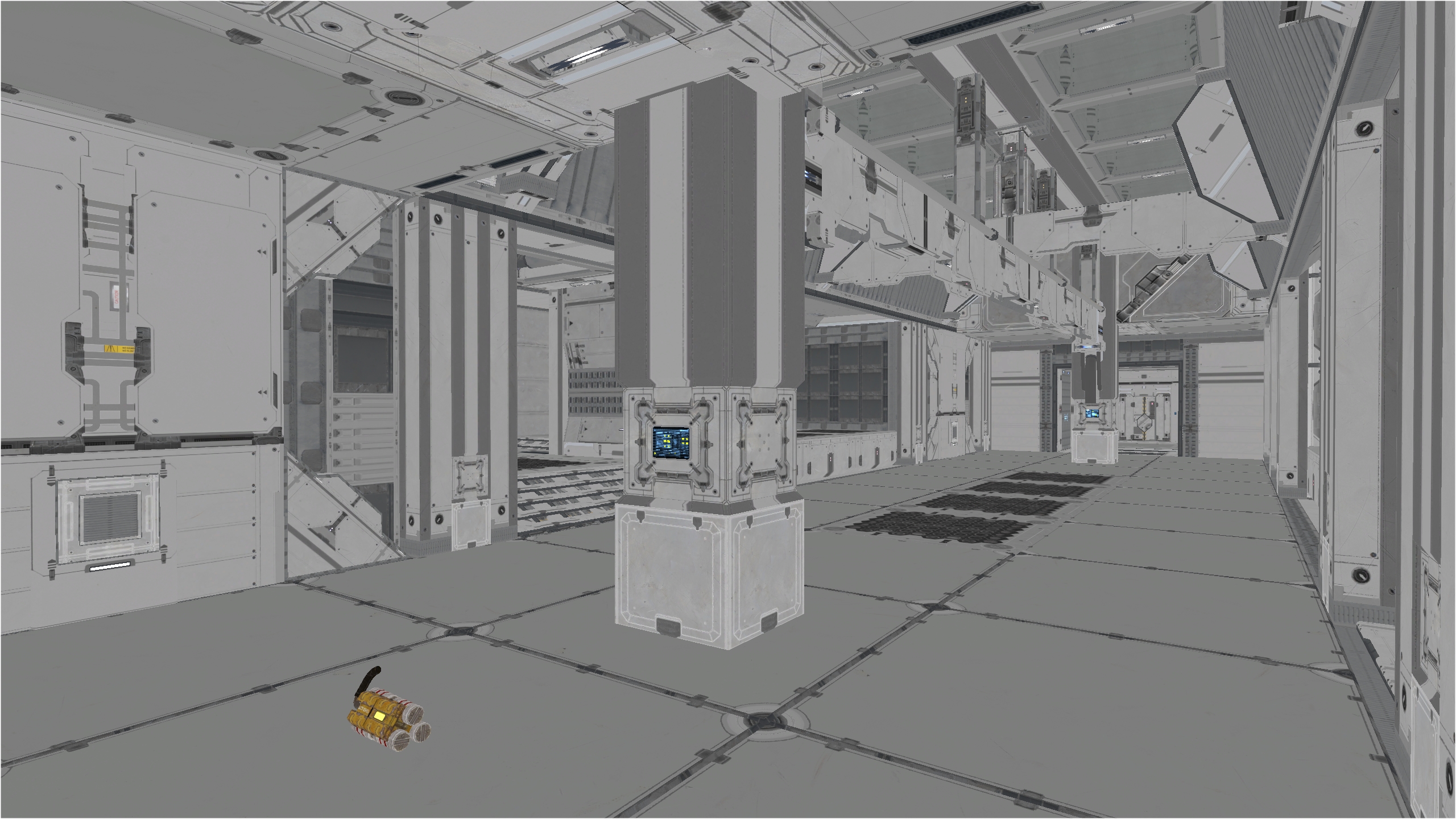
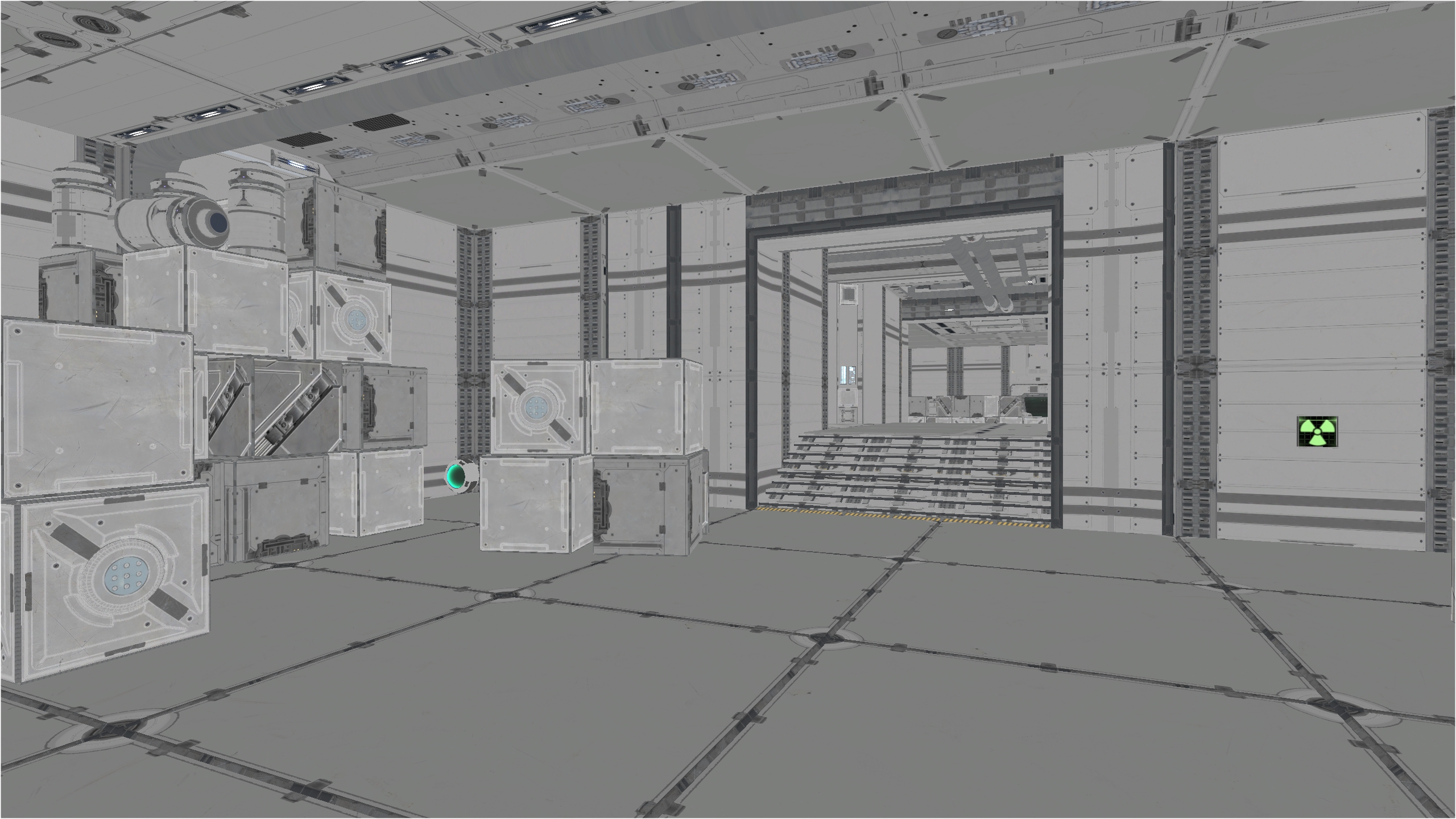
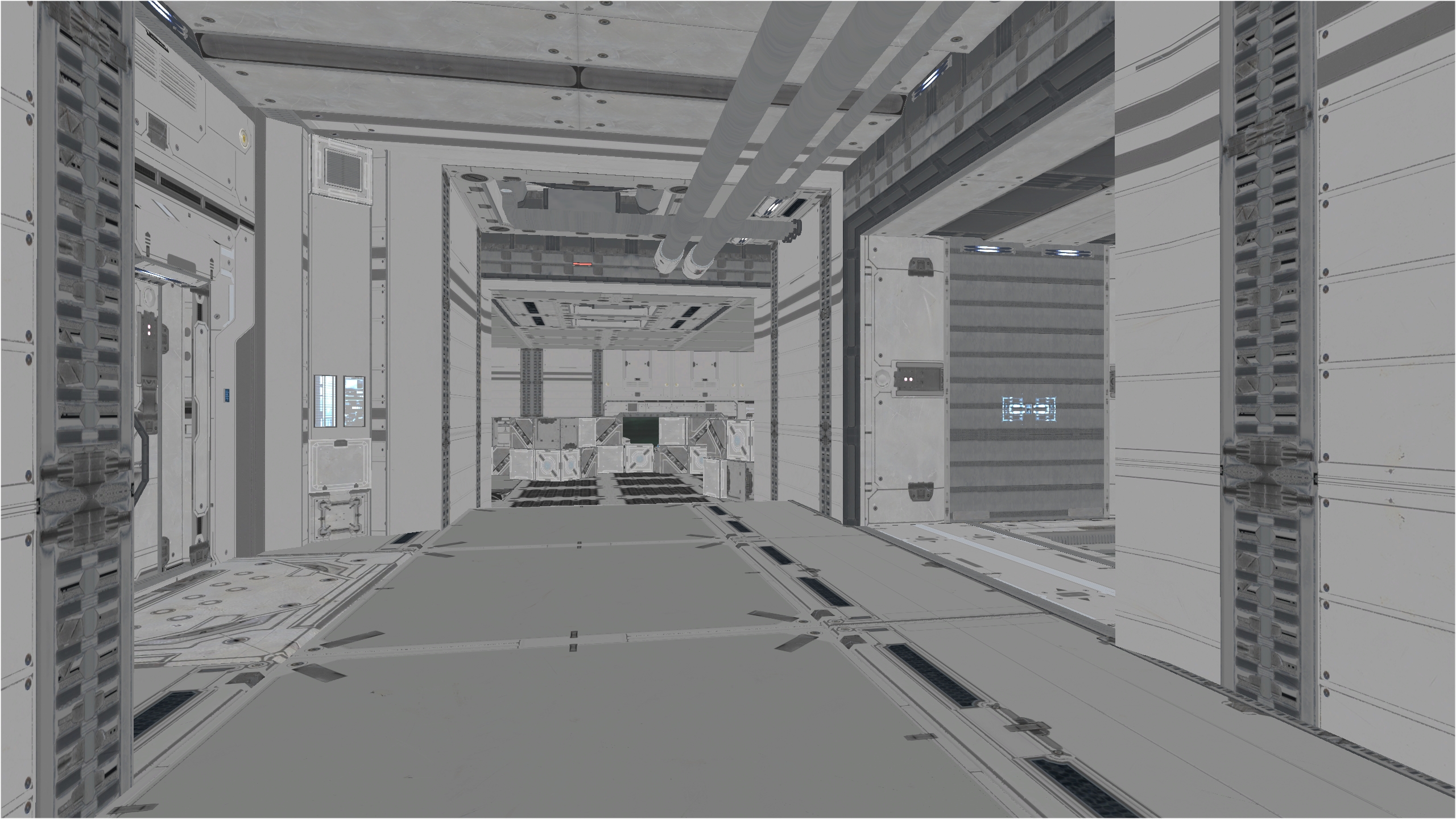
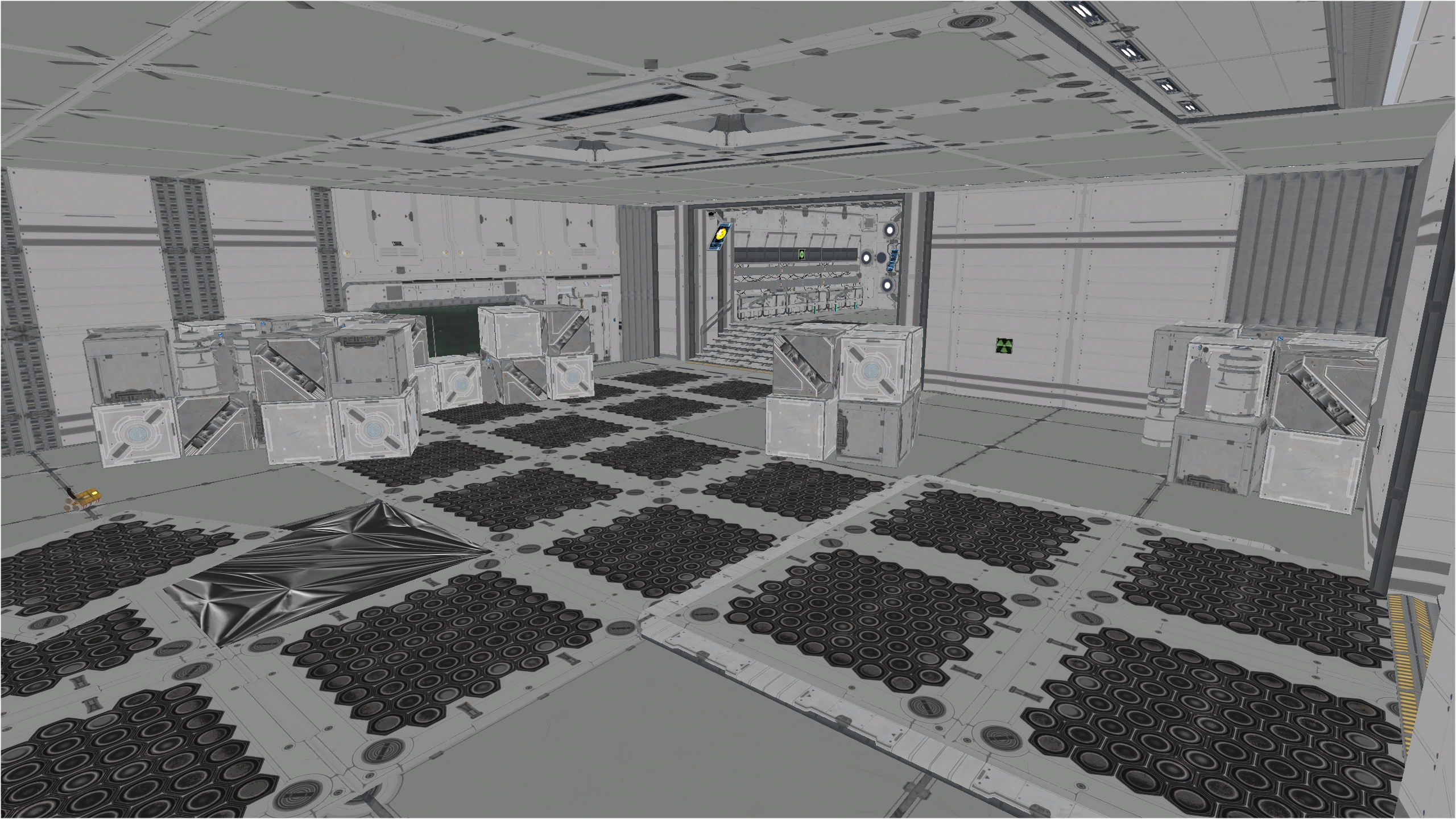
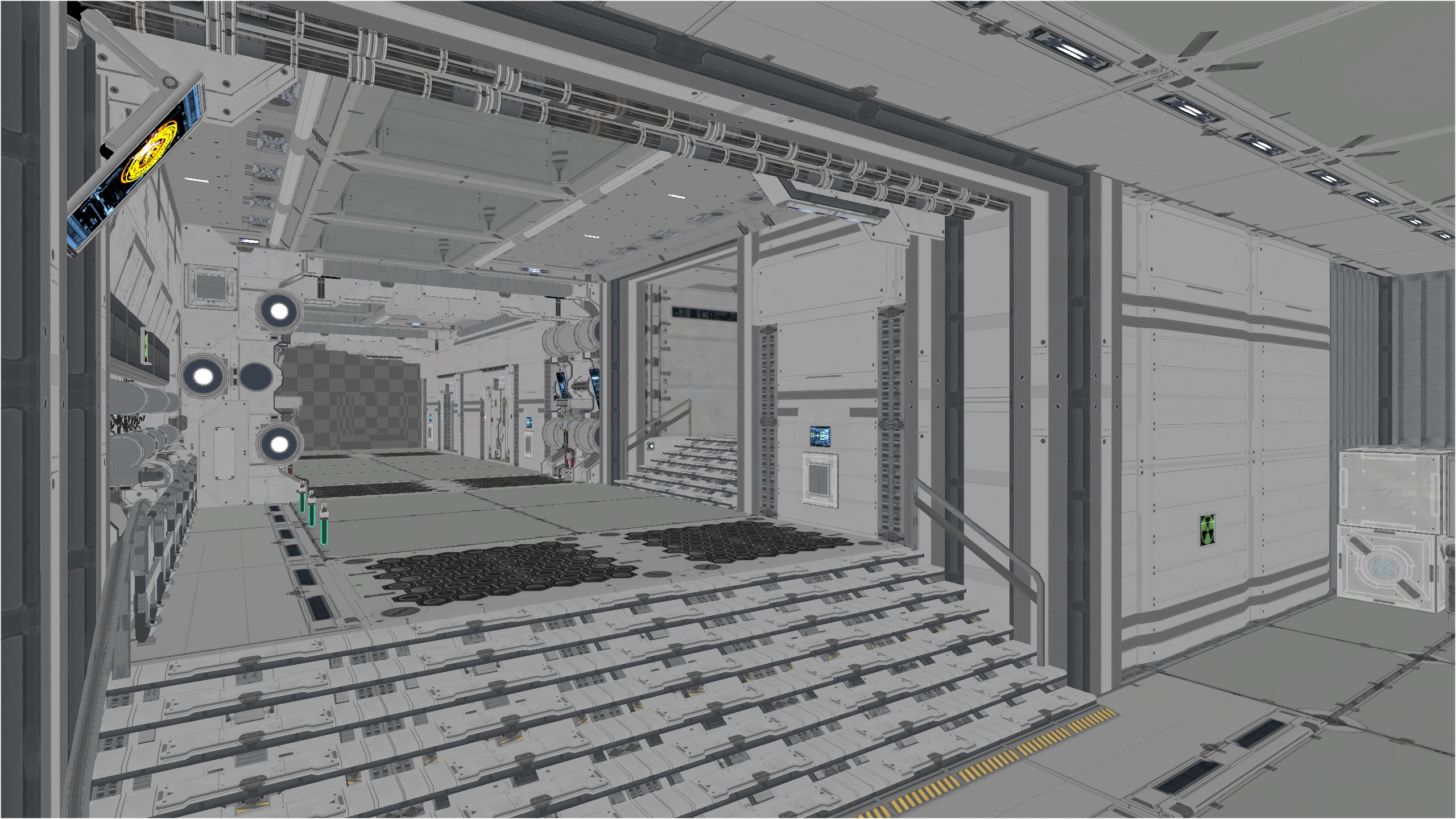
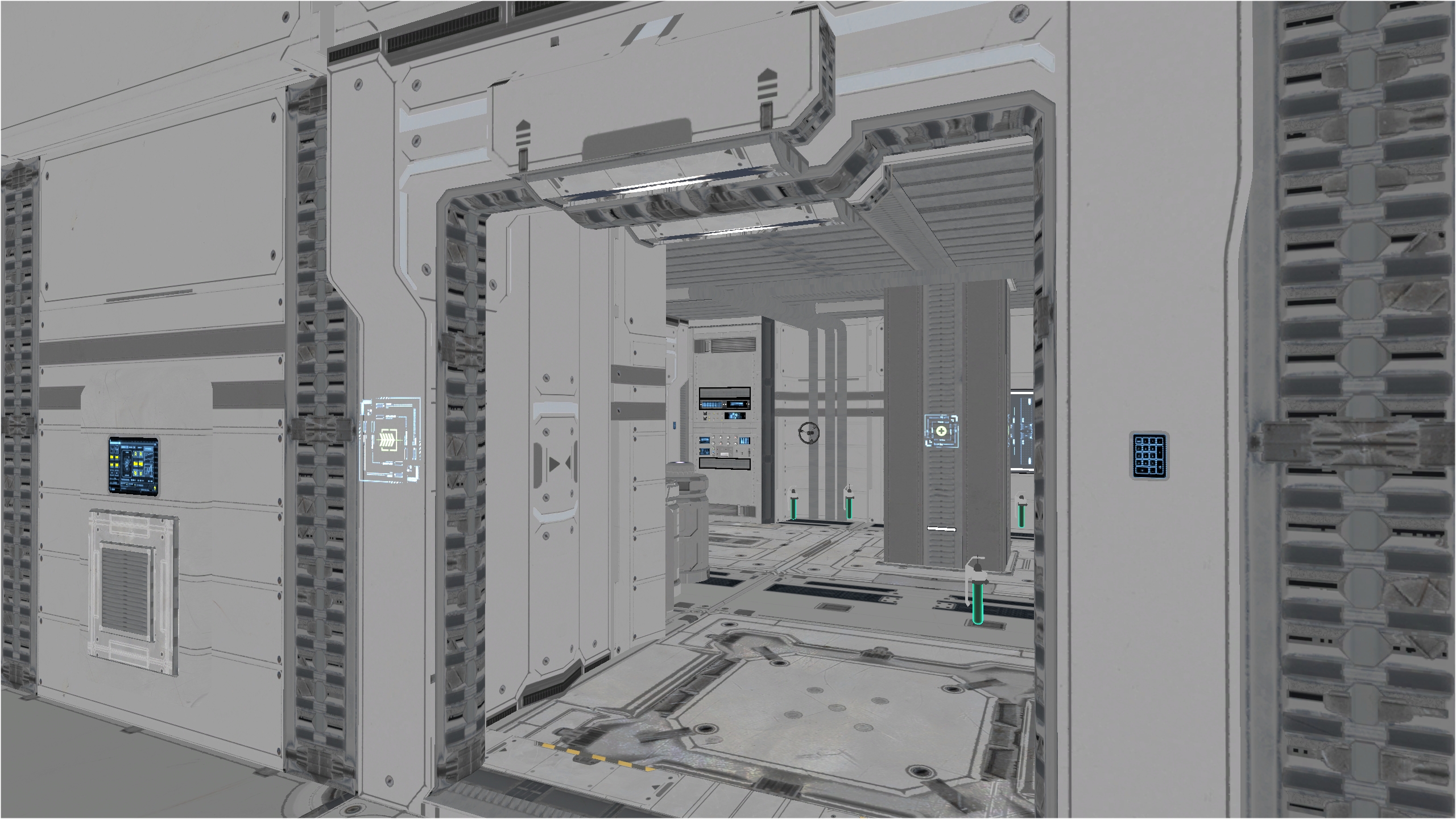
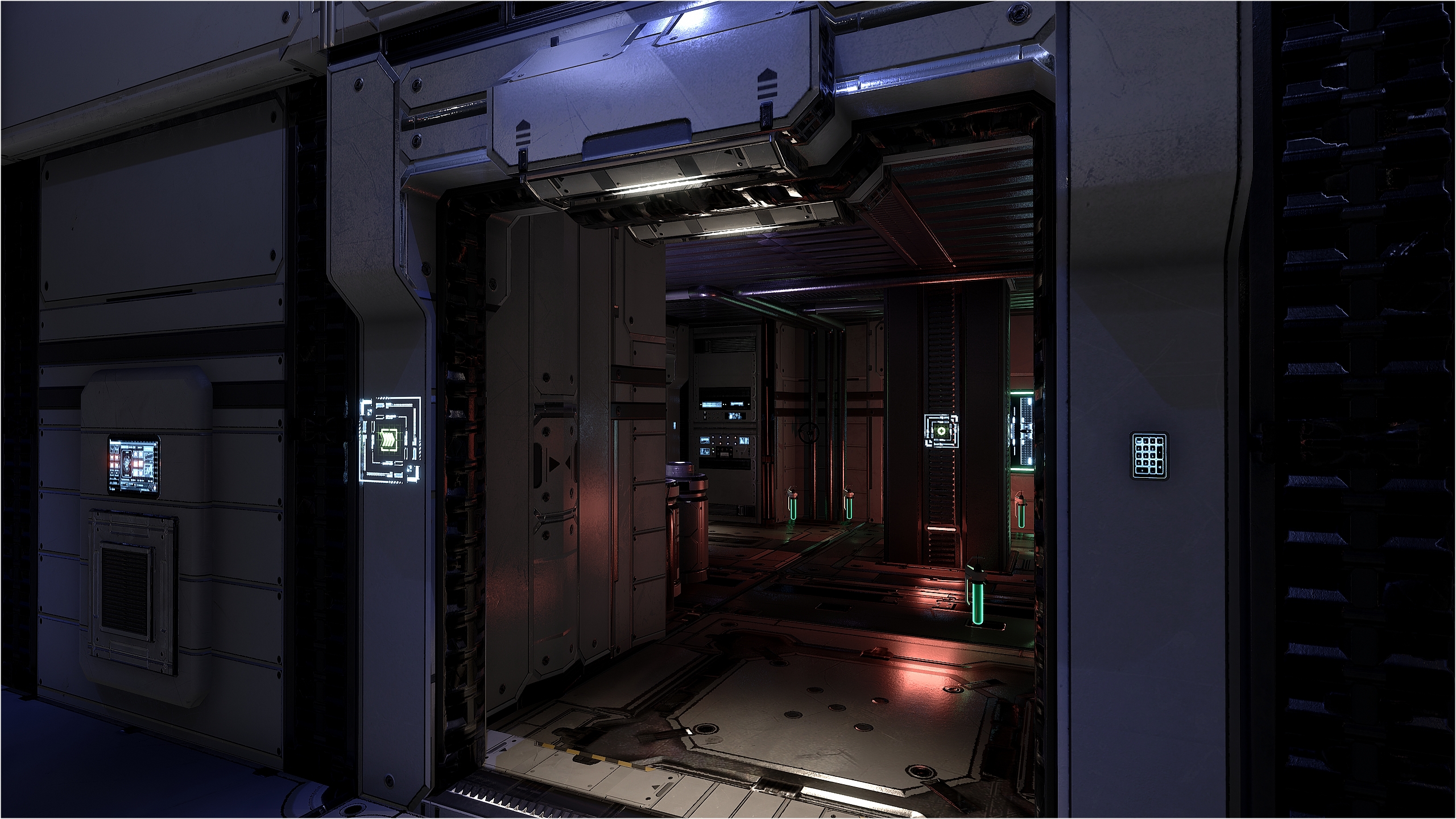
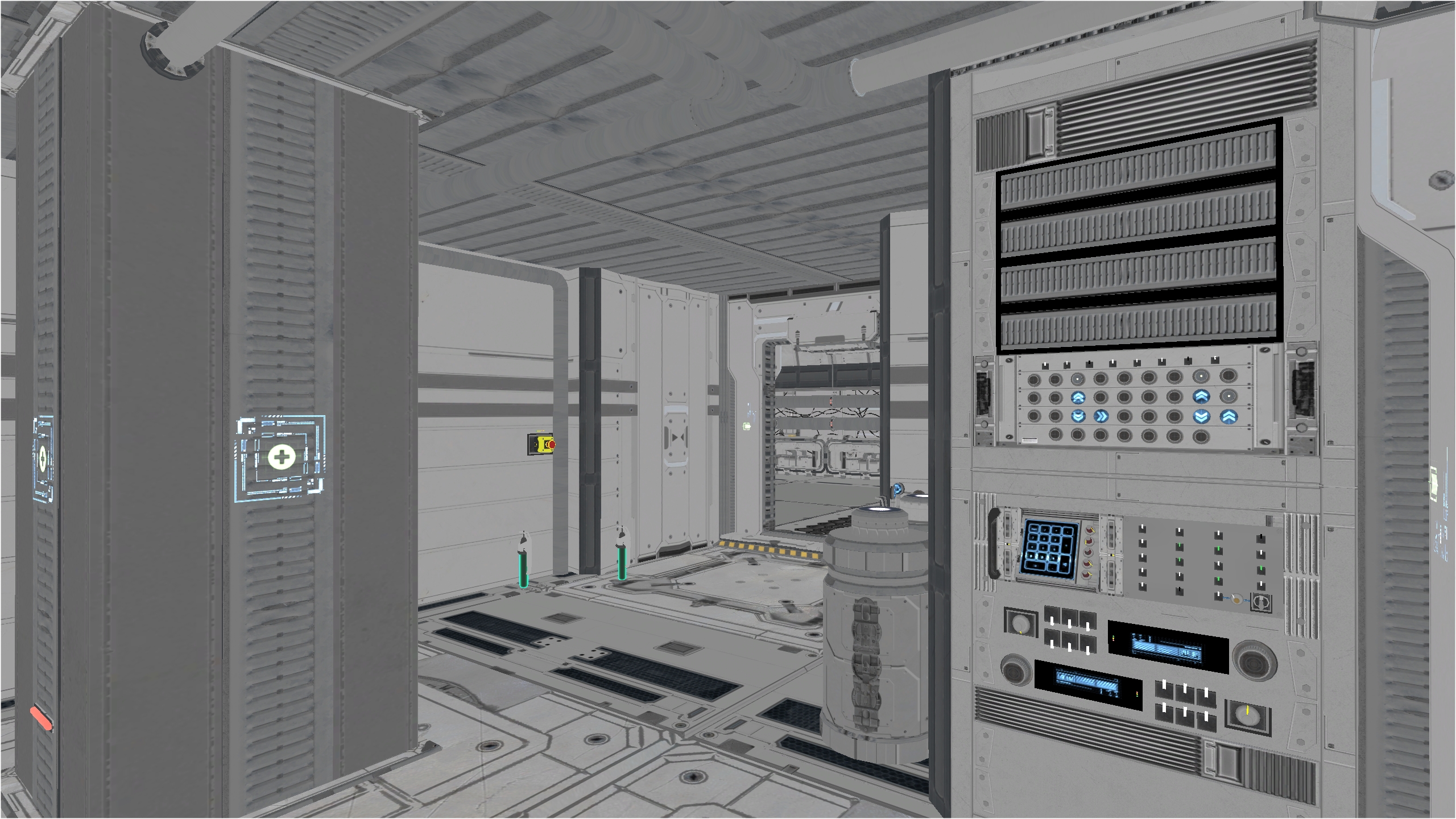
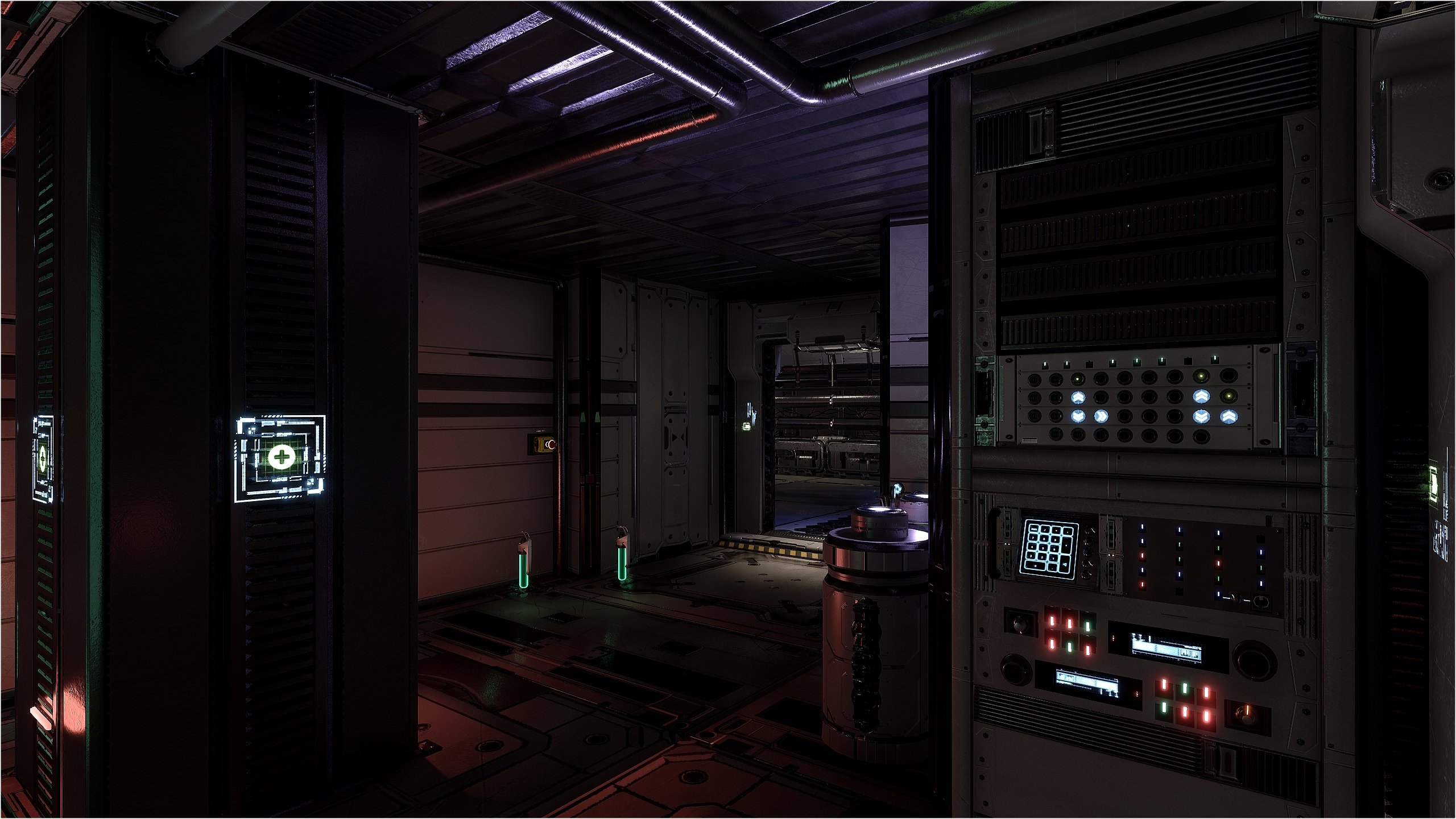
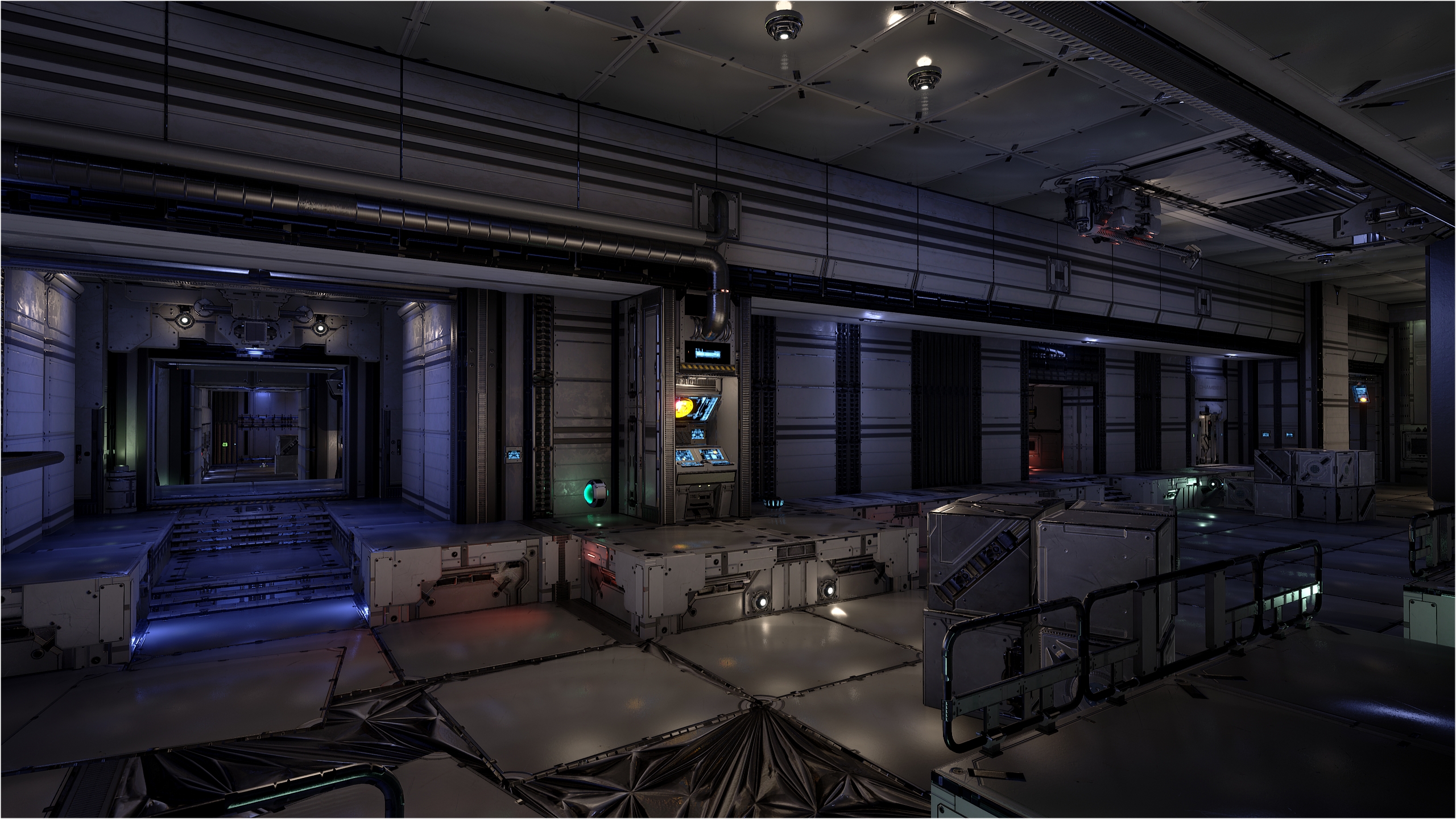
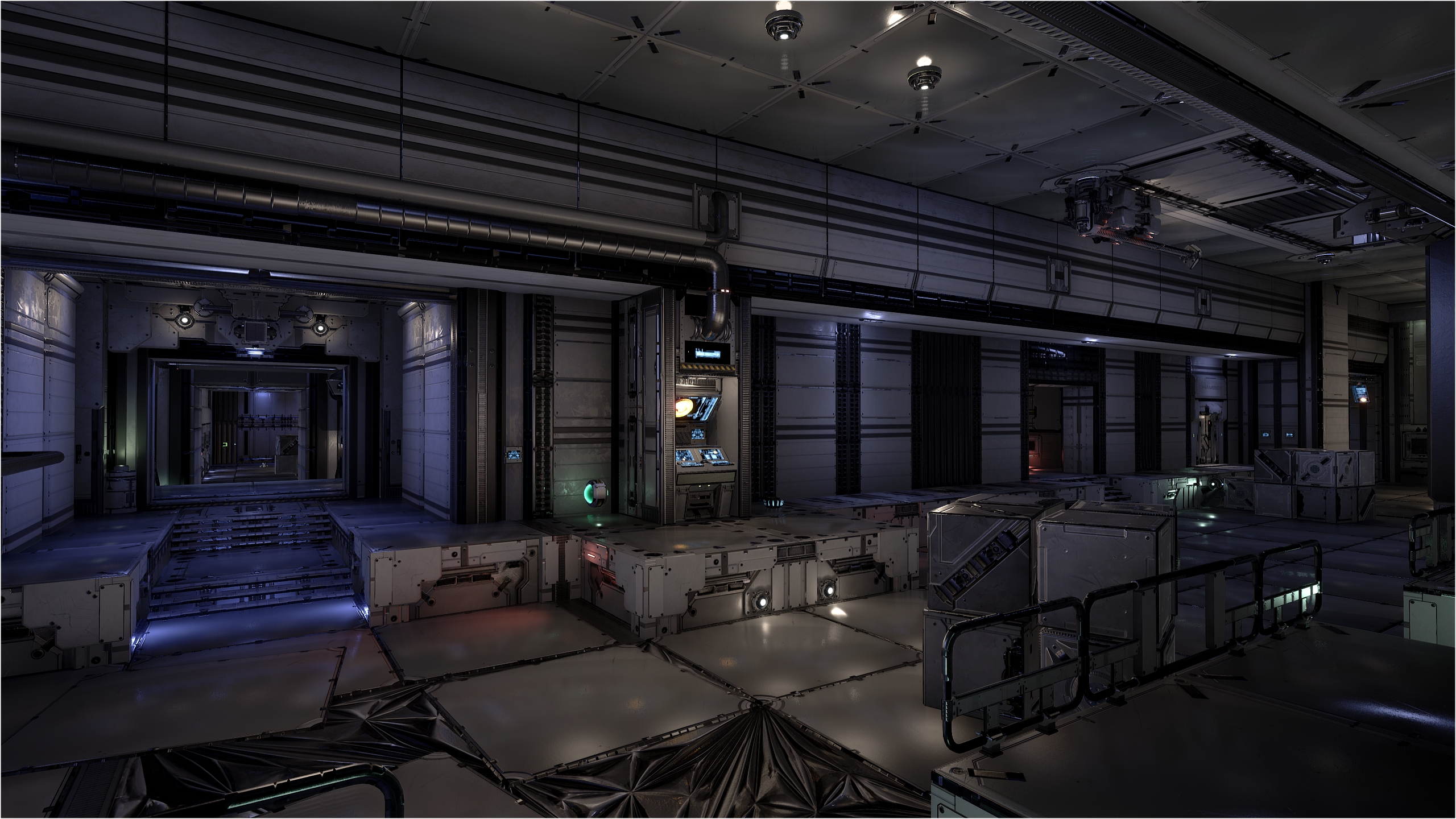
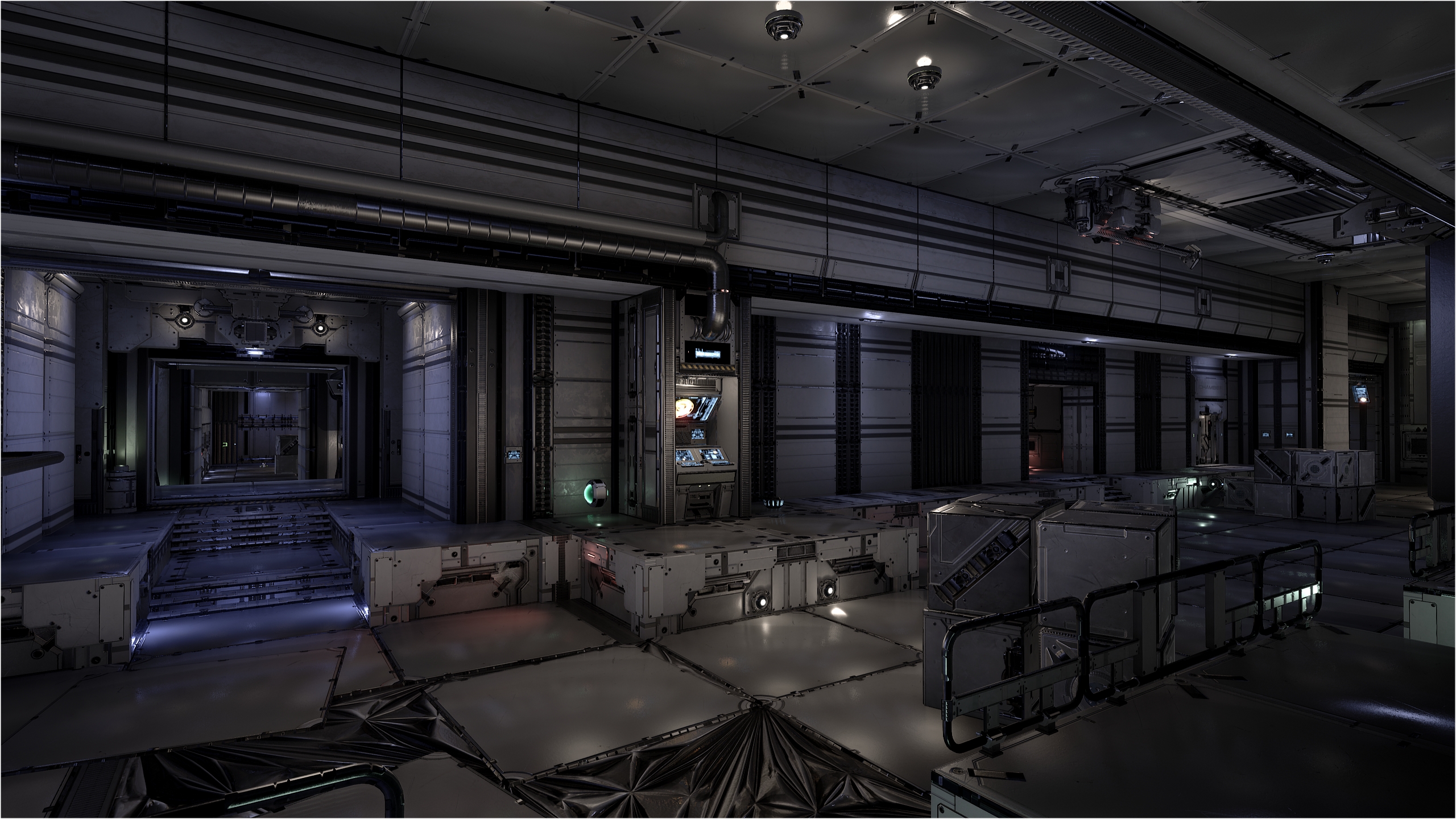
So, this time, to add details into the scene, I’ll mostly use decals instead of trying to make awesome meshwork, because yes, meshing is a form of art, which is by far more complicated than using decals. First pic is only the meshing without decals and second with the decals. For me, with the decals, the visuals reach my minimum visual standard 🙂

DM-Thaq R1 Release!

So, after spending months making this map, there you are, you can play it too 😀 Head over DM-Thaq page to get all the details and download link 🙂

I hope that players will like the gameplay, which I really like because there is a good balance of close / tight areas and open areas, perfect to practice your precise shooting. The lifts in the belt area offers many moves and it’s up to you to discover them. Flying monkeys players should like it 😉

Note that file size is rather big (362 MB). I would had like to make it smaller but since there are many assets and textures I couldn’t really make it smaller. The only solution to shrink the size is to compress the textures more but after many tweaks and ingame tests, I found the maximum compression ratio without sacrificing the visuals. Many textures are in 512 or 1024 rez. Only few are in 2048 rez. Originally, the size was 587 MB before I tweaked the compression!

Before you play it, know that I made all I could to optimise the map for max FPS. I hope it run well for you!

Enjoy, and let me know what you think 😉

Note, depending on how your graphics settings, the look of the map will be very different from me. For all my maps I use Cinematic quality with Temporal AA since it offer the best visuals. I join few pics here and you can see the huge difference between the various values you’ll use ingame. The ‘sparkling effect’ is related to your Antialiasing value :

Low

Mid

High

Epic

Cinematic with Temporal AA

Cinematic without Temporal AA

Cinematic with FXAA

Cinematic with MSAA

DM-Valas, post # 2

This week, my UT4 editor time as been mostly put on Valas. I made some small progress on Thaq too. There is only 1 corridor that I need to mesh and R1 (Release 1) will be release. I didn’t get inspiration to finish meshing Cruel yet. But I made progress few weeks ago on the Shock room 🙂

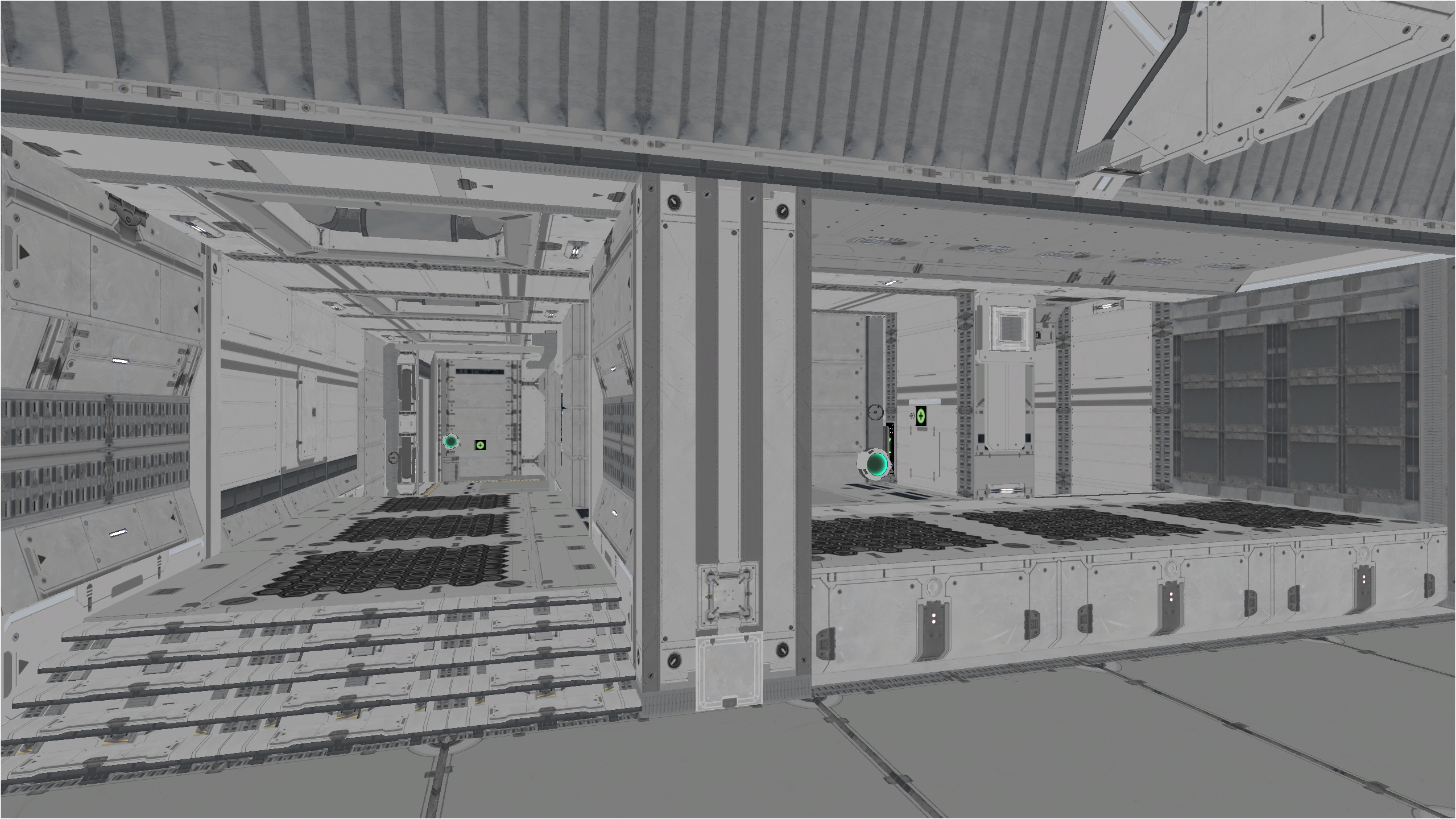
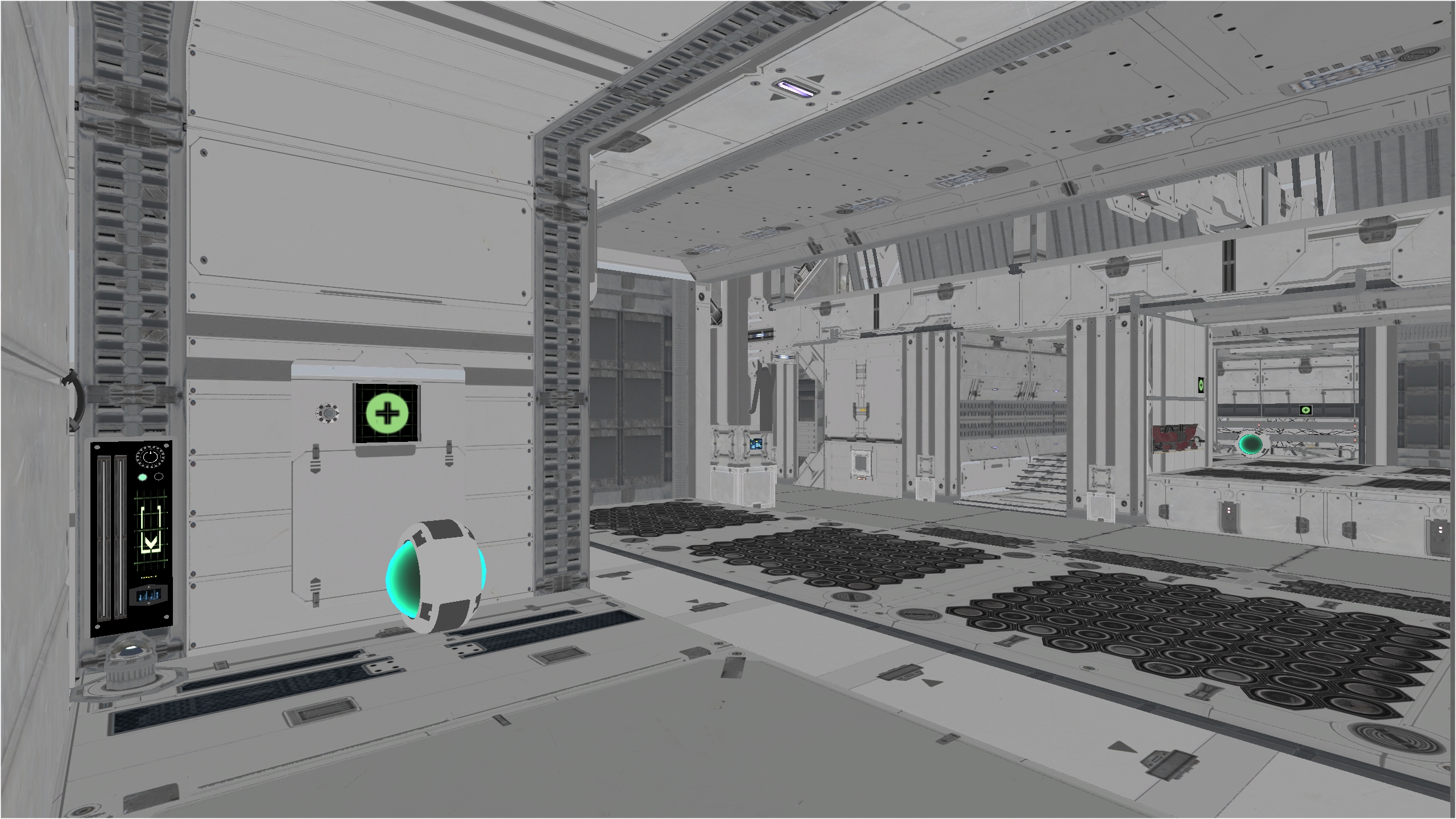
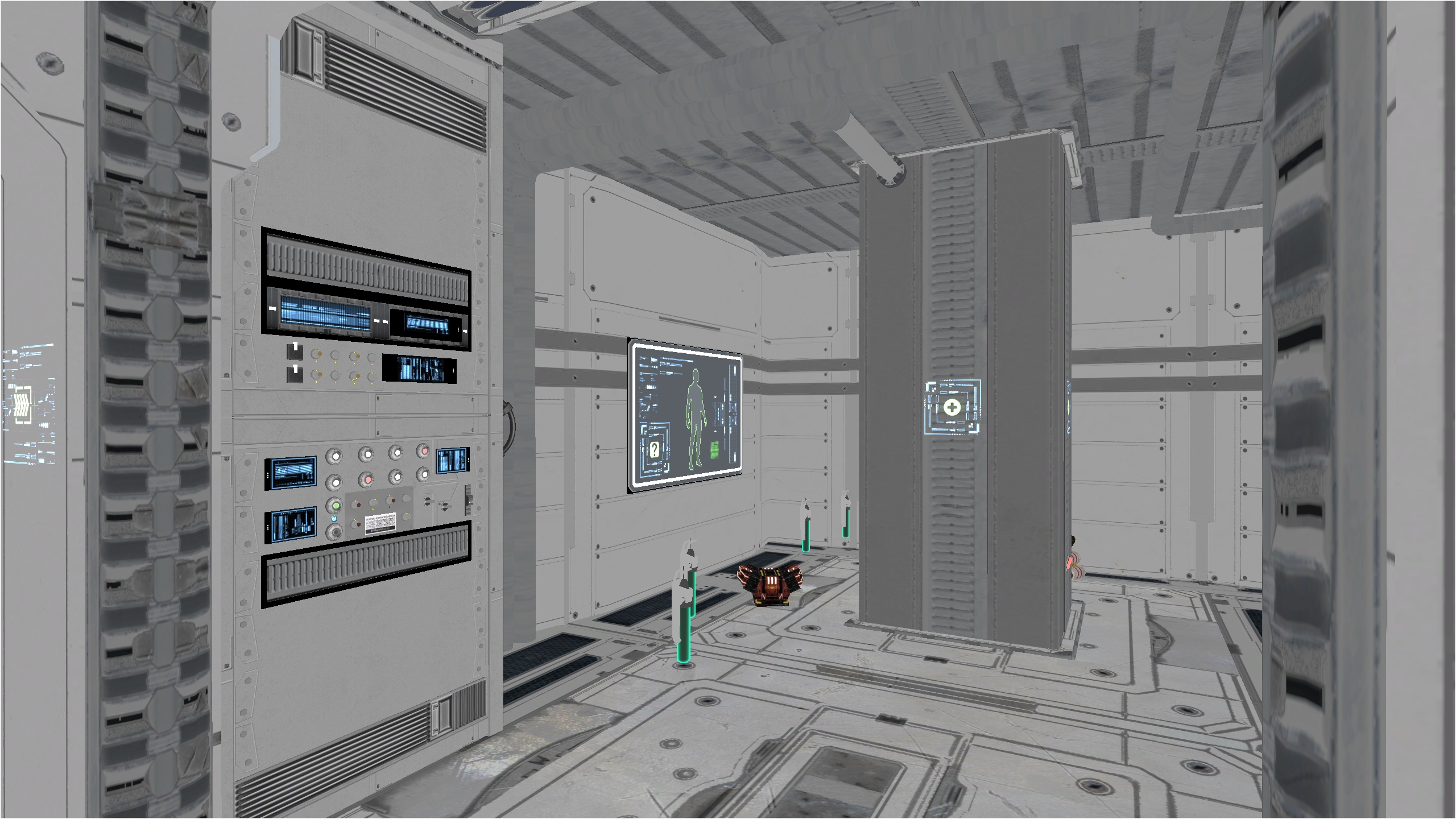
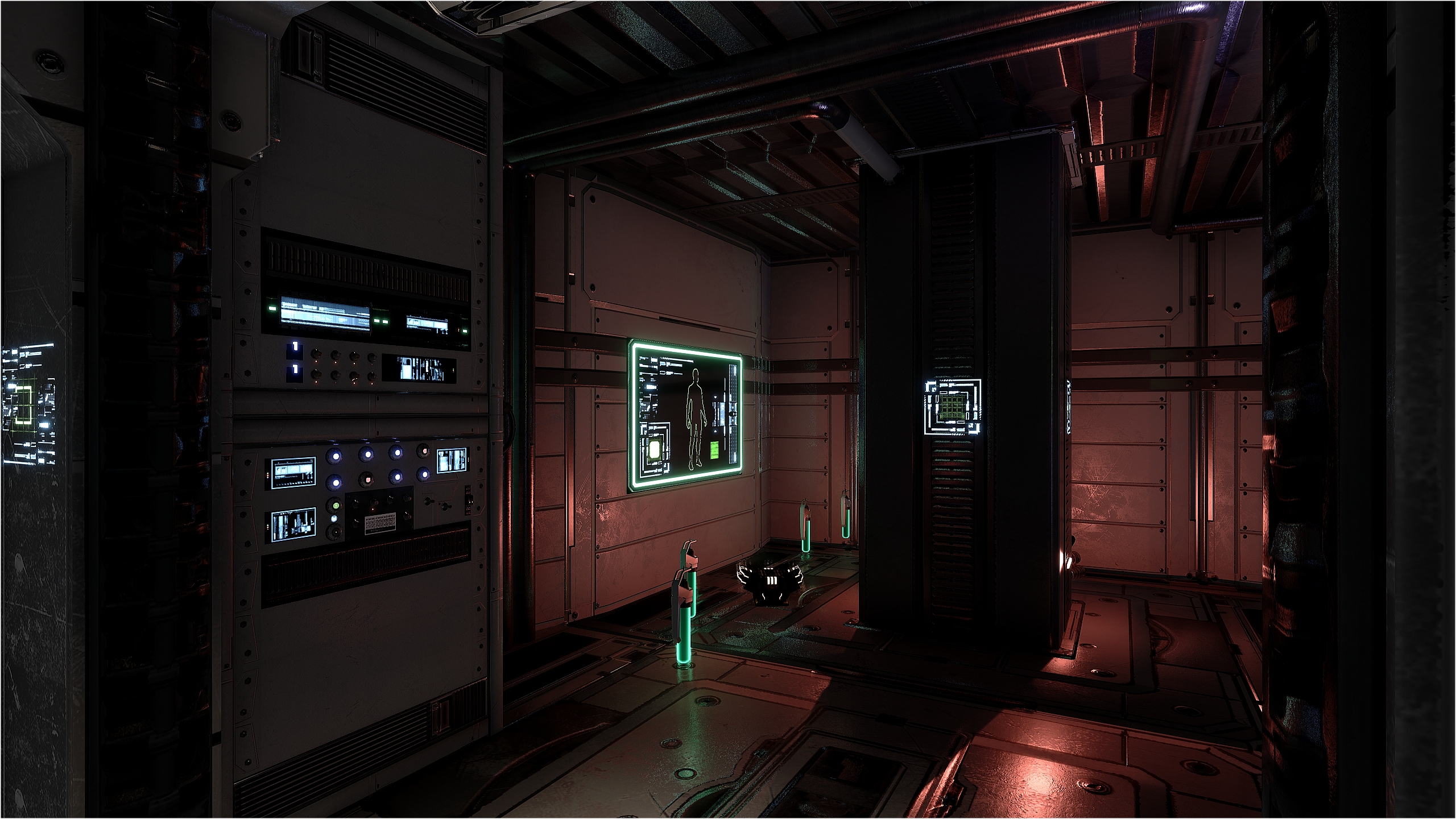
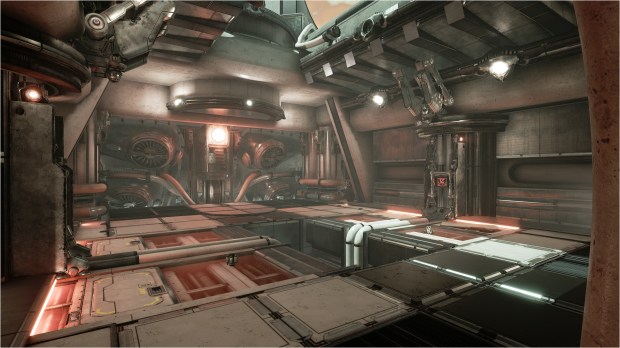
I made 2 rooms in Valas. The first post was the Link Gun room which I made some changes. The pics in this post show the second room (far away room with red light door) and up close, the third room. The second room have health and ammos while the third room is for the Flack and small armor. First pic is without Post-Process and the second with Post-Process. Notice how everything is looking way much sharper, vibrant and define with very nice occlusion and all 😀

DM-Valas, post # 1

Few days ago, I mentioned that if I make another map after DM-Thaq, I’ll use the free Bunker pack, remember that?

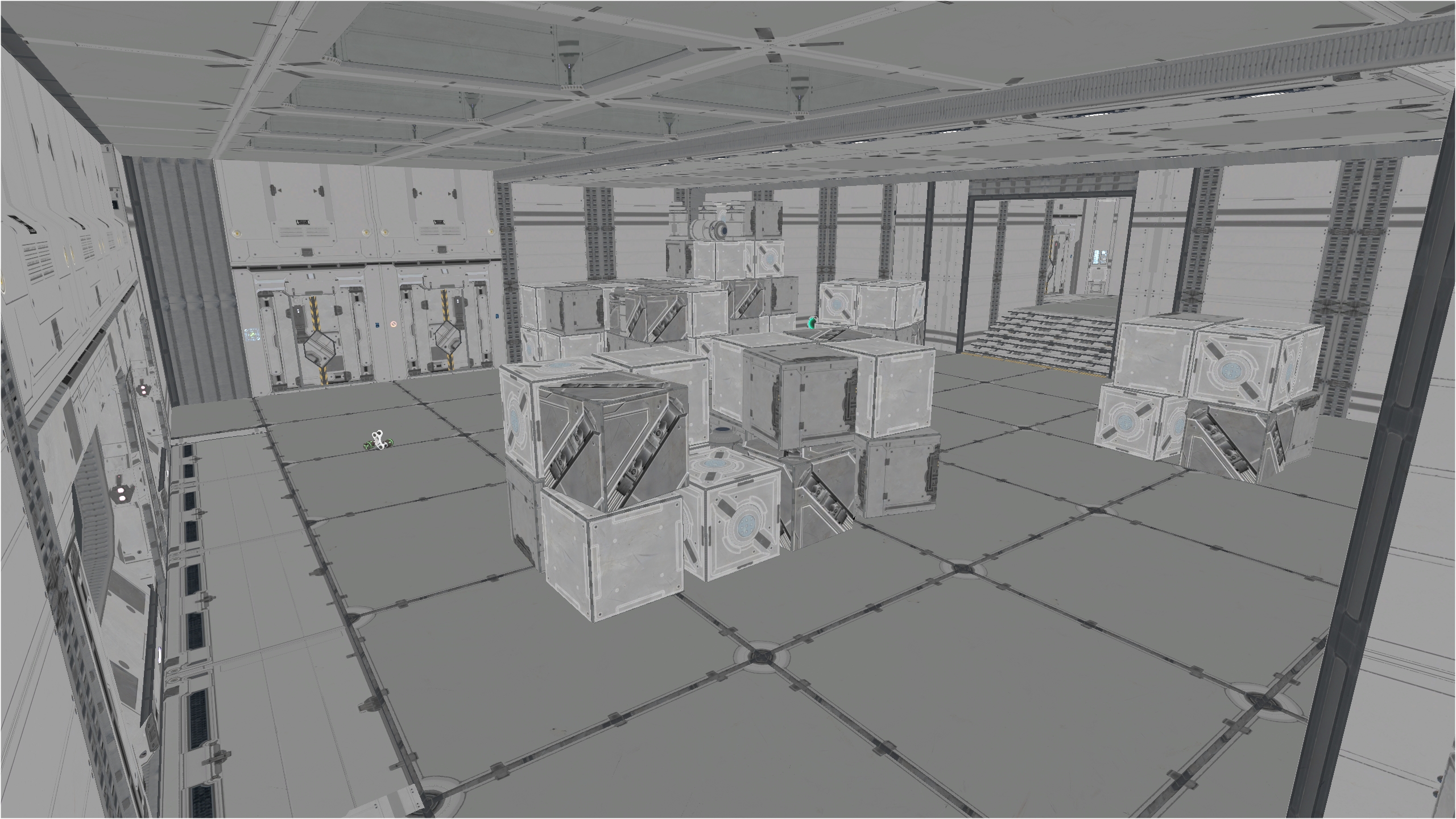
Well, this afternoon, I started to play with those assets. I’ve got a couple of not so good surprises concerning the scale and alignment of the meshes but it’s not too bad neither to work with them. I started the first room and after few hours, I got this.

This is the basic meshing, with basic lighting. No Post-Process added at the moment, only reflection box’s. This map is call DM-Valas 🙂

New awesome free assets, the Bunker pack

September is really, really a awesome month for free marketplace HQ assets. In all of what as been release, few packs got my attention and I’ve downloaded them BUT if I make another map after DM-Thaq, I’ll use the free Bunker pack 😀

I think it’s the first time in years that it is a painless process to import new meshes used for UE 4.25 to the old UT4. I mean, 99% of the time, it’s a very long process to recreate all materials, mi’s, material functions, particle and such. Not to mention various settings that can be a real headache when importing static meshes, which I always have to guest the right import settings even if I triple check the original static meshes settings in UE 4.25. Have to check this, uncheck that so the import work like is supposed to be. Brief, it’s painful.

Originally, the pack is made of 45 master materials. That was a surprise I must say, saying to myself WTH?! I’ve made very few materials, like 4 and all the rest are material instances 🙂 I took the time to make the materials look even better than the original by adding additional detail normal maps, color contrast, metallic, opacity, roughness parameters.

Most of the time, I make a ‘demo’ map just to check if all assets looks correct. This is a preview pic of all the Bunker assets and decals (it miss only the warning decals). So after DM-Cruel & DM-Thaq, I’ll have more 3D toys to play with 🙂