Images

DM-Oblevia, part 2 post # 2, your opinion is needed

Dev of Oblevia, part 2 is going slowly, but at least I’m progressing. I’m playing around with lighting and Post Process settings and I need your opinion about colors saturation 🙂

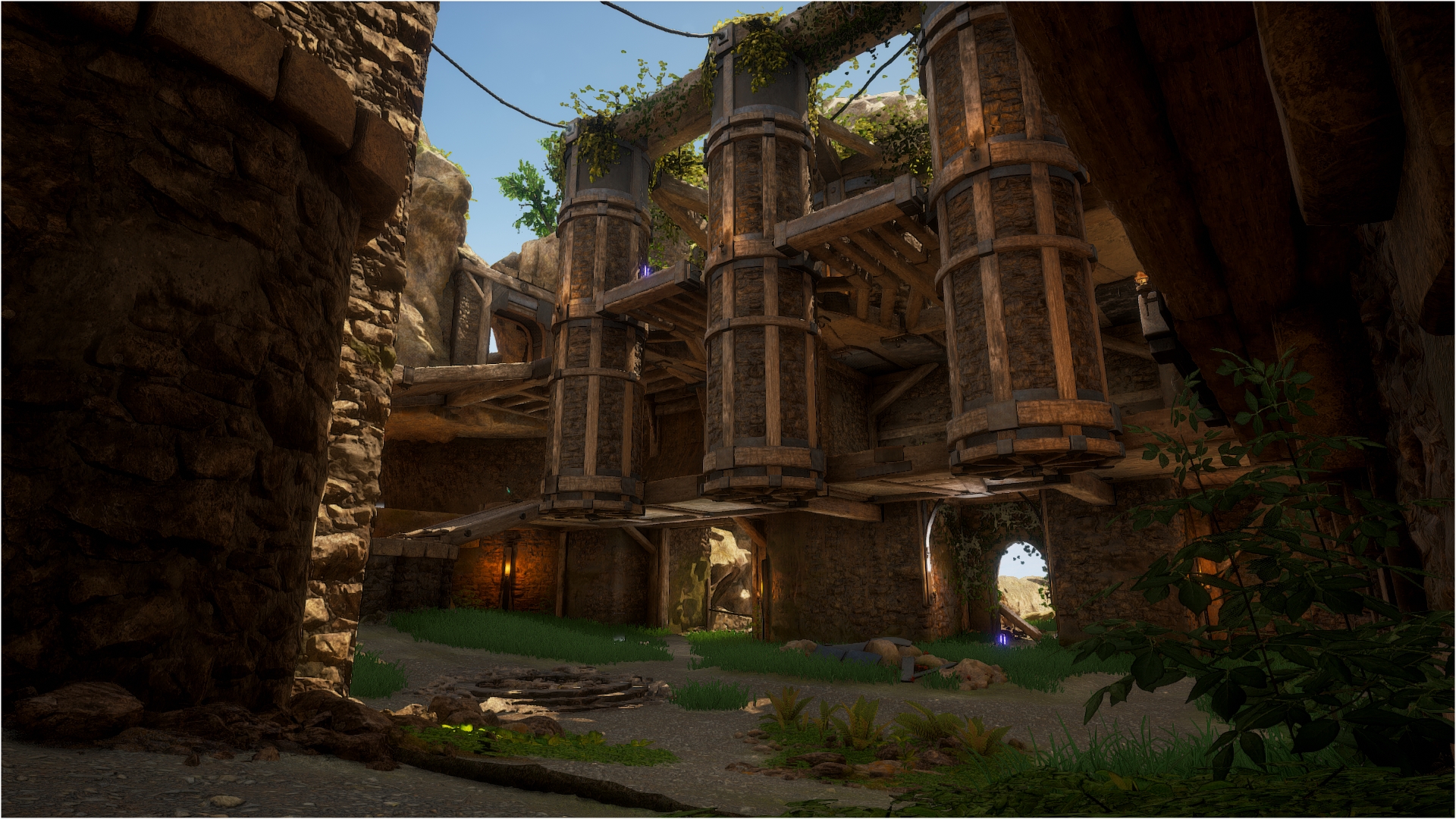
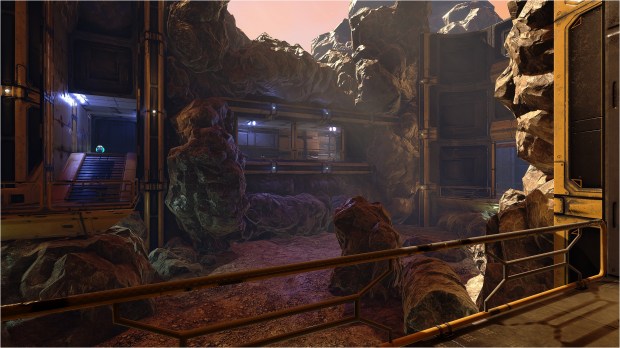
I took pics and I need to know which of those pics you like the most. Pic 1, 2 or 3 :

1. Saturation = none

2. Saturation = 0.8

3. Saturation = 0.6

No saturation is what is the closest to UT99 colors was but I’m not sure for UT4… The original is also extremely bright, which I don’t intent to reproduce. I’m looking for way more contrast.

Your opinion is important, so plz, don’t hesitate to share it so I can make a better looking level 😀

DM-Aly, 1.3 available

I’ve made few updates to DM-Aly. Grab the latest versions at my map page.

There are few reasons why I made an update. Some little things bugged me and there are others I wanted to address. Those are the main enhancements for this 1.3 version :

  • Fix AI not covering the ground level well. Per example, bots didn’t use the door in front of the Belt at the ground level to pickup the KEG, they was always going by the other entrance under the Flak.
  • Made a unique JumpPad to replace the stock one.
  • Pass trough all blocking volume (added many et tweak others) so the play area is more accurate and cleaner.
  • Remove the stock decals under all medium health and armors.
  • Remove the stock static mesh under all weapons.
  • Tweak fog.
  • Tweak many static mesh collisions and also LODs.
  • Tweak Post Process volume. It look even better than before! Level look brighter, more detailed, sharper 😀
  • Tweak the sun.
  • Rebuild lighting, production quality.

You can clearly see the difference between the previous 1.2 version and the new 1.3 version 🙂

I’ve decided to include all stock meshes, materials, material instances, material functions and textures into the map. So the uncooked map is 2.5 GB. Therefore after many optimization and tweaks, the cooked file is 606 MB instead of 417 MB from the previous version which only contains custom stuff. I know, it’s bigger… but I made that since I don’t know what will happen to UT4 assets with the upcoming UE5 release in 2022. I don’t want to take any chance of ending with an unplayable level after all the time I invest in it because Epic decided to modify or remove UT4 content to a possible UT5 alpha game release. At least, if they decide to remove UT4 editor, who knows, the level will stay fully functional 🙂

Unreal Engine 5 Early Access Educator Guide

After the release of UE5 few days ago, today, Epic released the Unreal Engine 5 Early Access Educator Guide for everyone who wish to learn well all the new features the engine have to offer 😀

DM-Oblevia, part 2 post # 1

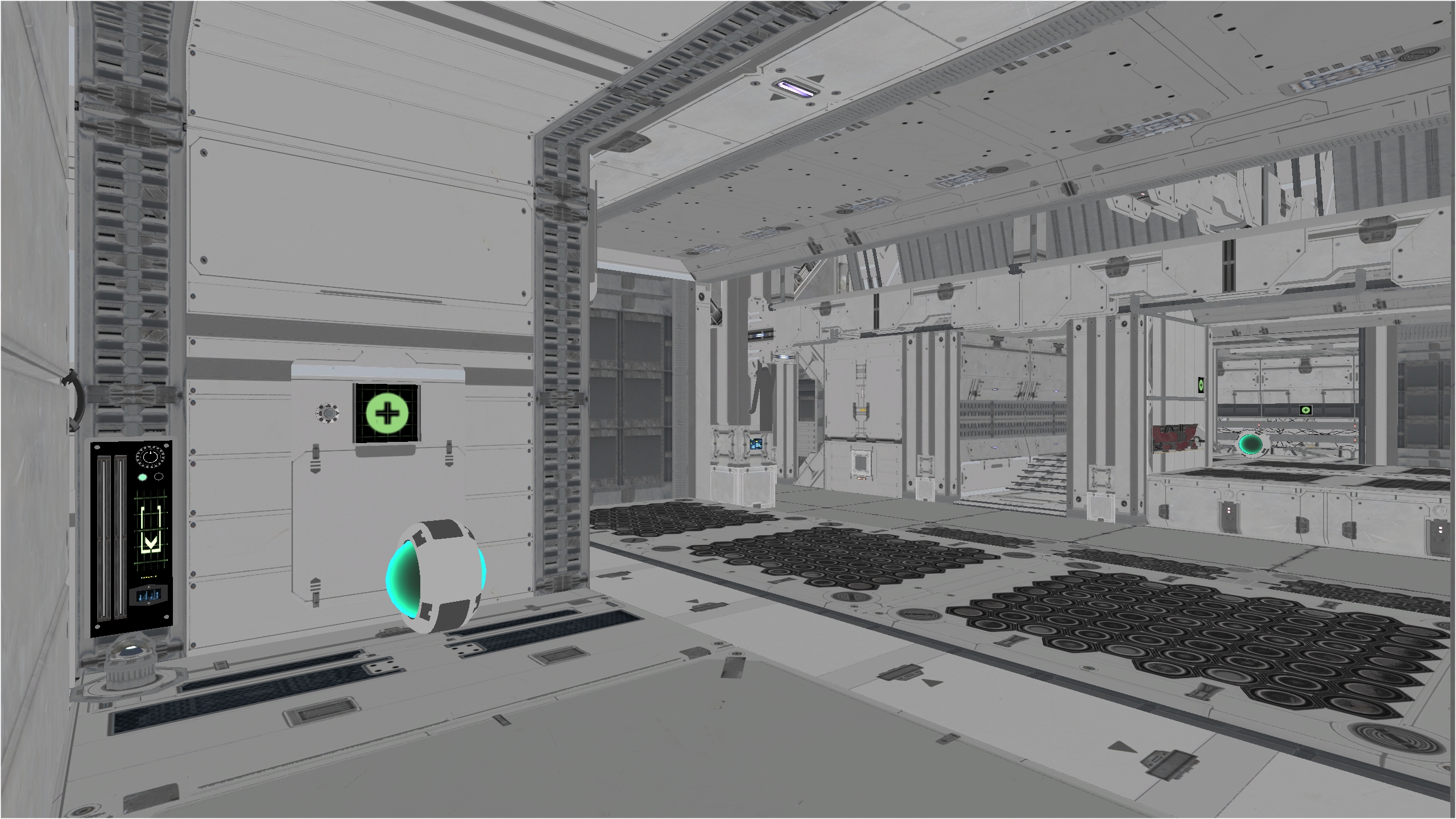
Meshing on Oblevia, part 2 is going good BUT slowly.

The scale is the same as the original. A tad bigger in some areas so we have more space to dodge, slide, etc. which is for the better 🙂

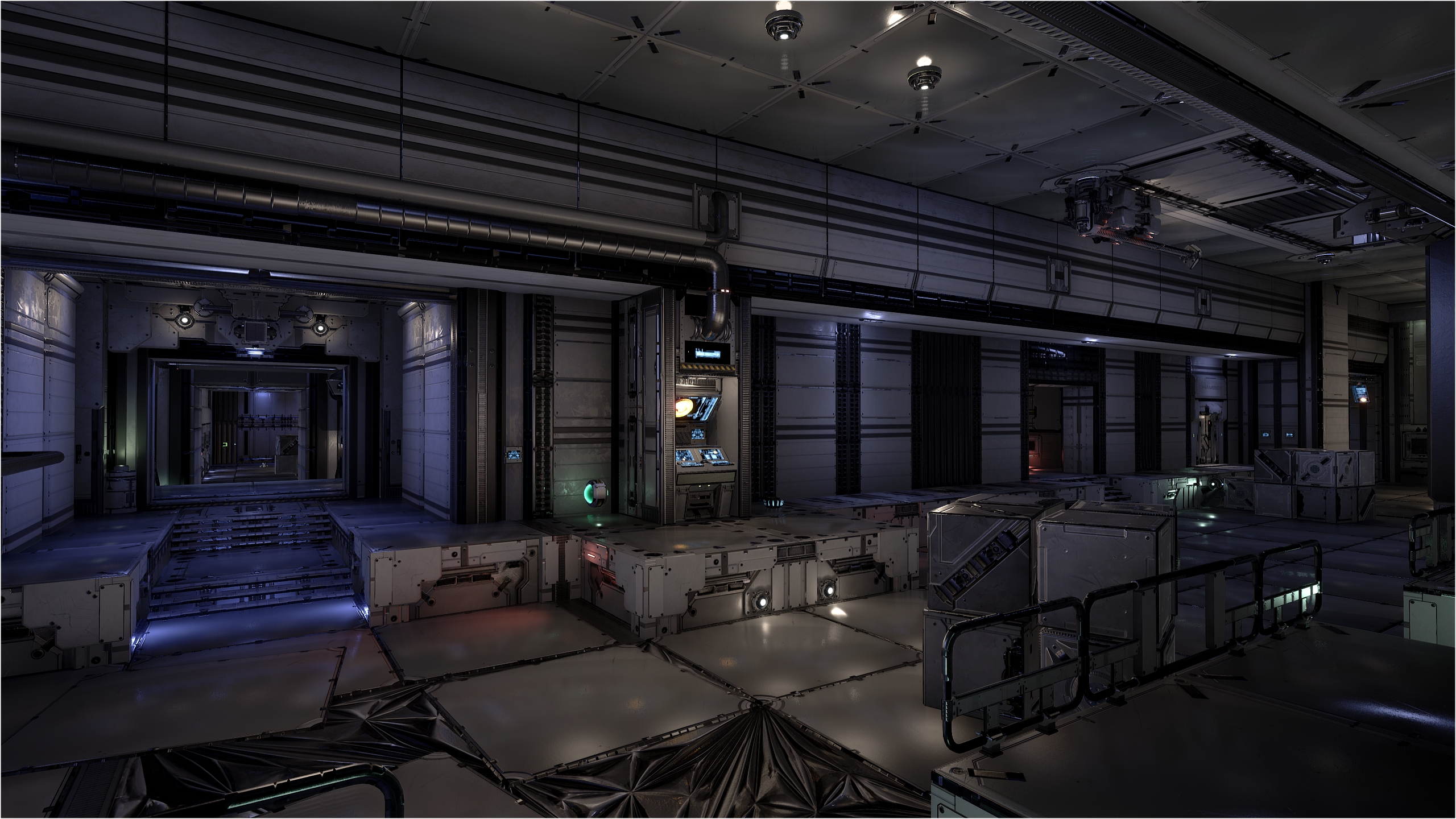
The biggest challenge for this remake is that the original use a grounded, industrial theme and mine is a space one, therefore, the story as been adjusted accordingly. Meshing the level to make you feel you’re in space is not obvious! Furthermore, I want this space station to feel alive so proper ambient mechanical sounds are crucial as well as moving parts in some spots.

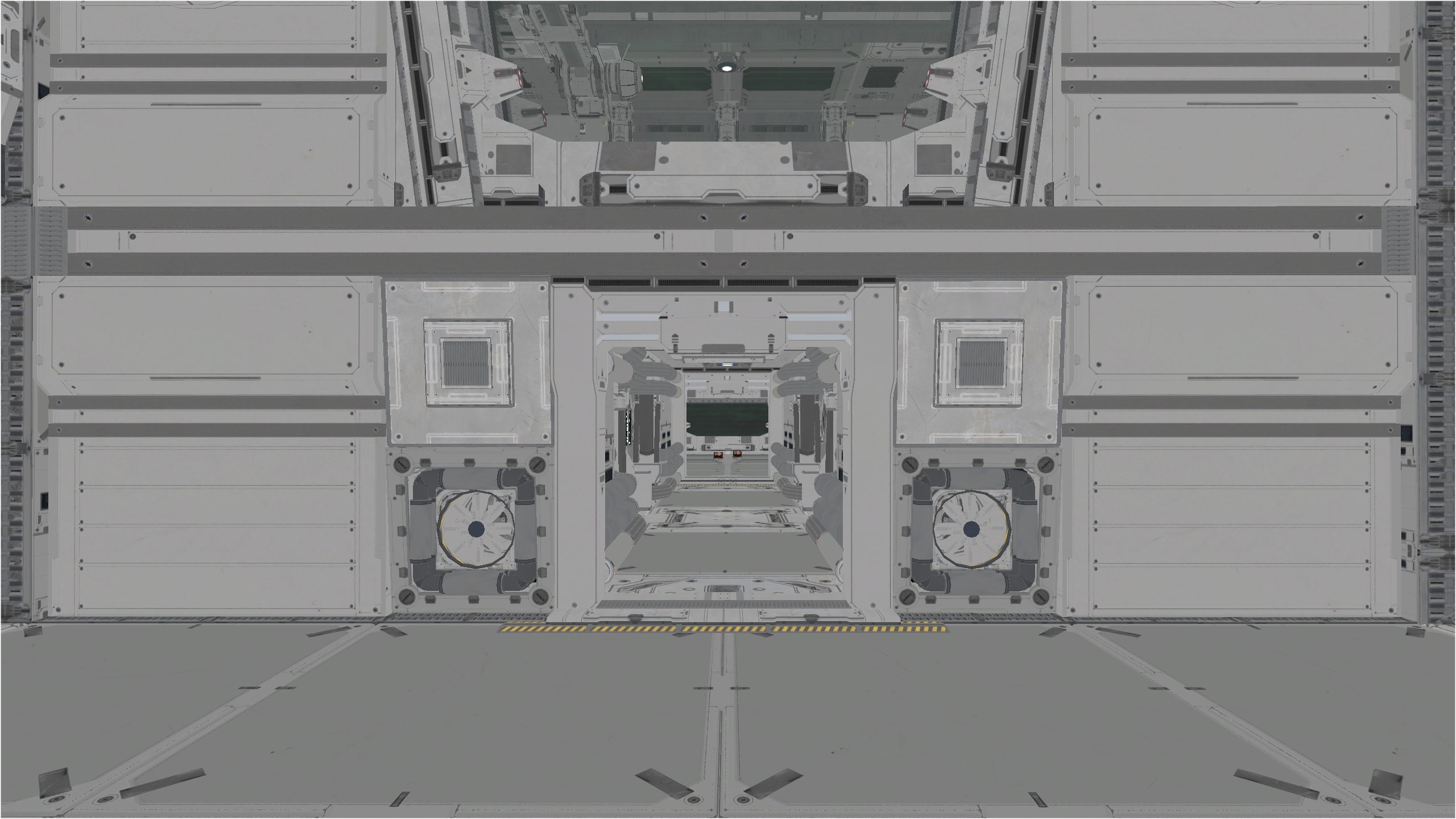
For the dev, this post is about showing the meshing progression. The main area is the ‘pillar’ one with the minigun and UDamage. Here, you get different POV and while it doesn’t seem like, the layout and size of all areas are the same as the original. All pickups are located at the same spots, even the original spawn actor (playerstart) are at the same location.
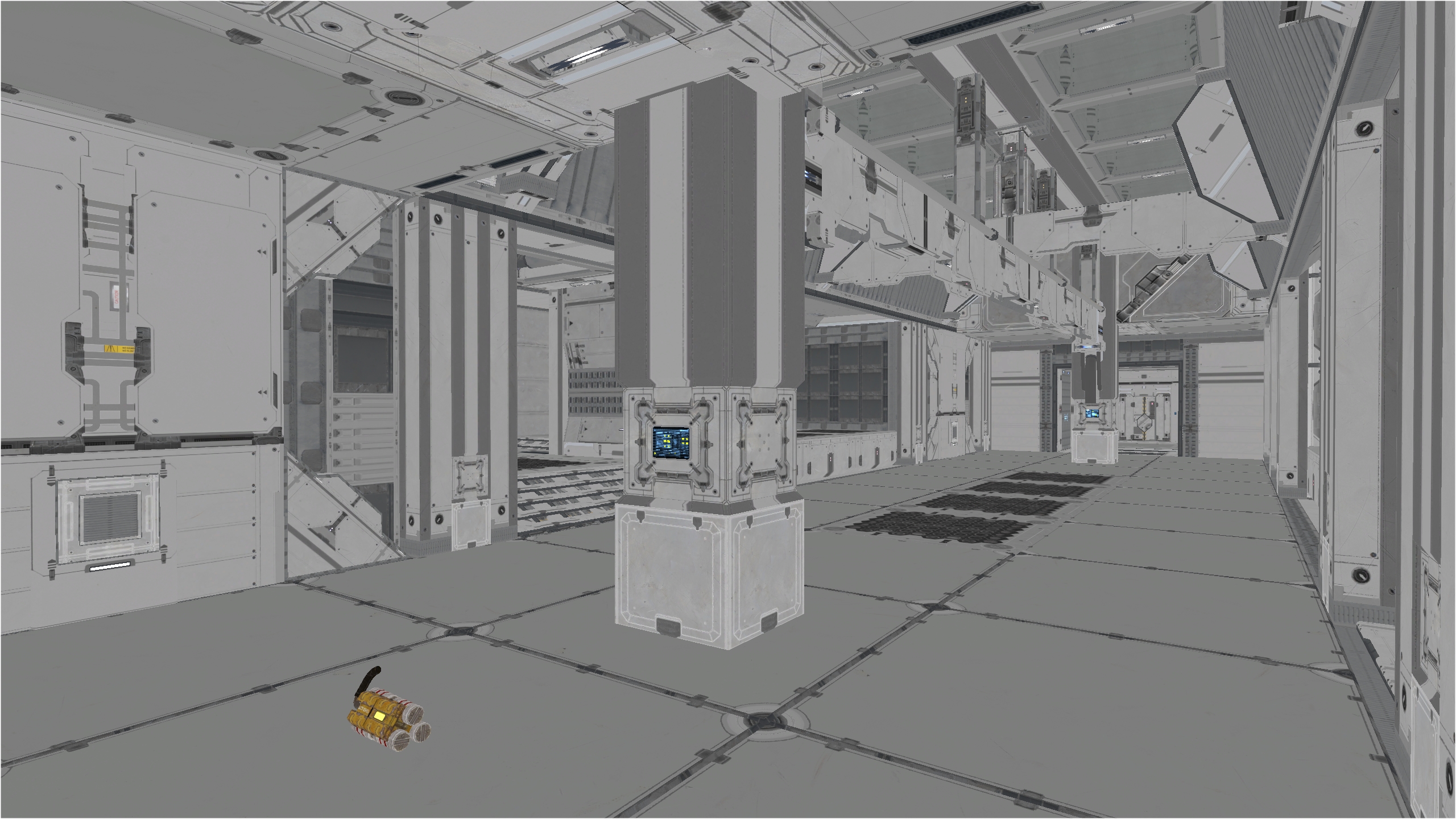
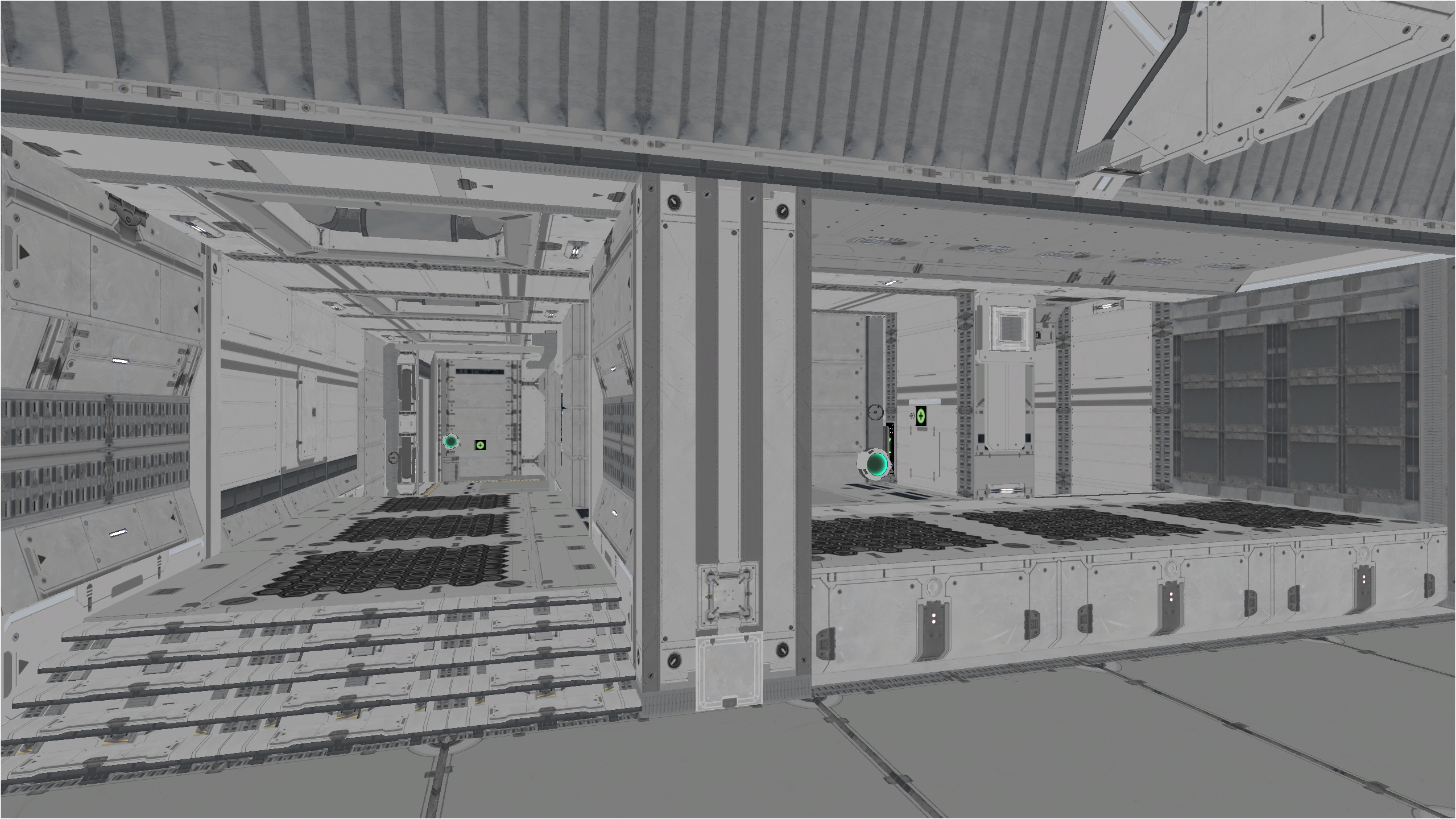
Here is the Link area. I replace the BSP crates with meshes obviously BUT I made sure the used space and size are the same. I took the opportunity to place the crates in a way you have an opening on the other side of the crates to provide precise attacks.
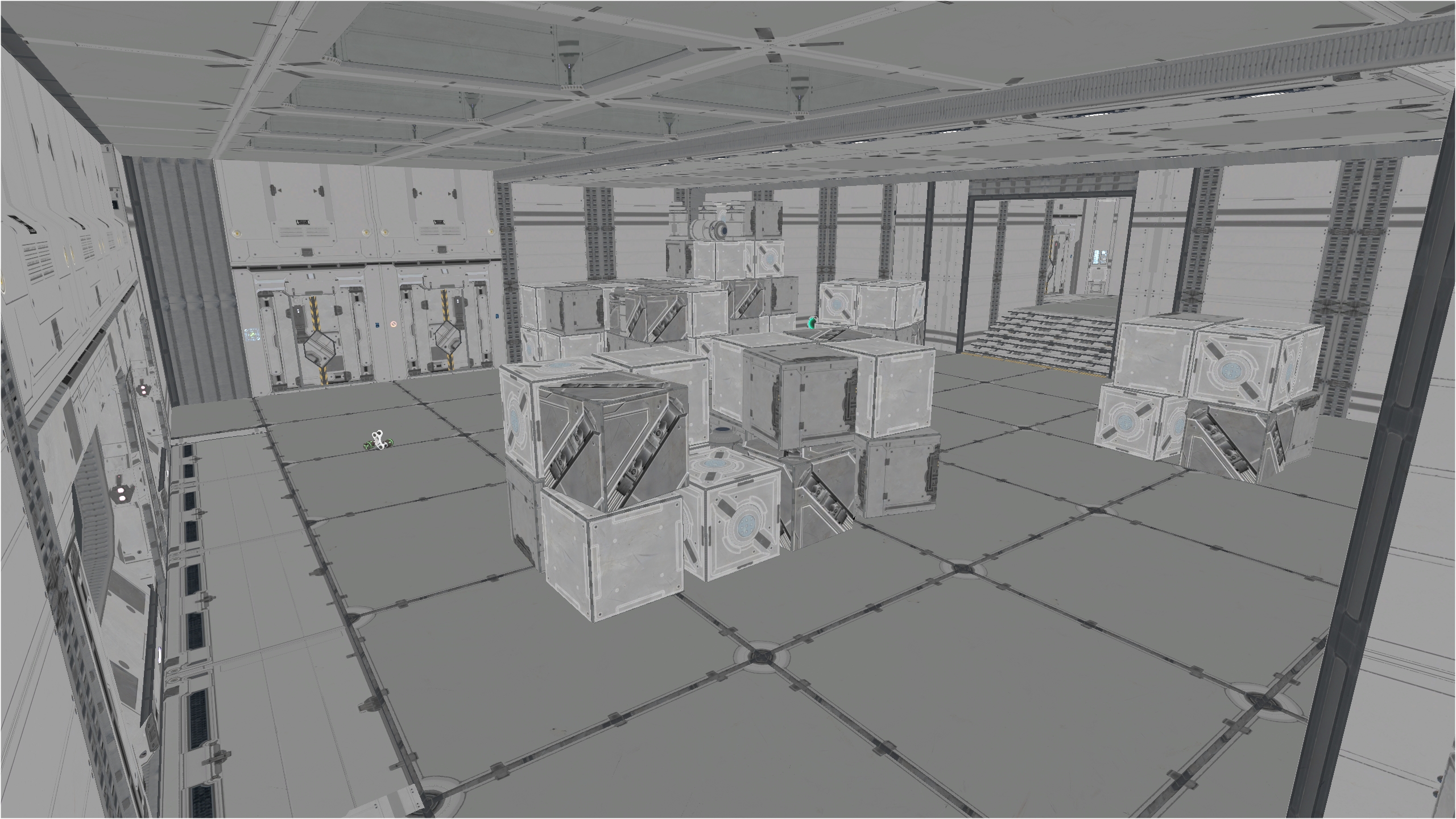
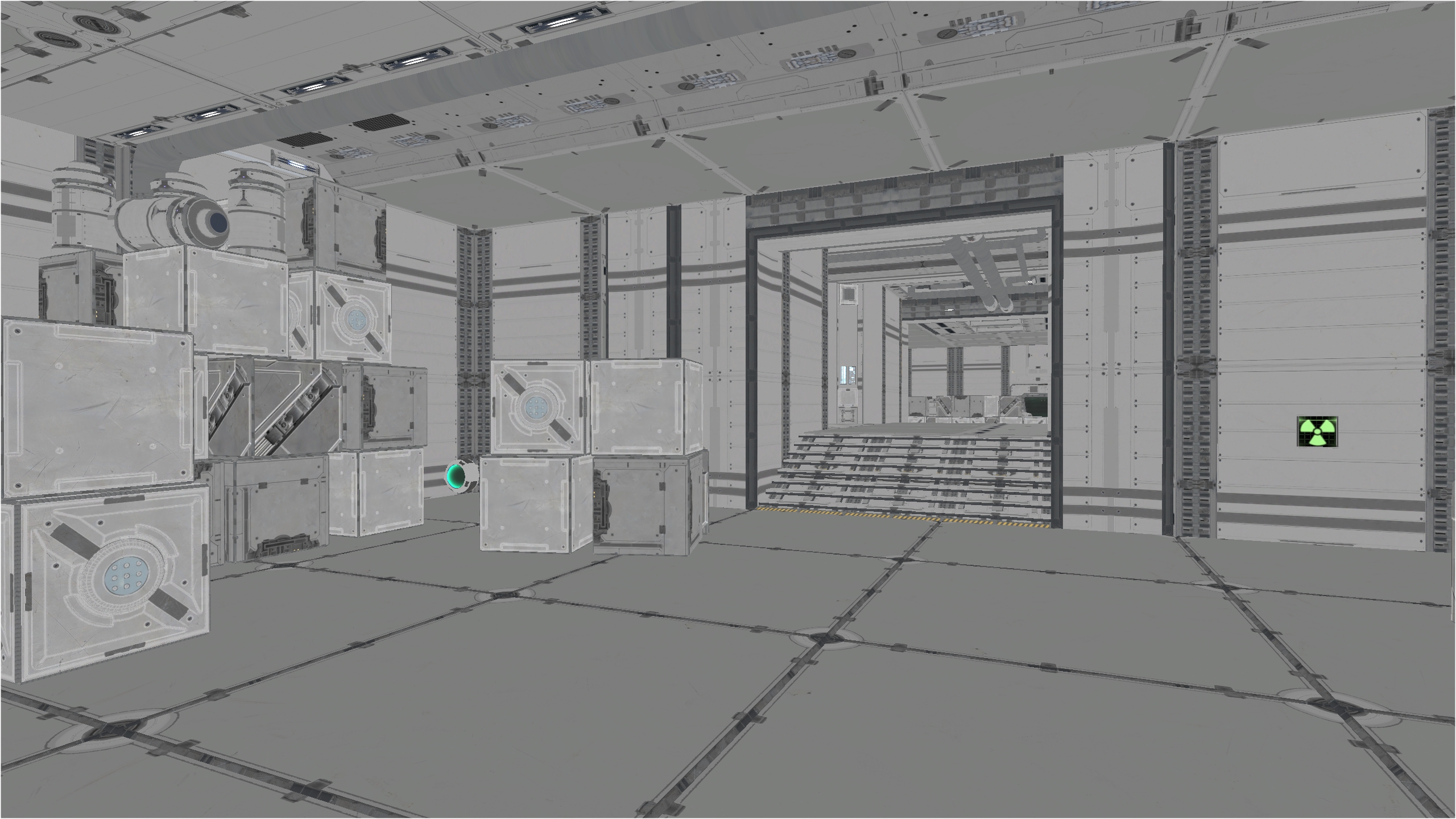
In this corridor connecting with the minigun and RL, I made it non symmetrical for a change.
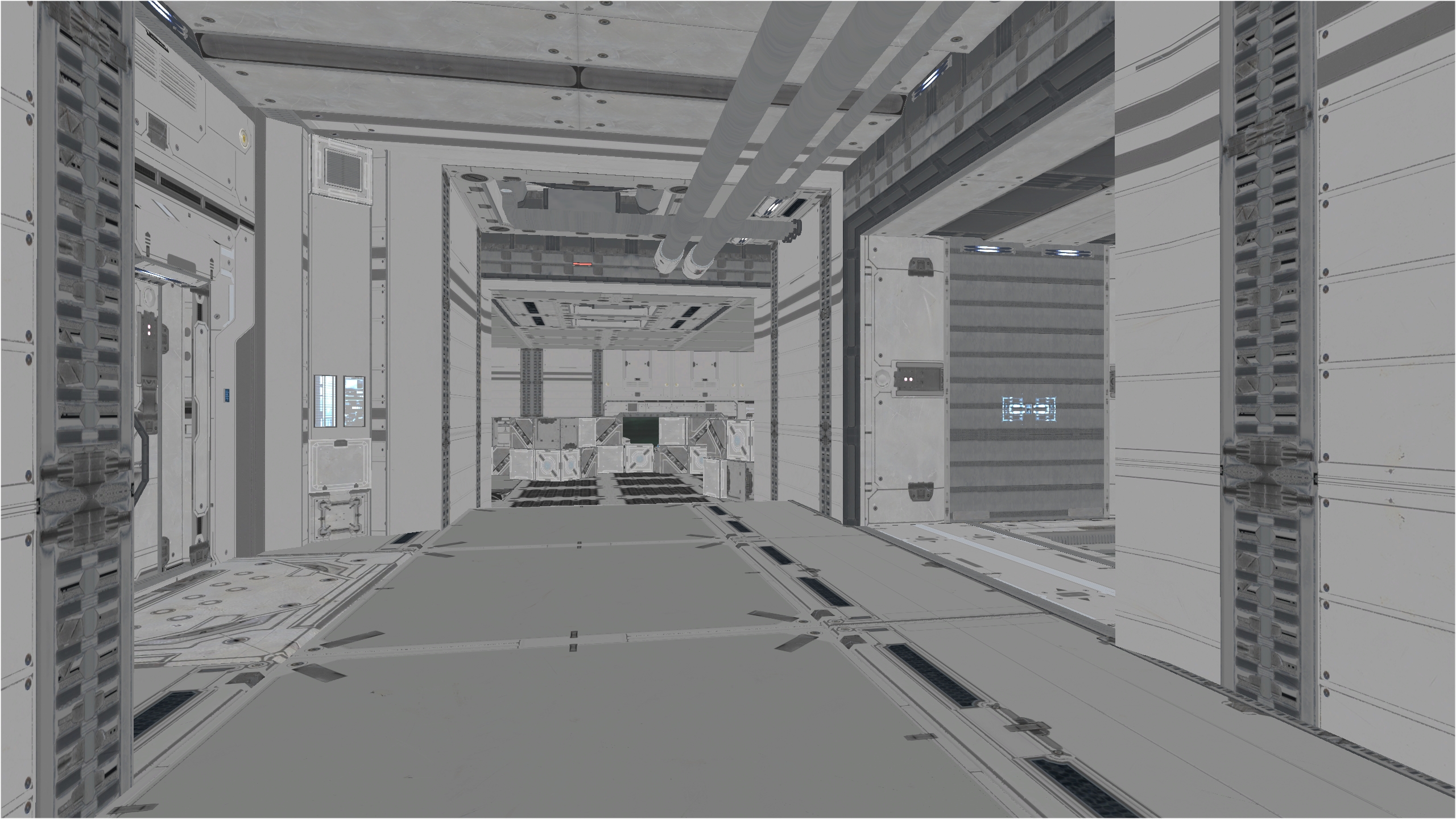
The RL area, notice the positioning of the crates 🙂
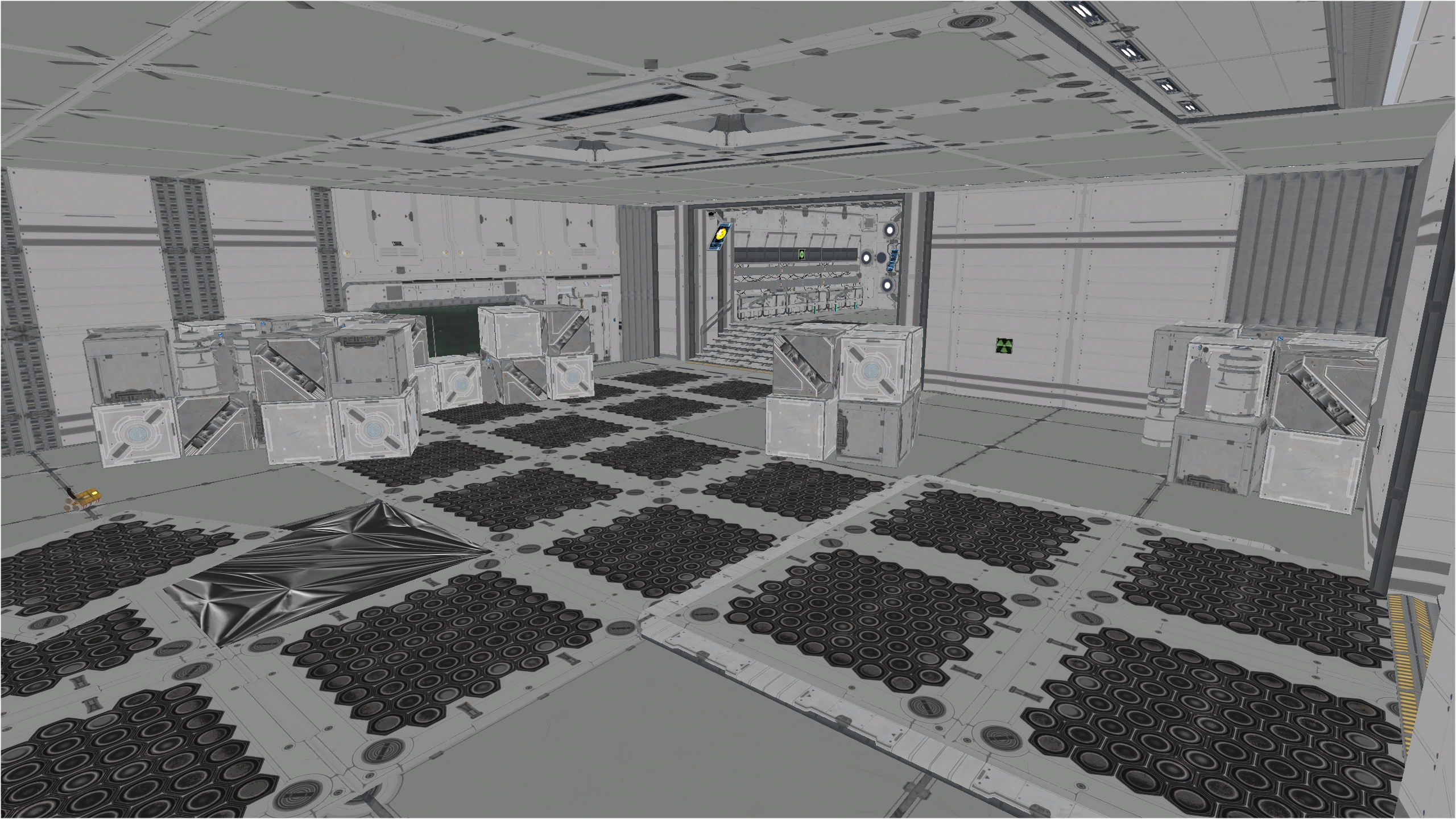
The area that as the most changes, geometry speaking is the Sniper area. Instead of having multiple small pillars across the corridor, I made 2 big one instead. That way, players can wall dodge and/or wall run and/or take cover behind the pillars which are made from several meshes.
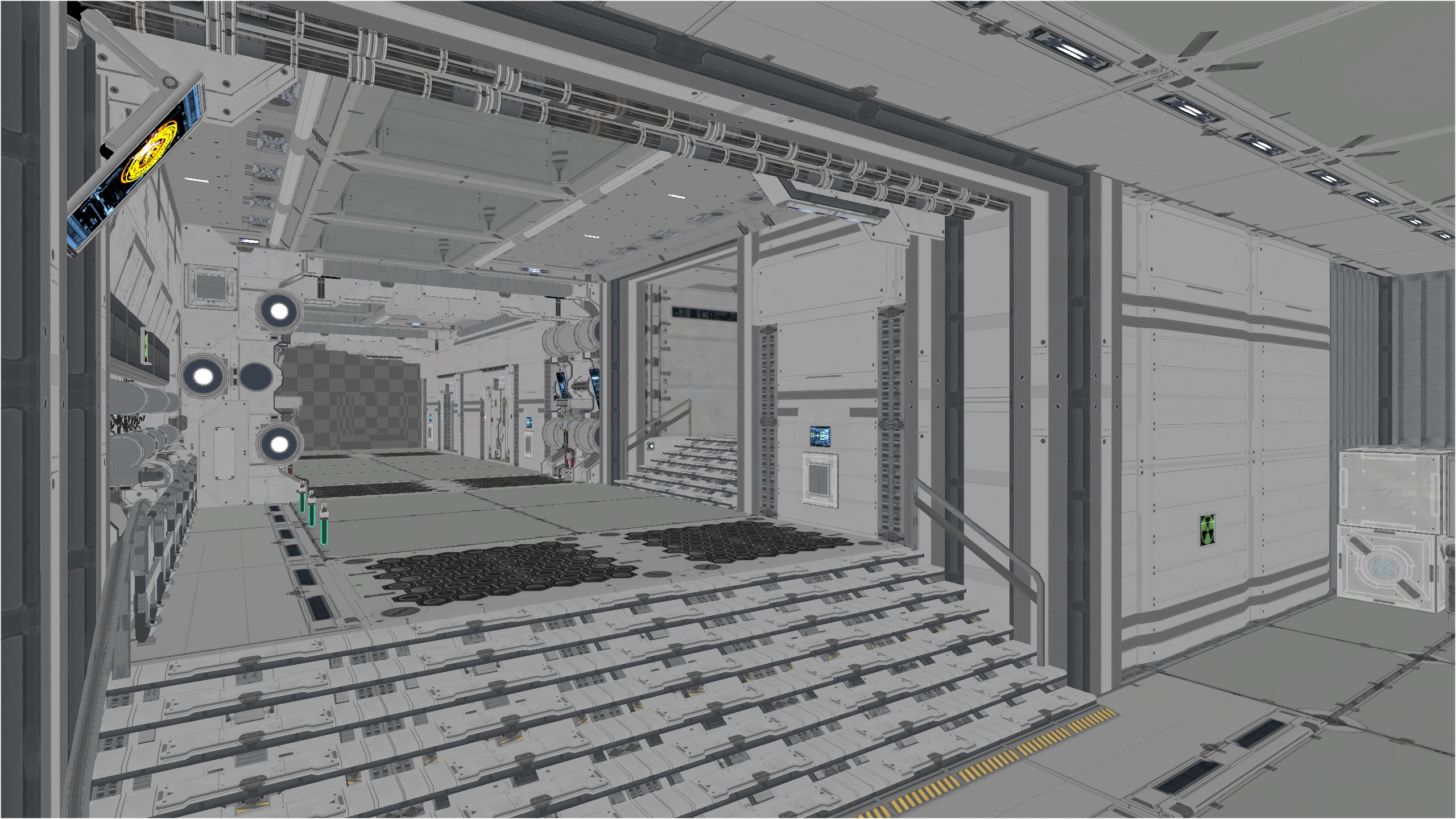
Here is the small room near the Sniper where you collect small pickups. It might seem like an insignificant room but it add lots of cool gameplay. I need to learn how to make doors open / close automatically when getting closer to them.
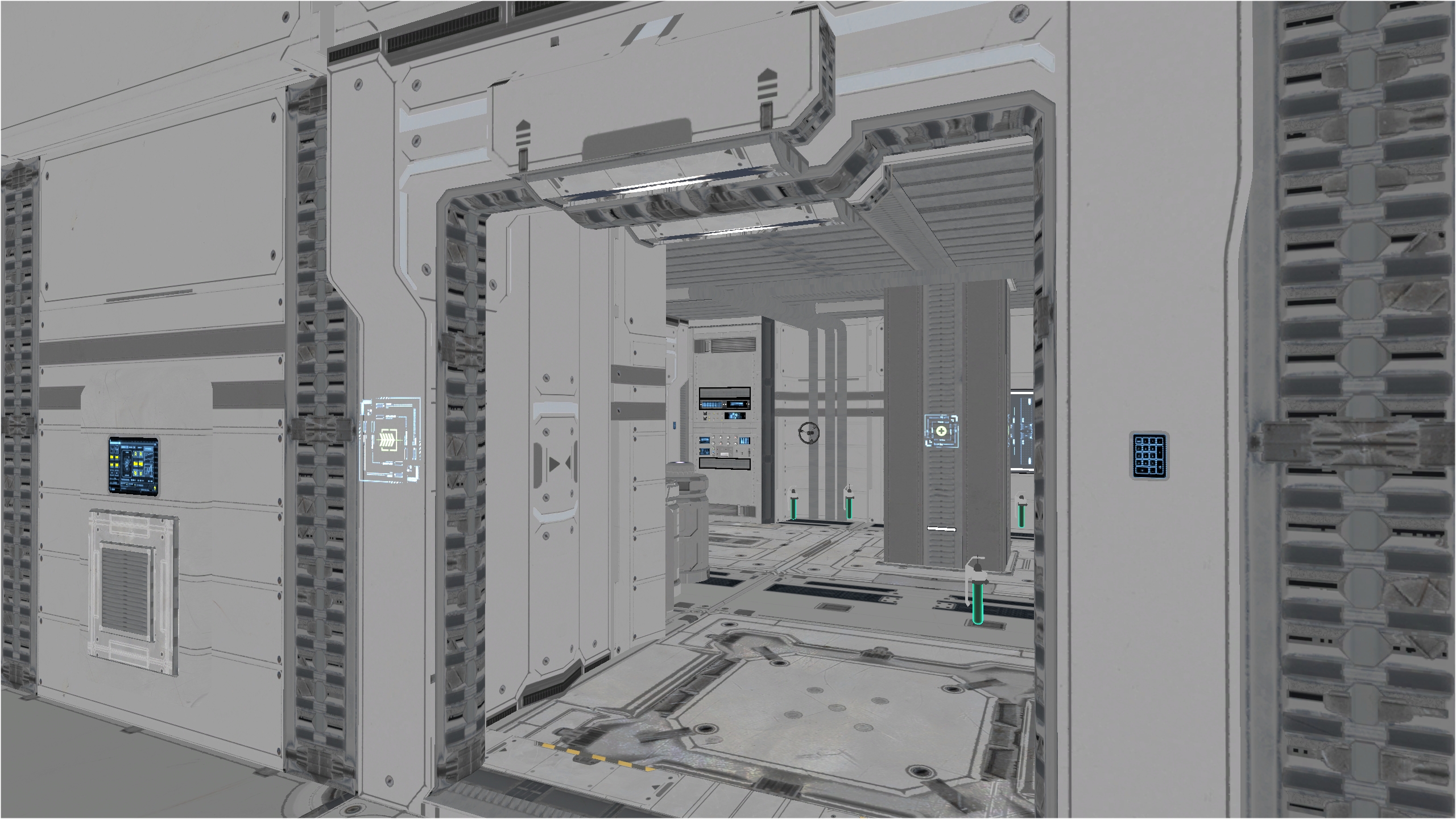
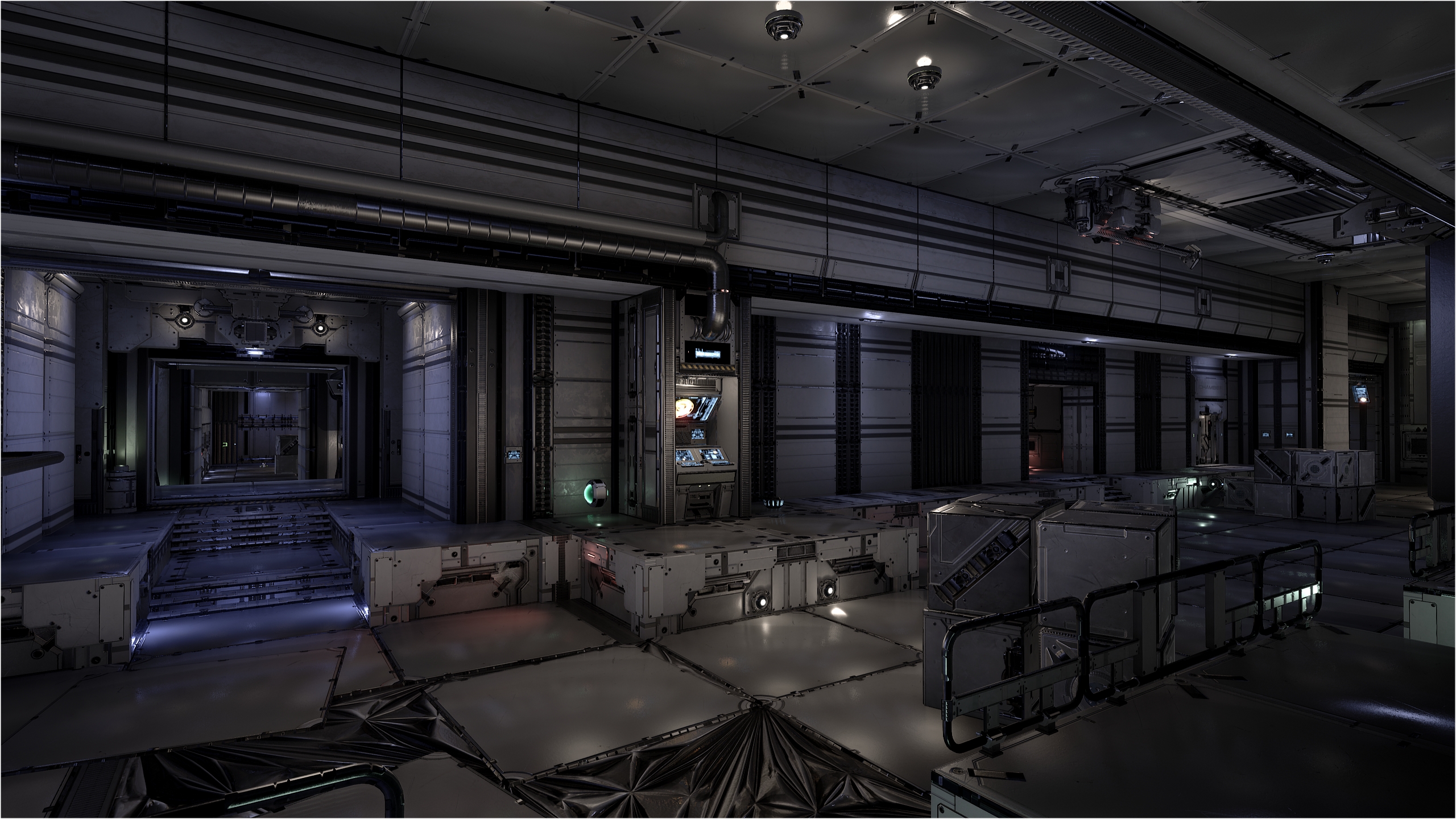
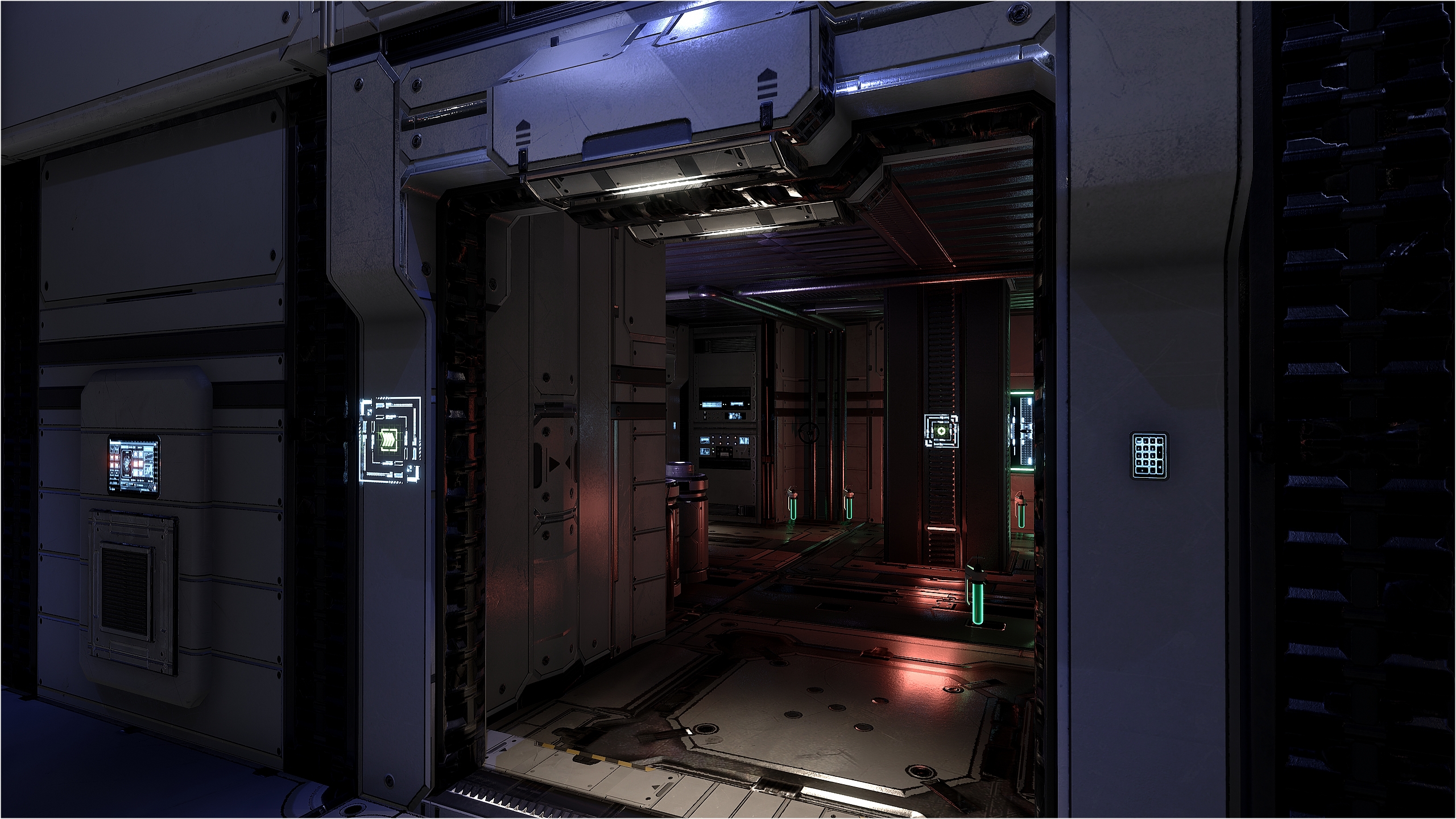
I really like it in lighting mode 🙂
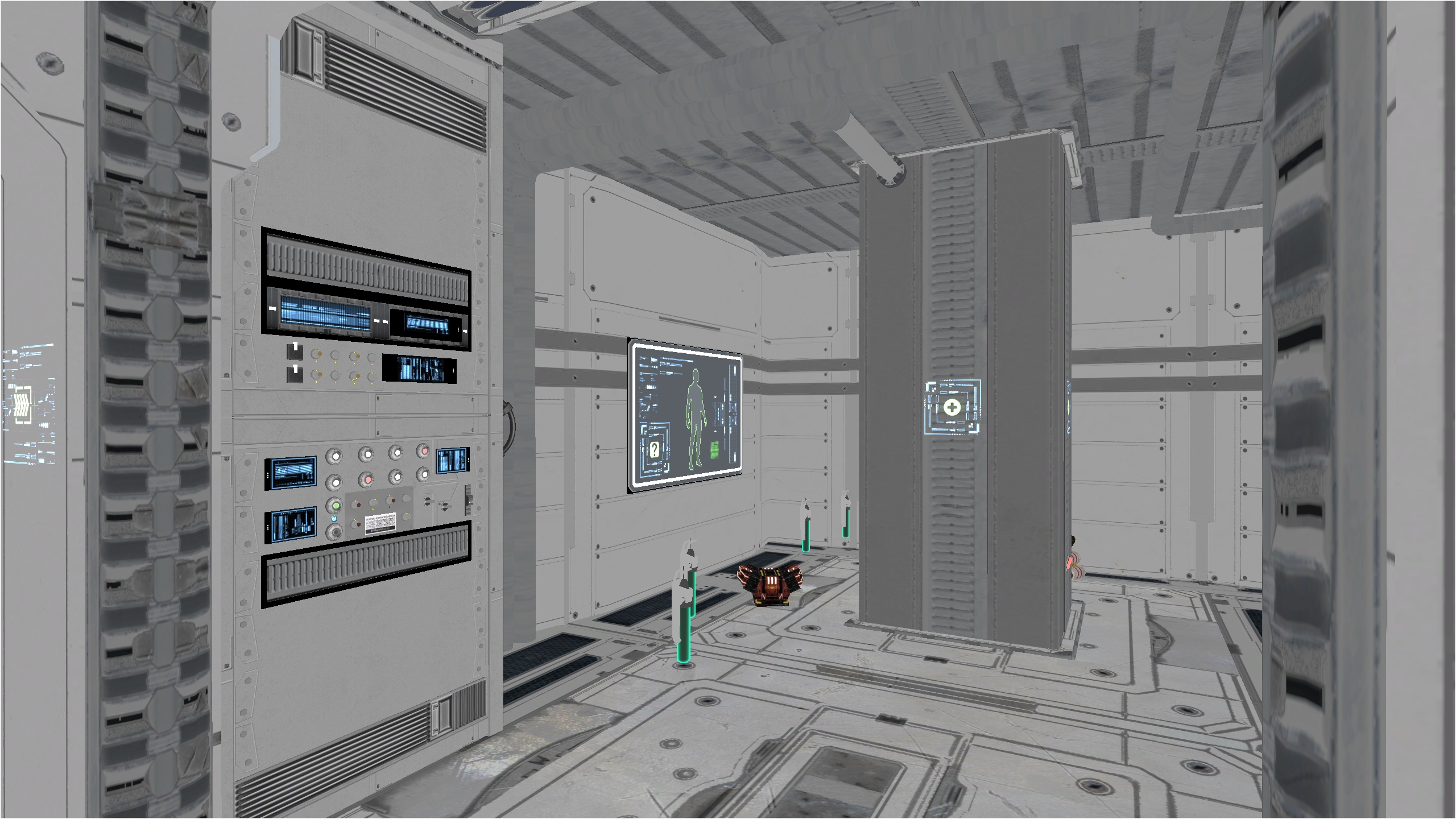
From this POV, you can clearly see the computer panels that control the monitor screen.
Again, in lighting mode.
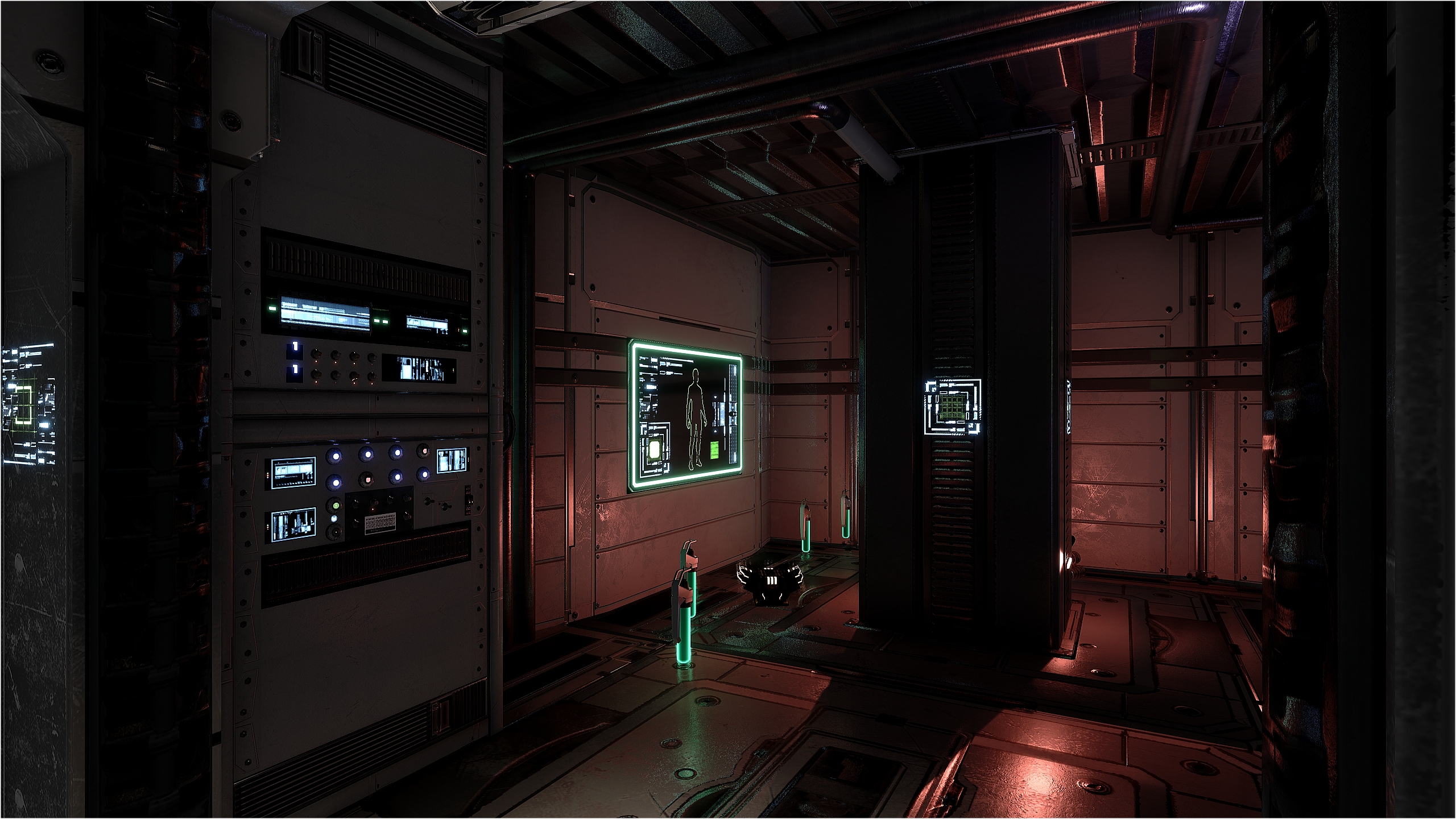
My real challenge was to NOT over meshed the small room because I have plenty of really nice computer assets I can use to make awesome control panels 😀
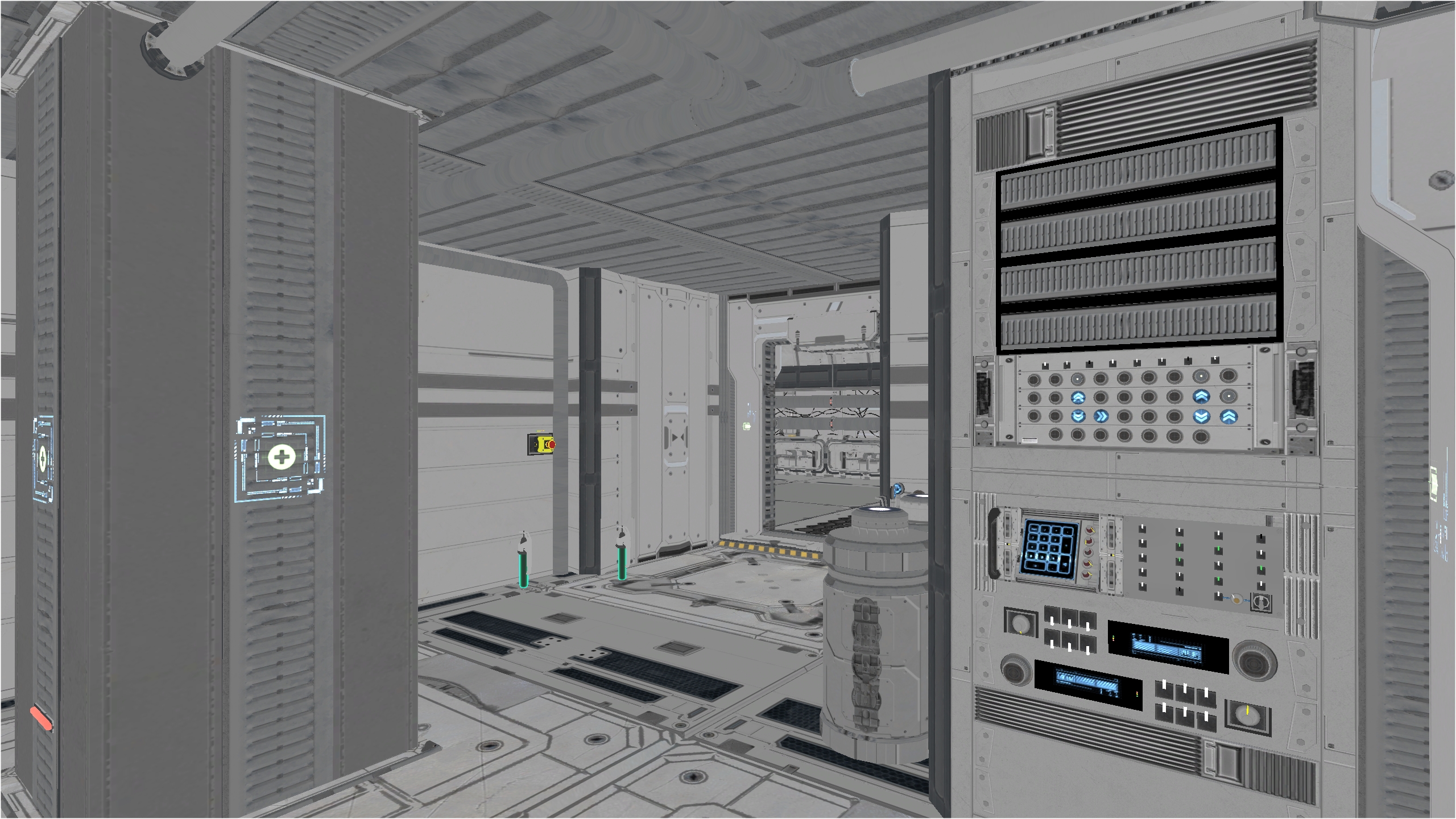
I wanted to use a combination of various lights colors in this specific room (green + purple + red). It took me several lighting builds to reach a good balance.
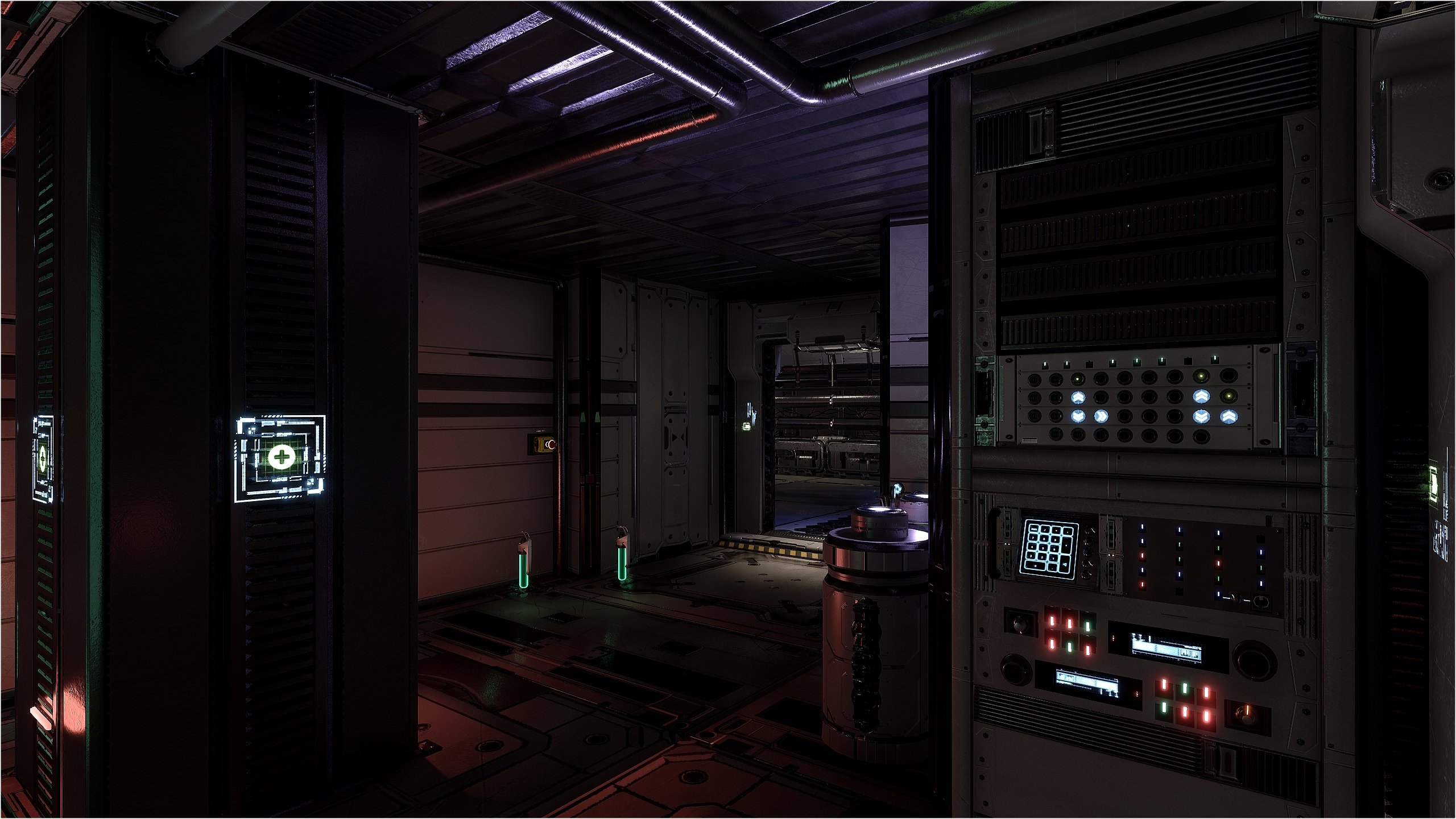
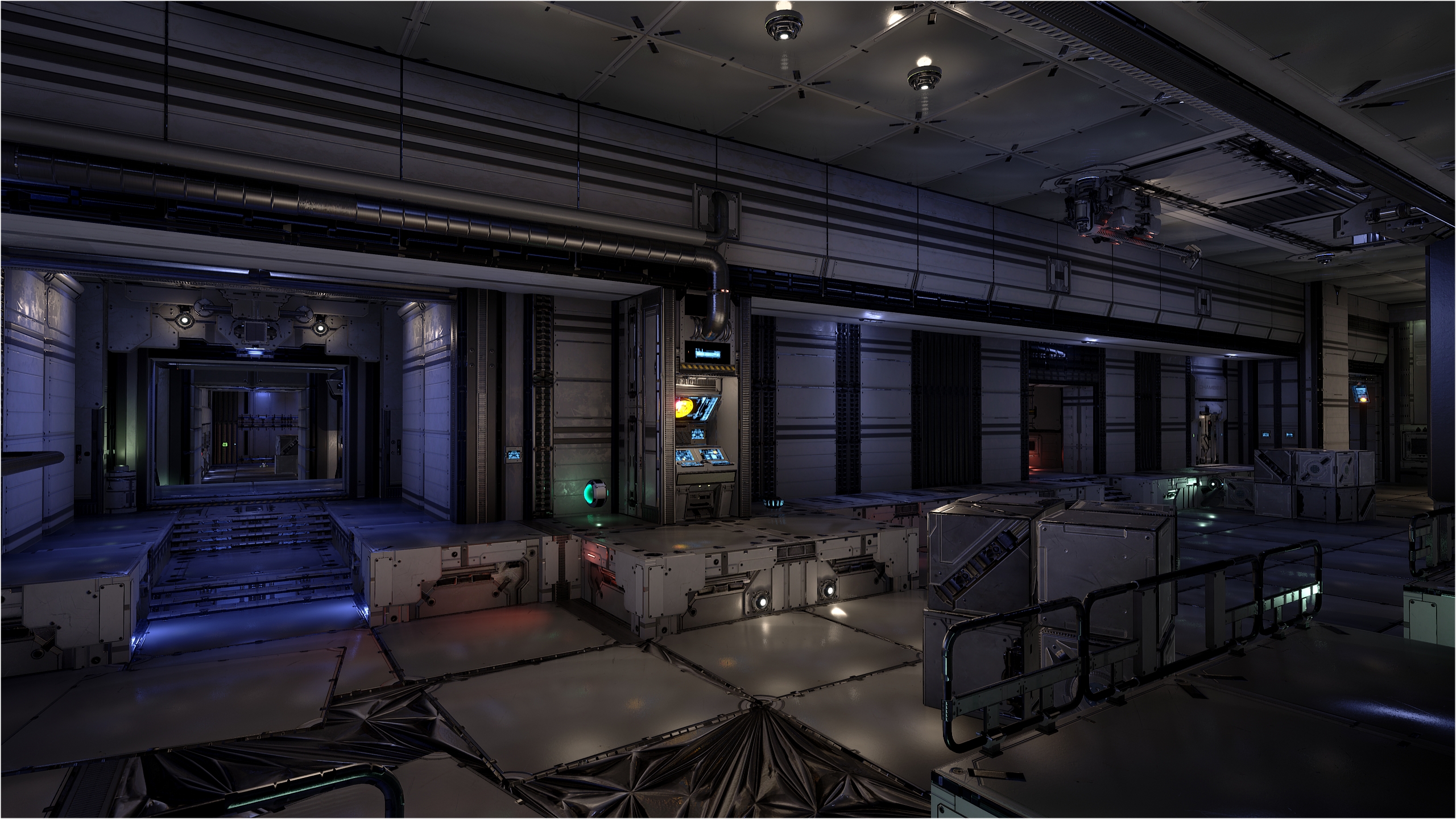
I still have lot’s to do, new things to learn. I’m playing the map a lot. I really enjoy it, even more than I thought. You will have it too, someday.
DM-Oblevia, part 1, final!

I’m please to release the final version of DM-Oblevia, Part 1 😀

For the final version, this is what as been done :

  • Added ambient sounds like computer, engine, fan, etc.
  • Added 2 small ships escorting the main ship. Animation is very basic but it still add a little touch.
  • Added preview screen.
  • Added text decals to fit the story (B30, chambers and few numbers).
  • Added VFX (smoke and steam).
  • Finished lighting (production quality).
  • Fixed little bugs and small forgotten things.
  • Made the readme.

Enjoy and for comment, plz leave it at my map page, THX 😉 🙂

DM-Oblevia, part 1, RC1 ready!

Meshing, music, collisions and blocking volumes are finished on Part 1 😀

I might add some few pipes in the corridors for the final. The biggest challenge I had was to mesh the level in the way it look and feel you’re inside a space ship!

For lighting, it’s the first time I use purple. I think it fits well. But I must say I had a hard time to figure out the lighting scheme. I like the actual lighting but it still a WIP. For the final version, this is my to-do-list (in no particular order) :

  • Add preview screen.
  • Add sounds (computer, engine, fan, etc.).
  • Add VFX (smoke, steam).
  • Add text decals (like B30, chambers, etc.).
  • Add local fog (fog in the spaceship only). I’m looking for a tutorial for that!
  • Finish lighting.
  • Fix bug if any (it depend on players feedback…).
  • Make the readme.

I’m happy to share this version with you all. Now you’ll have a better taste of what I had in mind since the beginning 🙂

DM-Oblevia, part 1 post # 1

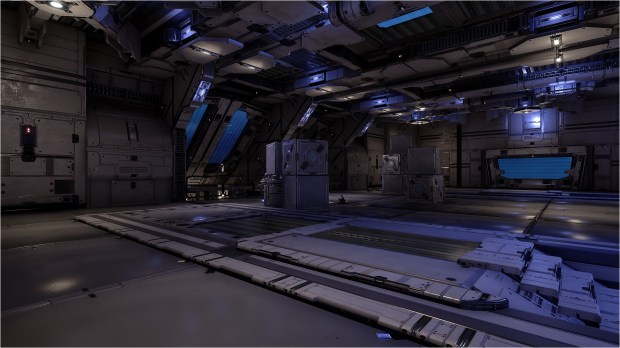
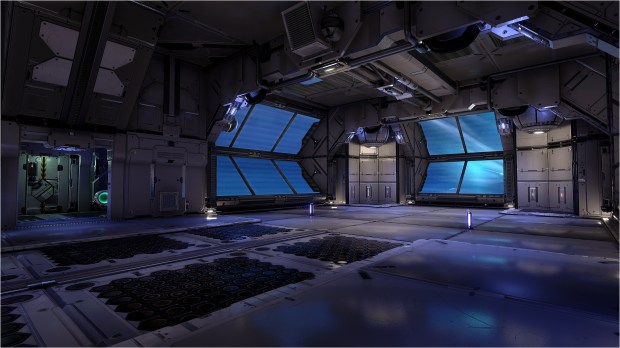
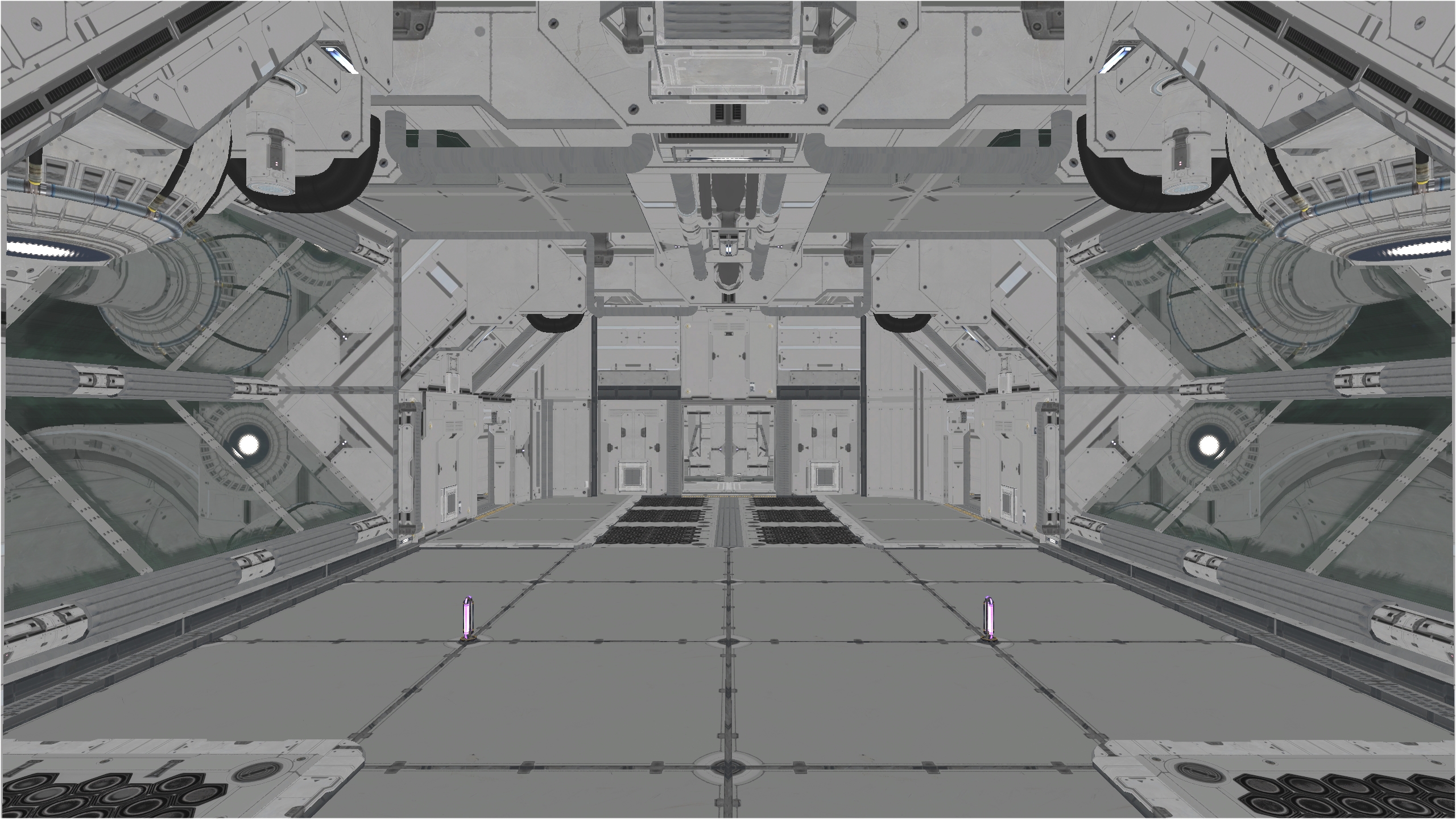
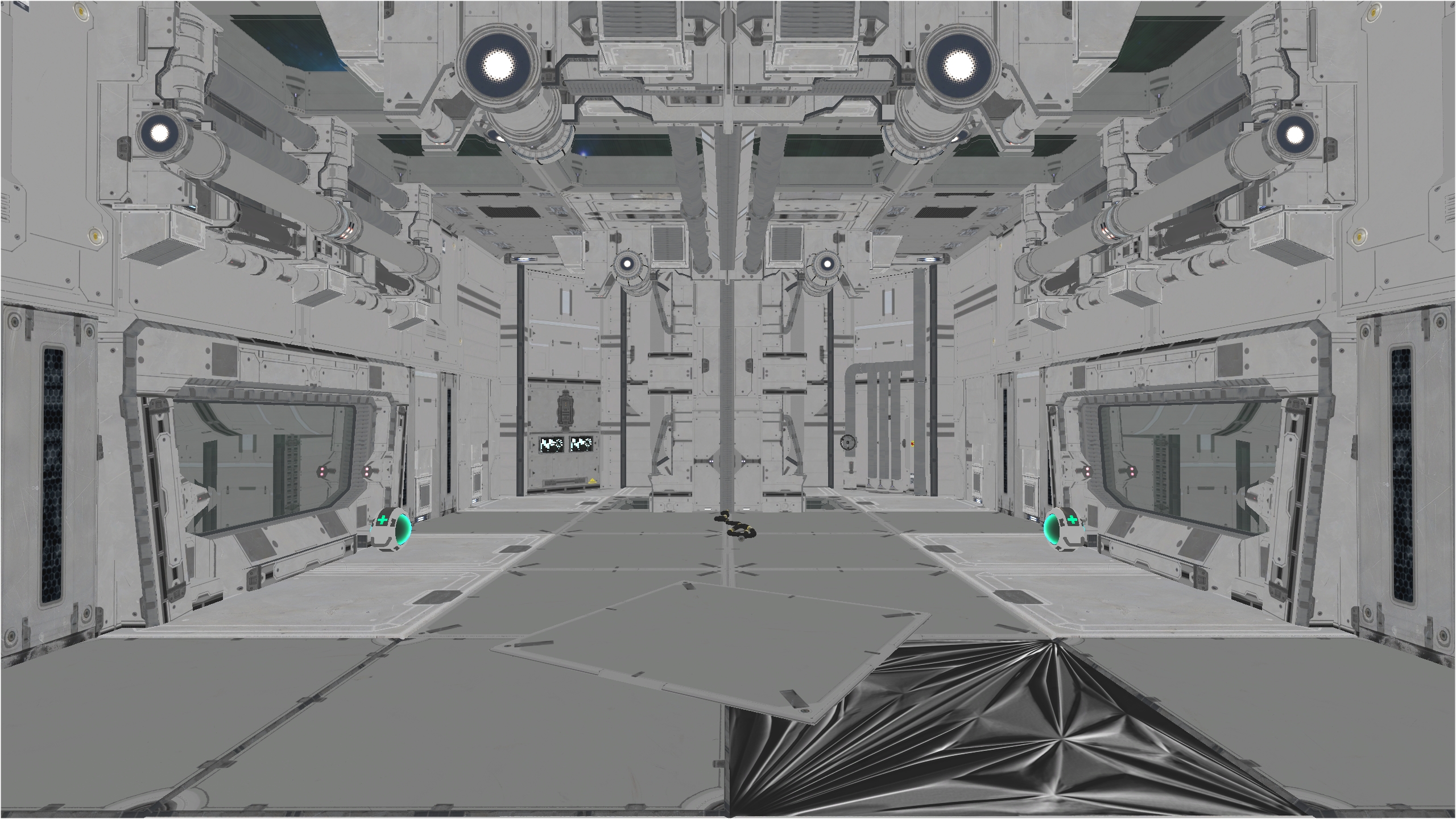
Meshing on Oblevia, part 1 is going good 😀 The biggest challenge is to mesh the level in the way it look and feel you’re inside a space ship 😮 I also want to see more outside so more windows are necessary. I really want to feel I’m in a spaceship traveling in hyperspace!

The scale is a bit bigger than A1. Its a small level but it doesn’t feel cramped like the original. Dodging is doable in all rooms except the corridors. After many playtests, I made the ceiling much higher so you’re not hitting the ceiling all the time. Not that I jump often but I hate to hit the ceiling when I must jump.

For the dev, this post is about showing the meshing progression 🙂 So, you see the Shock room, the mid room and the lower corridor under the mid room. Only addition in this corridor is a small armor. All weapons and ammos are the same as the original.

DM-Sarr available!

Exactly 1 month after the final release of Qu0 (this is a pure coincidence), I present you DM-Sarr 😀

This is the first and final version. So, unless a major bug, issue I didn’t found, this is the final one.

PS: Most valuable items (armor & powerup) are in the center of the level. Except the belt that is located in a corner of the level but is exposed to Grenade Launcher, Shock & Sniper rifle. This design is forcing players to go around the map to collect the items 🙂

NO, you can’t use the translocator to translocate in the mid field or other platforms in the center of the level, thinking you can collect the UDamage + 100 + 50 armor + hitscan ammo in few seconds. This would result in lazy camping players that would dominate the level all the time, ending in boring, dull, unfair gameplay. In short, move your ass 😛

Have fun! For feedback, you can post here or at DM-Sarr page, your choice 😉