Images

DM-Thaq, post # 2

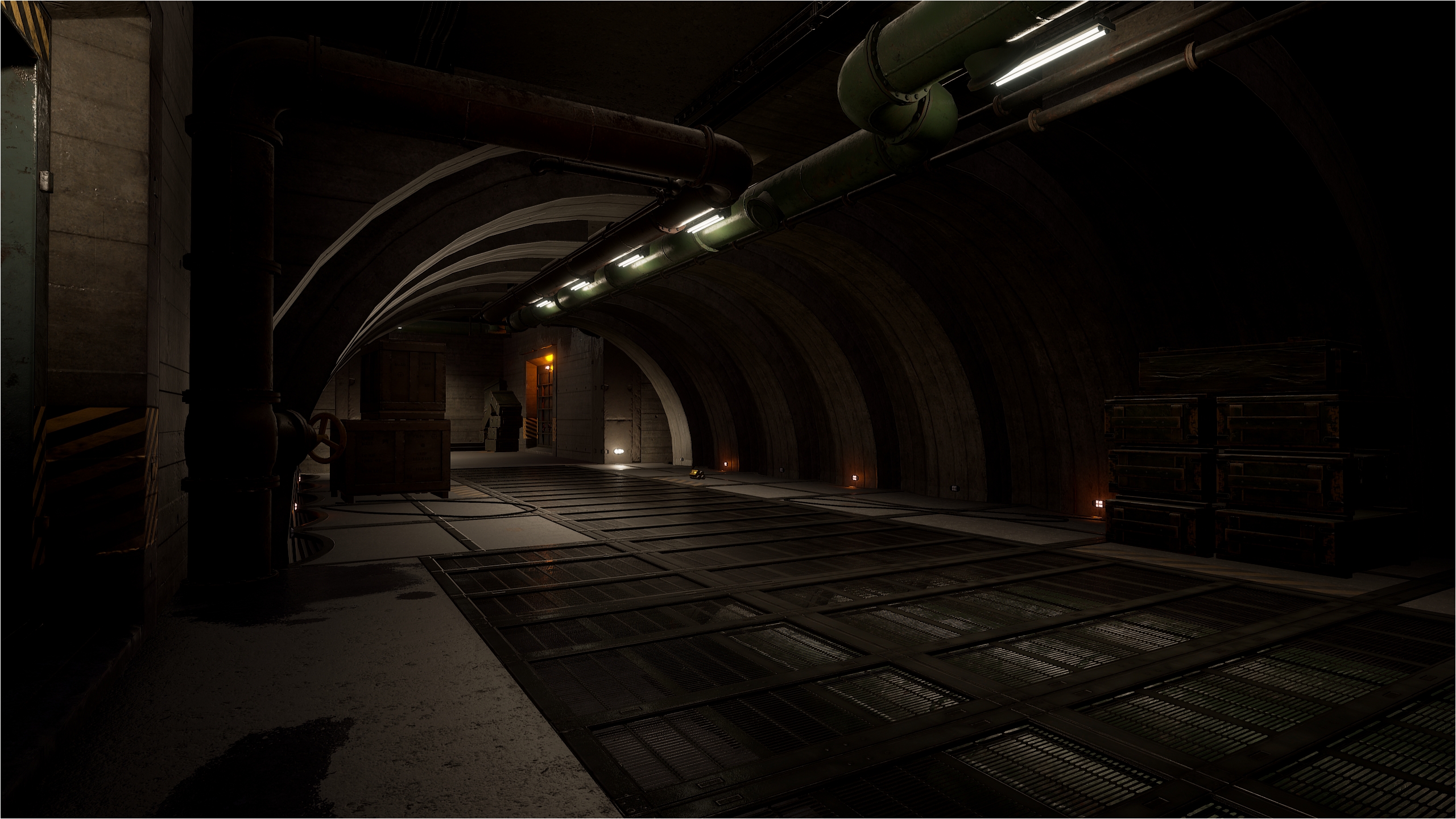
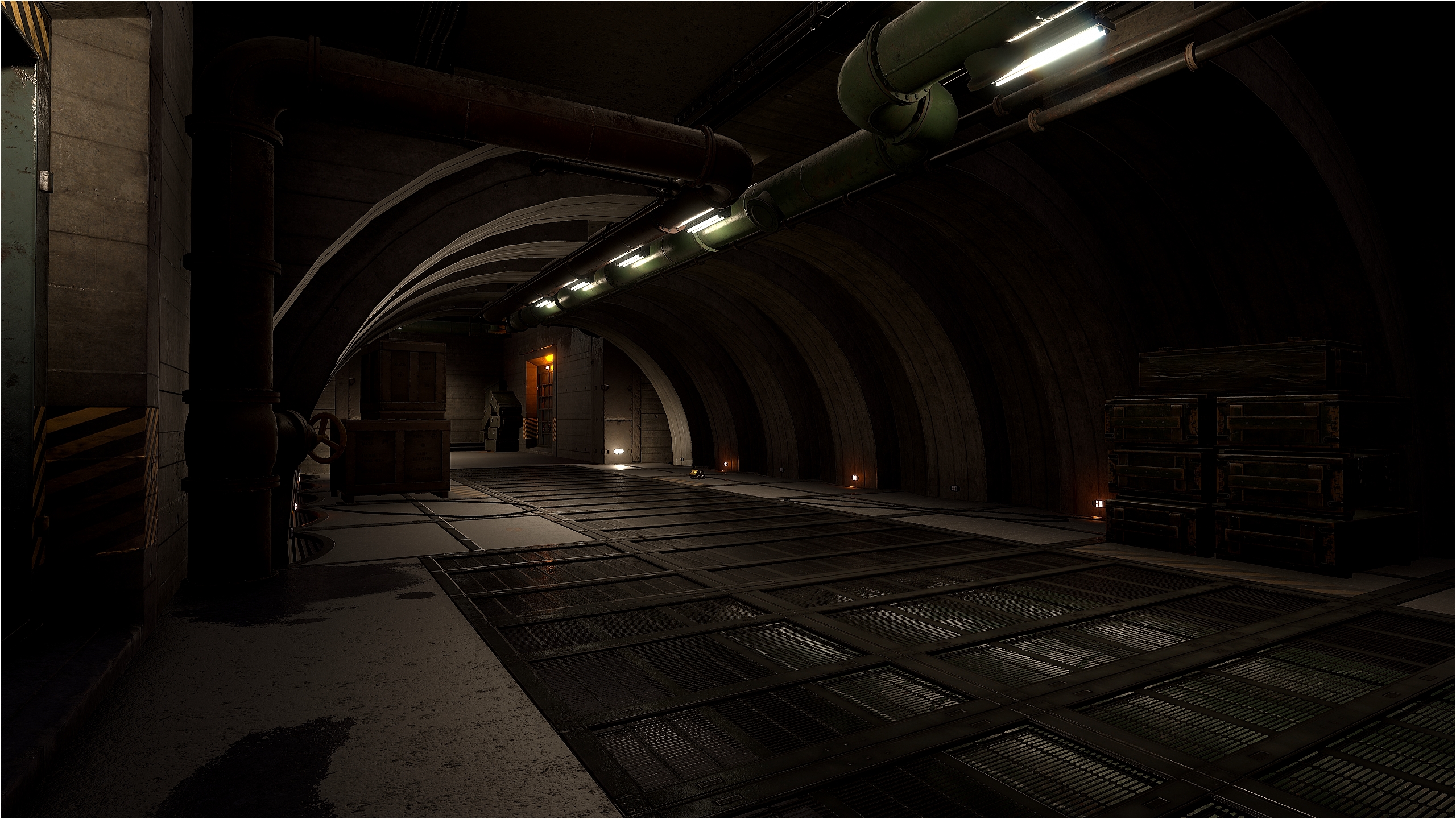
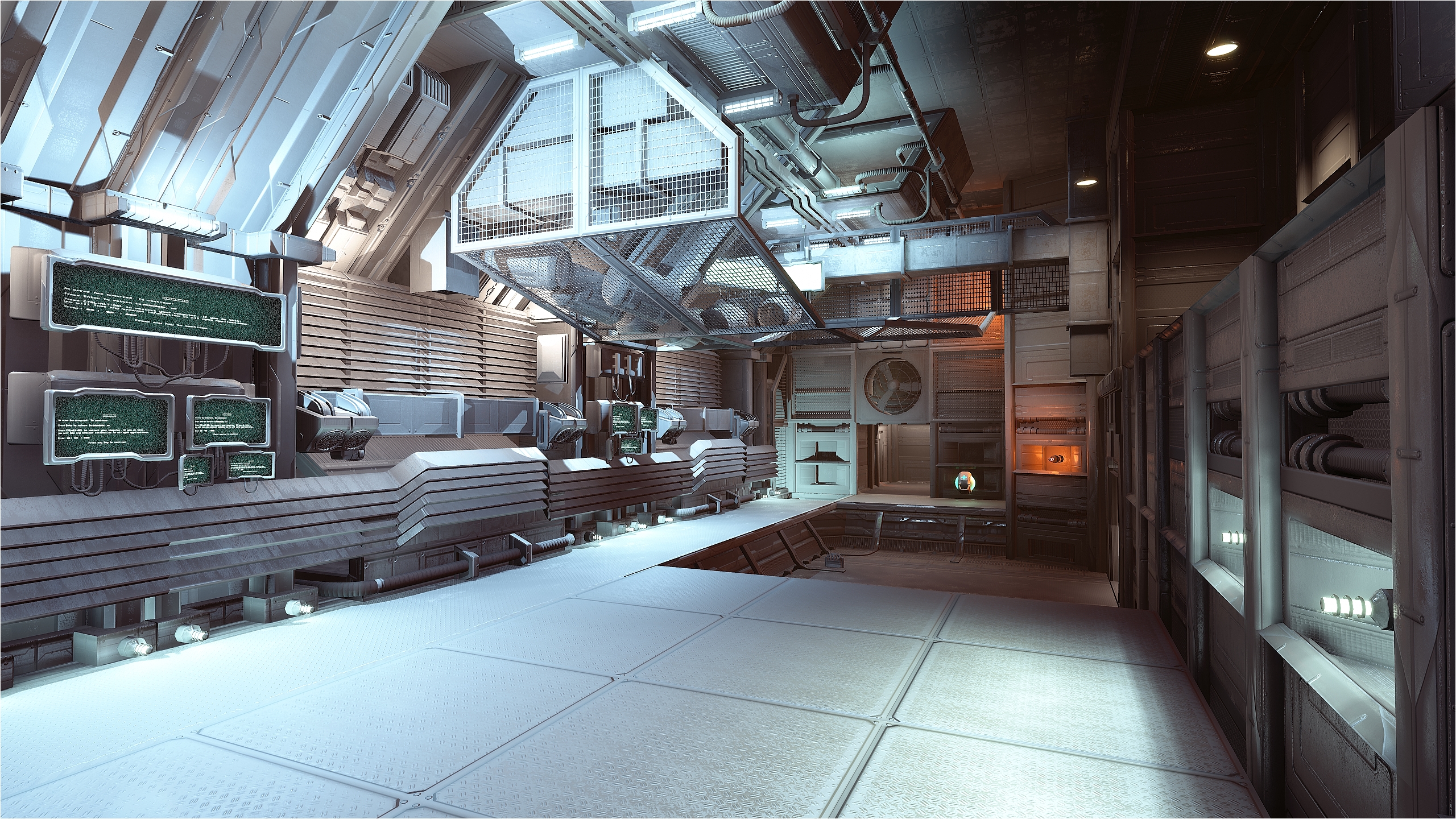
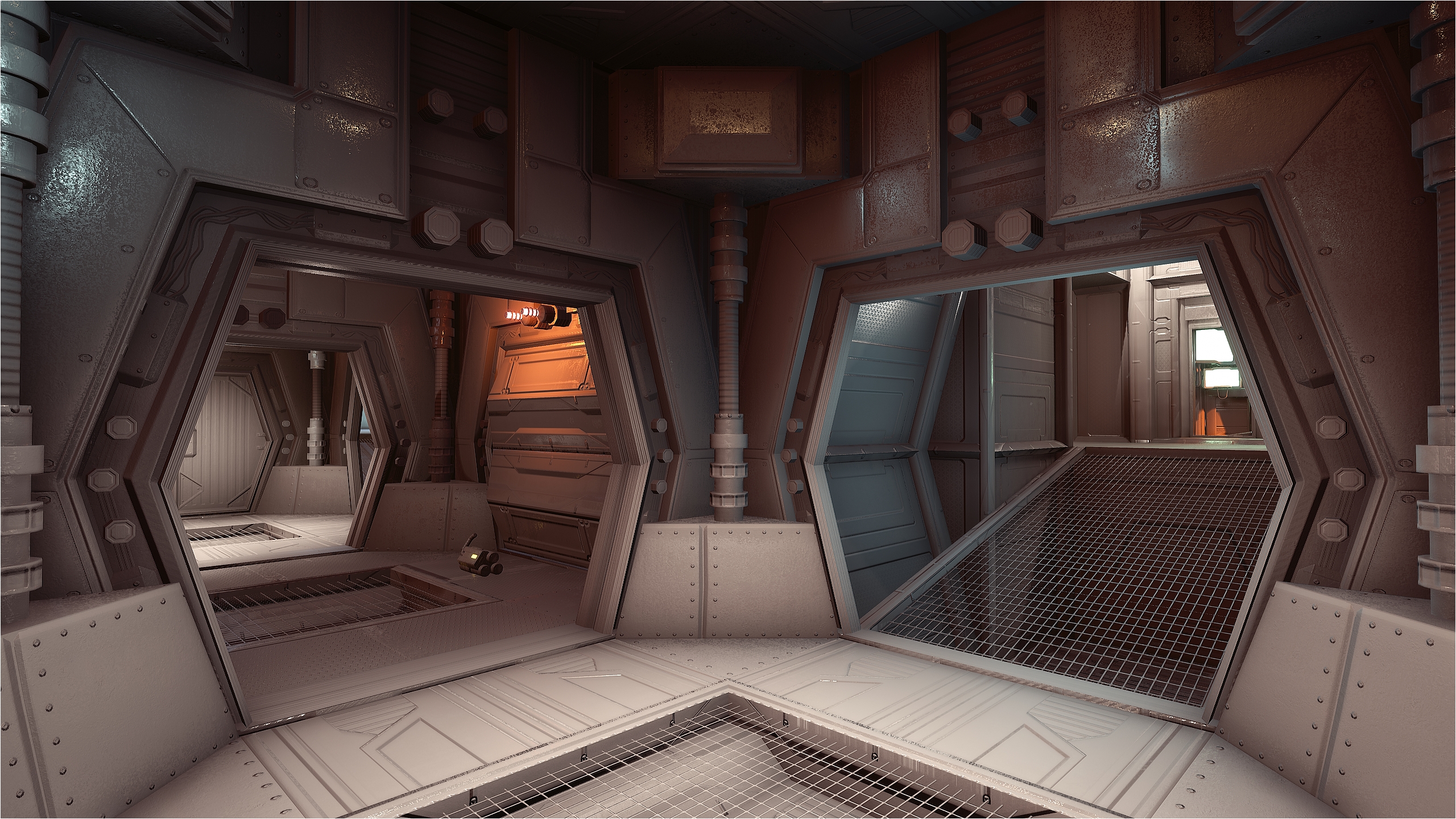
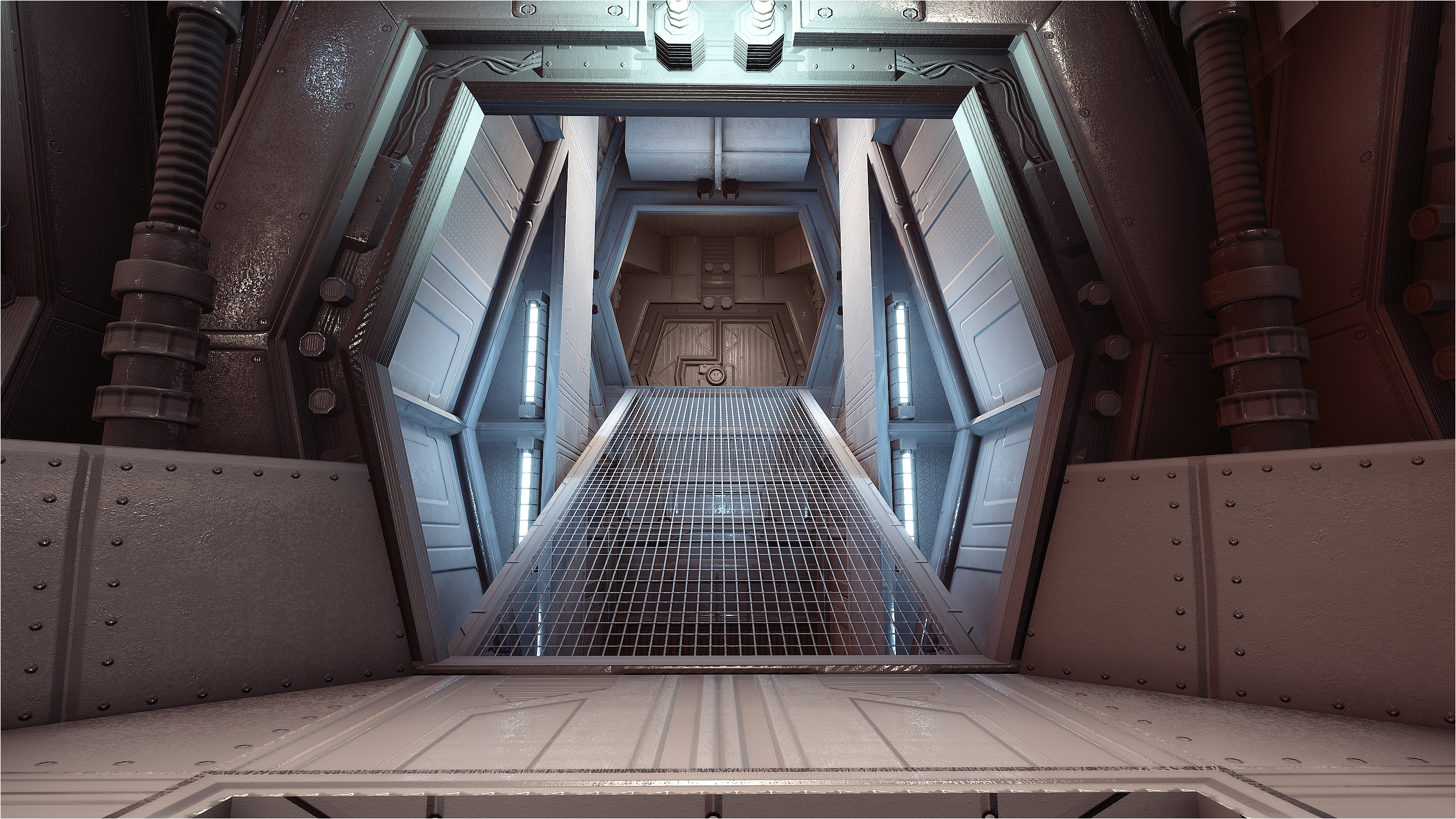
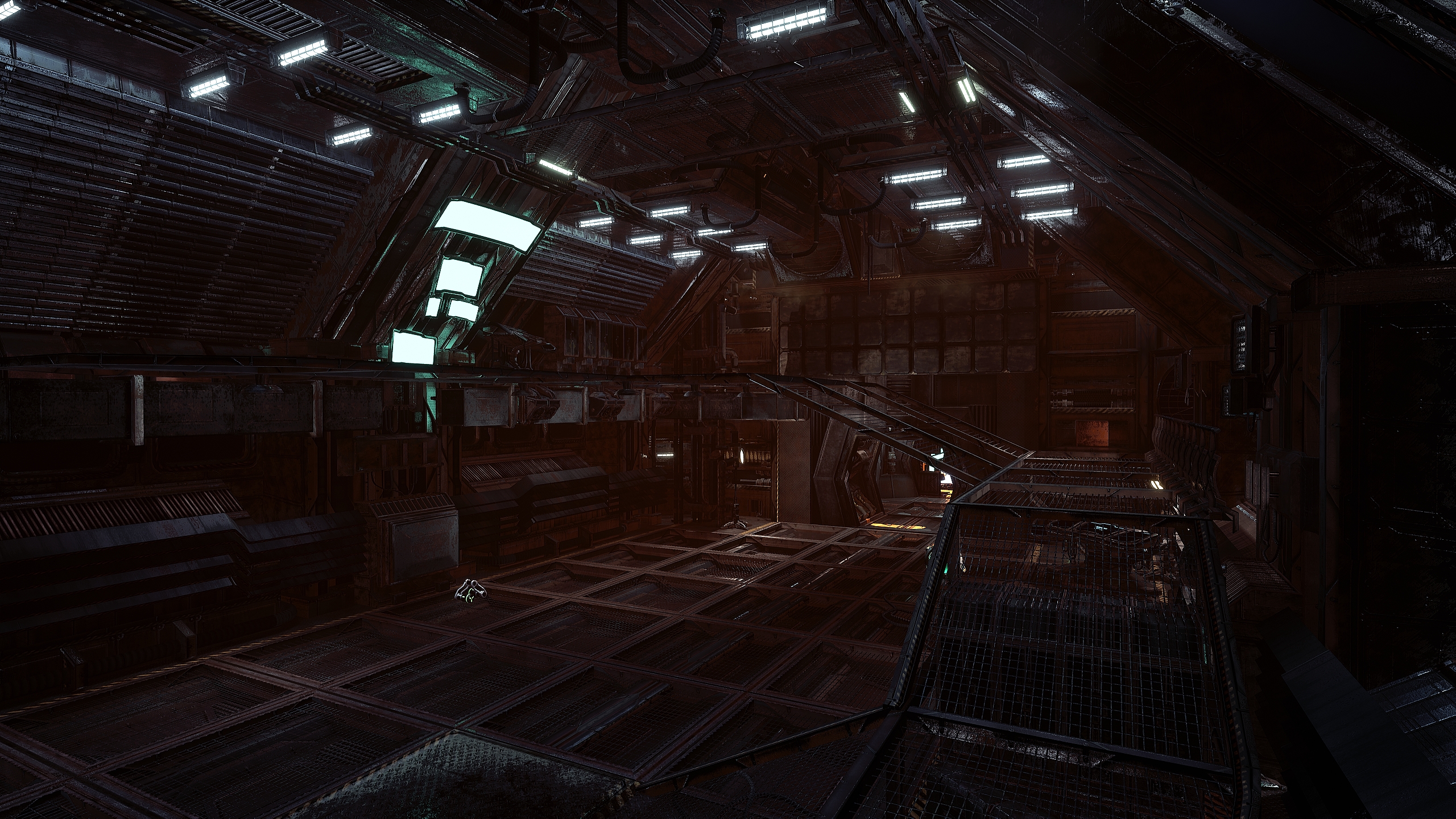
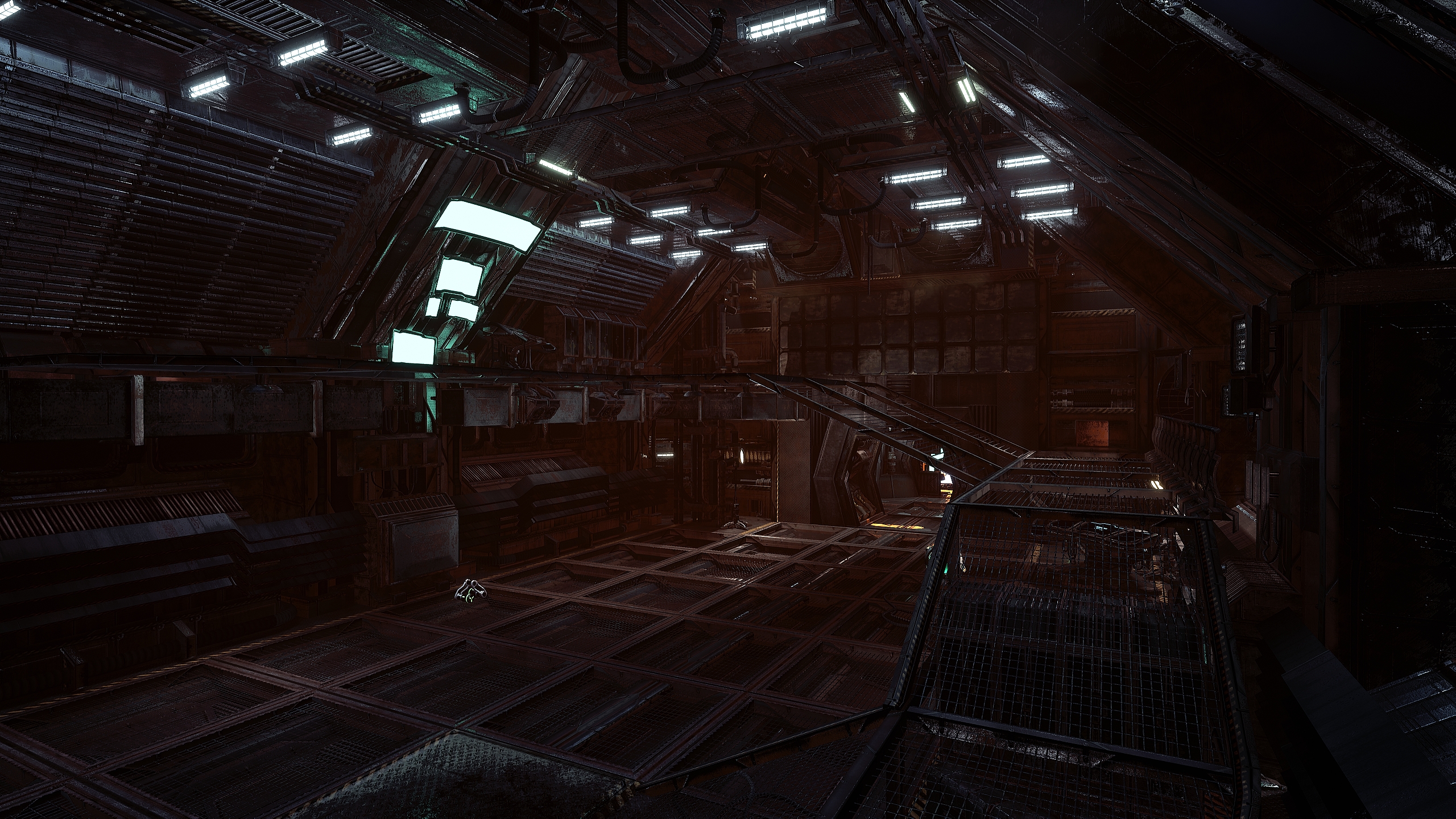
Making progress on crafting up DM-Thaq 😀

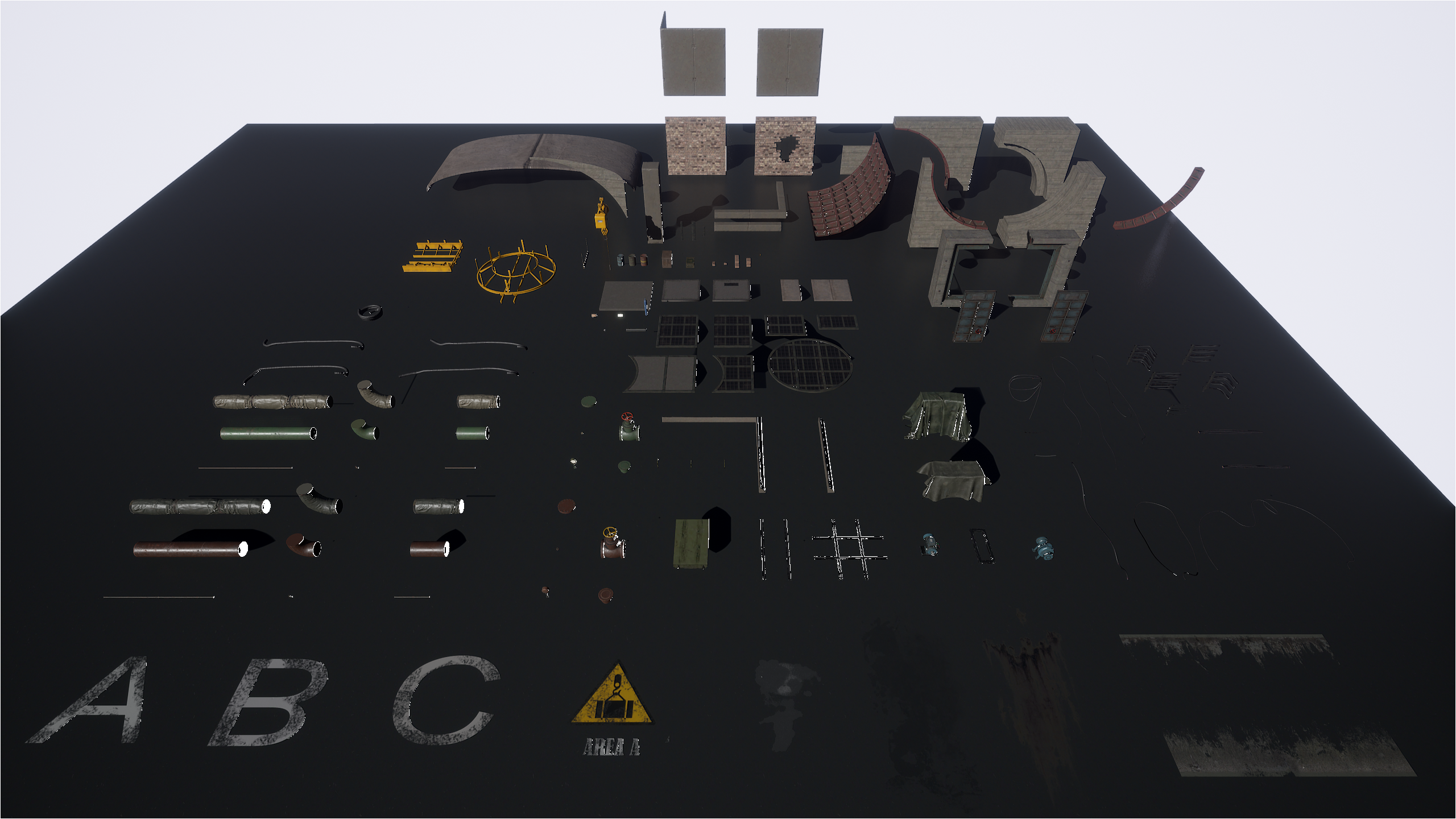
Not obvious since the limited amount of the meshes included in this pack. I’m trying to make the overall look not to much repetitive but I can’t make miracle neither.

What the pack misses is deco meshes, like pipes, barrels, wires, etc. I’ve found some nice free LP pipes meshes on CGTrader I could use in this level. Like the barrel that I added founded in one of the marketplace free HQ sci-fi pack, I had to tweak the material so it look dirty and worn.

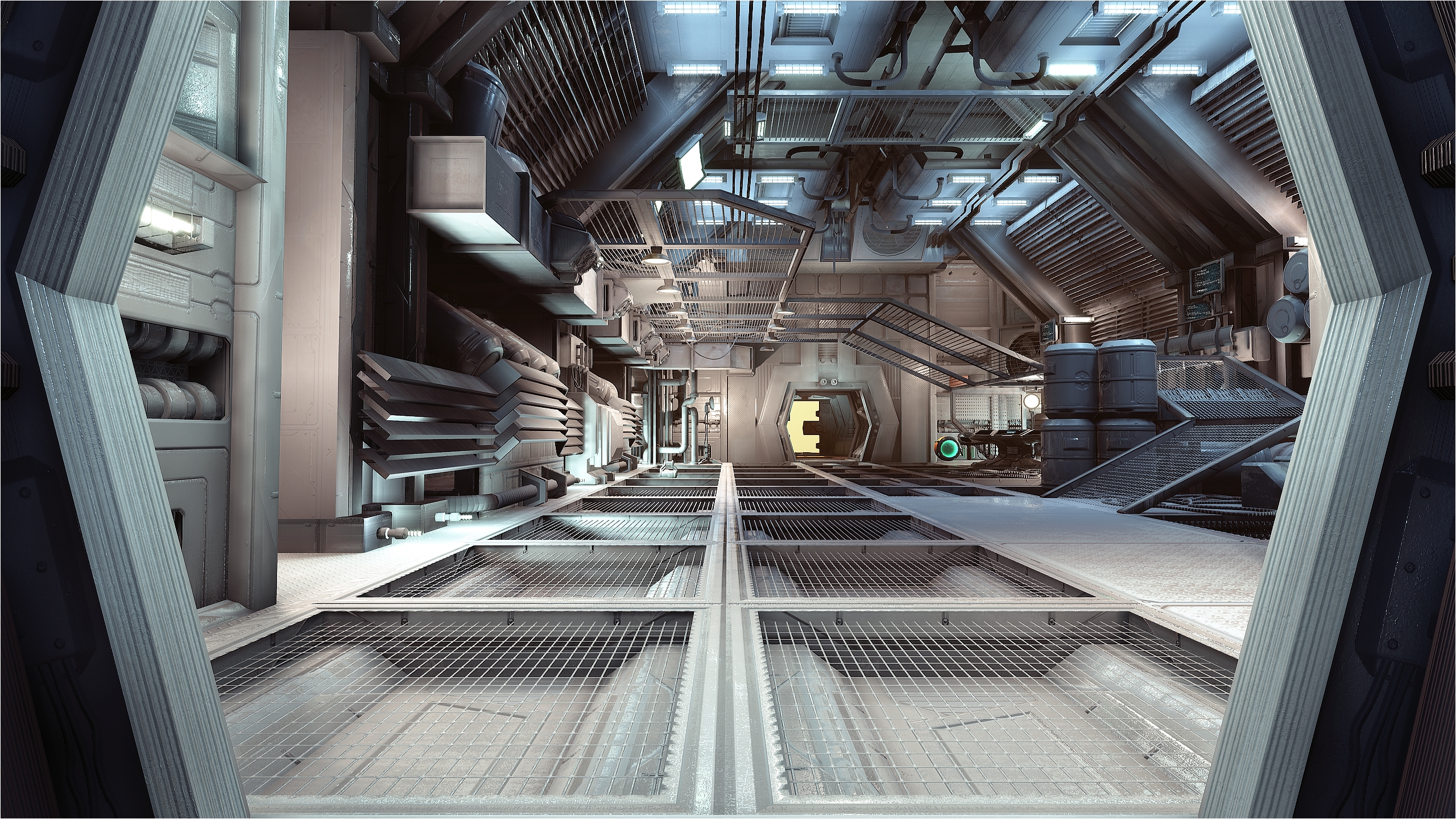
The pics are to show the geometry I’ve obtained so far and the lighting scheme using a combination of static & stationary lights with various roughness & fallout values. Quite a long process to tweak but the result is awesome 🙂

Enjoy and let me know what you think 😉

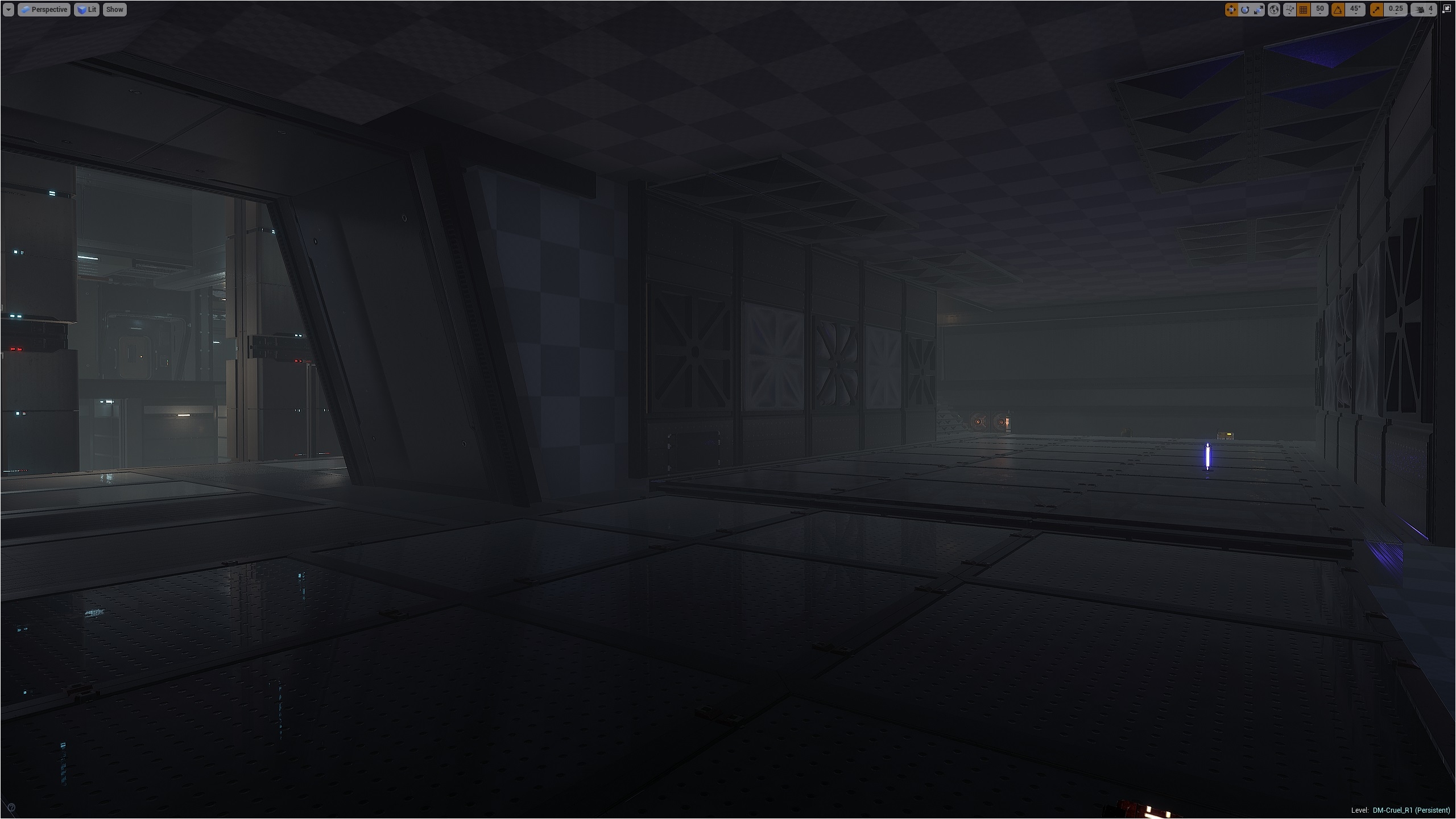
DM-Cruel post # 3

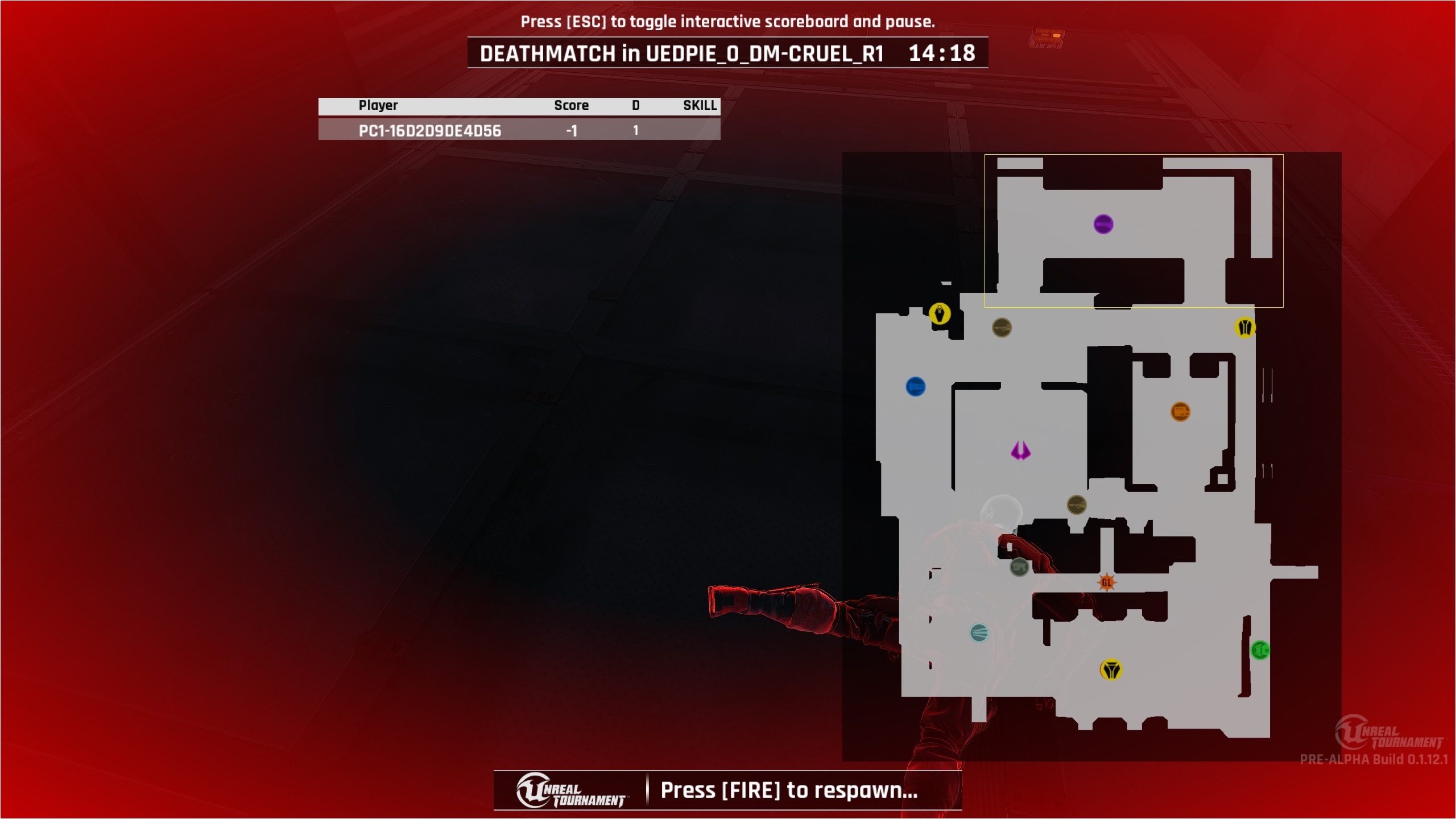
Dev is going slowly as you might expect, but still, I’m progressing. I put the map a bit on the side since I started DM-Thaq.

Now, I’m working on the last area of the map, the Shock room (showed in the yellow rectangle) which I started to mesh. It’s hard meshing a map with those assets (I know, I’m repeating myself lol).

So for now, the room is extremely basic but I wanted you to see how much work left I have to do to obtain a nice look. I have ideas to test and I need to finish the meshing before starting the lighting.

My new map with Mothership service rooms assets

Hello,

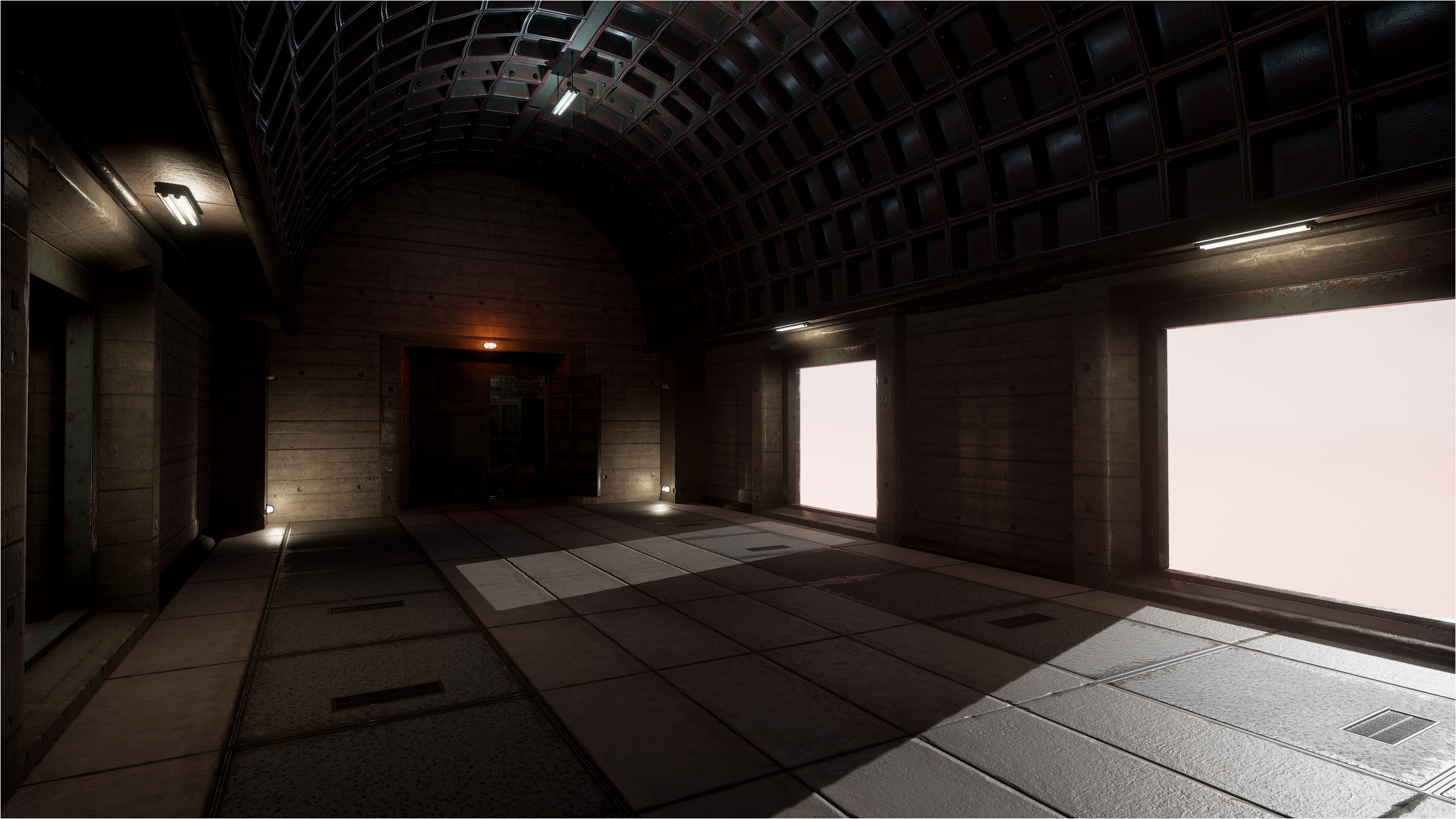
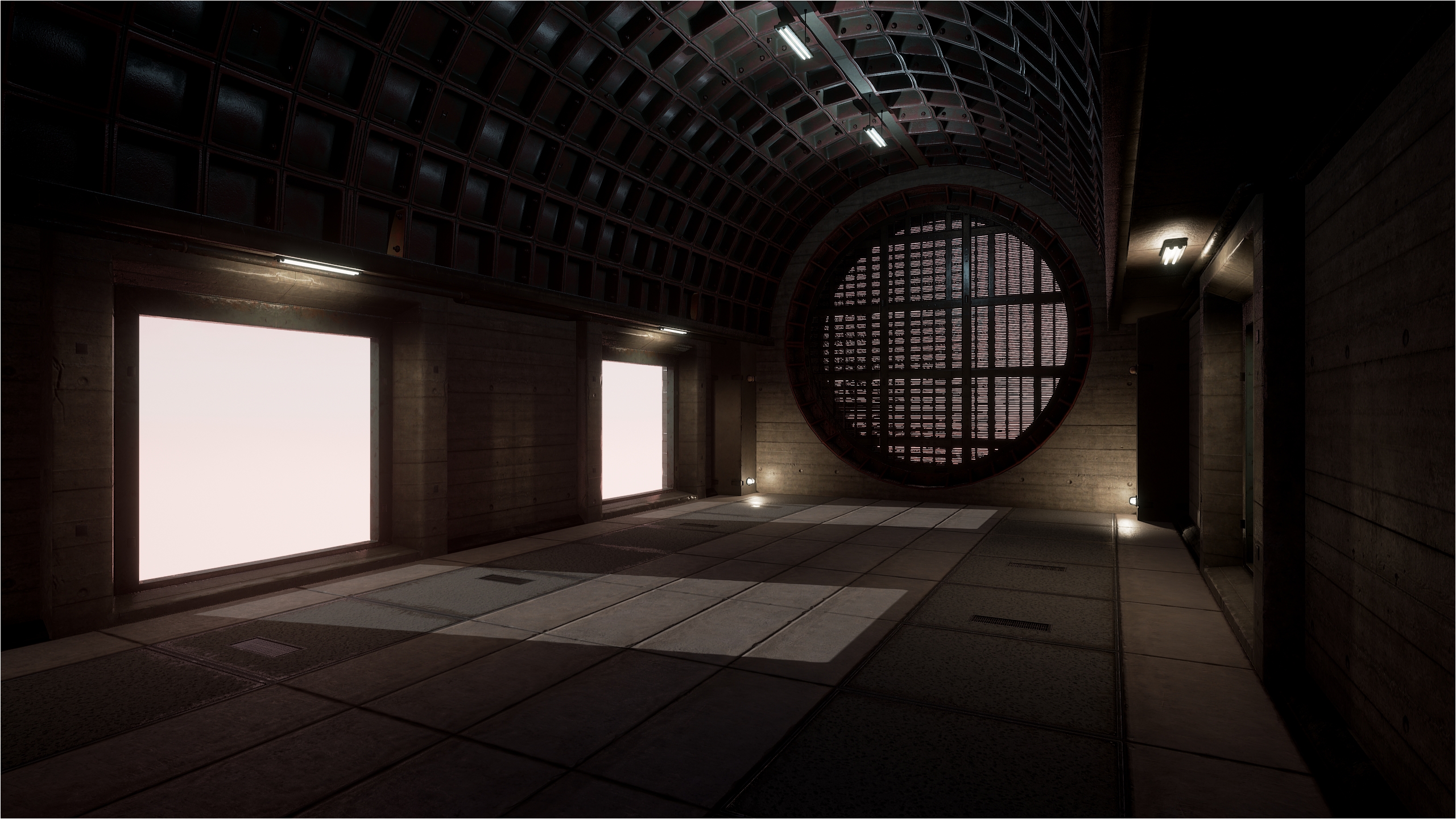
Now that I bought the Mothership service rooms assets. It’s time to use them 😀

First, there are assets I really don’t understand their use. Like a vent that you can’t see outside when you’re in it. It’s logical, but since they are half size the player, I don’t intent to use them for traveling… There another mesh which is a wall corner but doesn’t have the wall to go with it… Bah, at least there as many great assets I can play with and make an entire level out of those meshes 😀

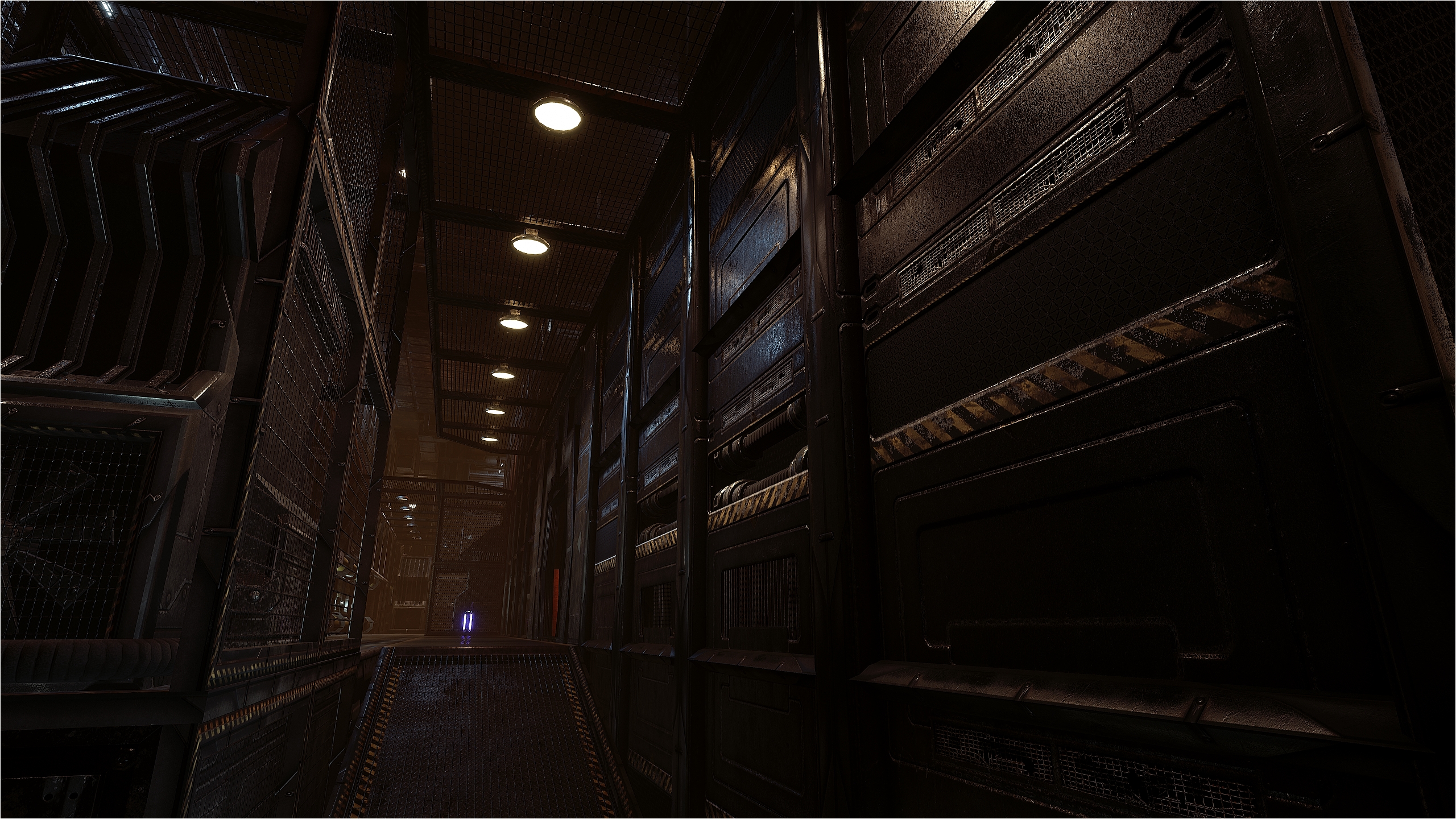
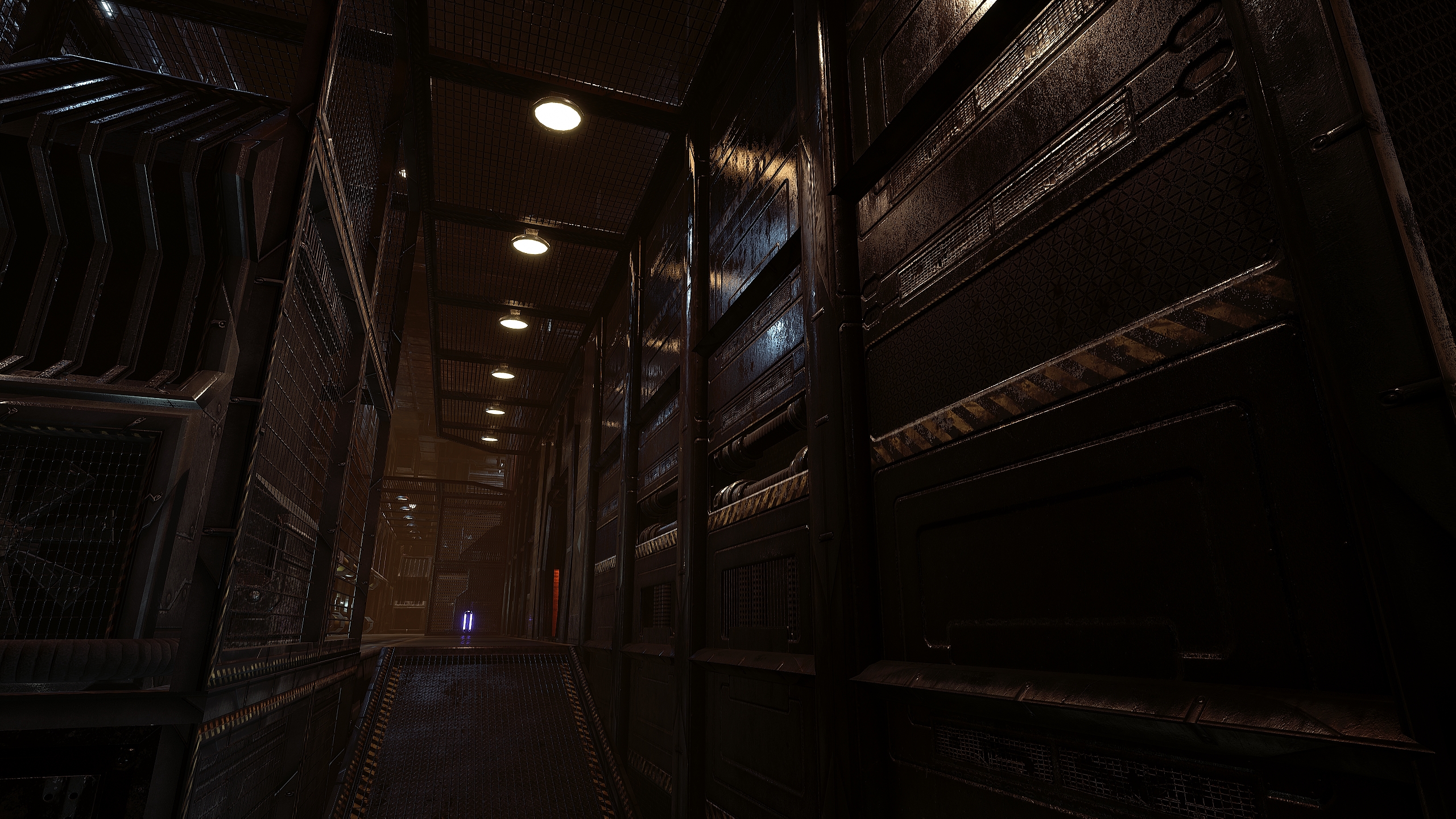
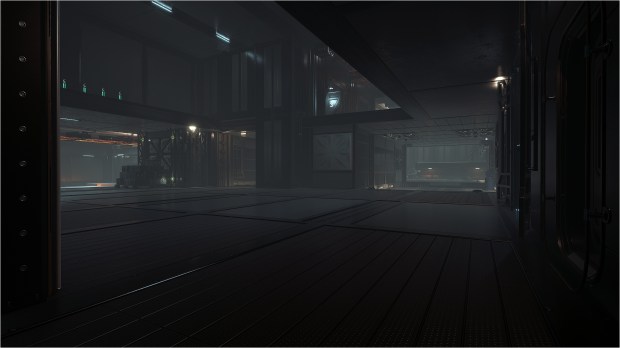
I took a break from DM-Cruel and start my new map. It’s called DM-Thaq. And I’m happy to finally create something futuristic AND also dirty. It won’t be a big level. Something to accomodate 8 players max. Since past friday night, I worked on this room to finally finish it and I’m satisfied by the result so I’m happy to share the pics with the world 🙂

Preview build quality

Full build quality

Enjoy and let me know what you think 😉

DM-Cruel post # 2

Dev is going veeeeeeeeeeeeeeeeeeeeeeeeeeeeeery slowly… but still, it is progressing 🙂

It’s hard to mesh the map with those assets. They look awesome but man, it’s hard!

Anyway, I post this pic just to give an idea of the actual look. Note that I added a skylight but for a reason I can’t explain it isn’t active?! I never saw that in any of my previous maps.

Crosshair Pack by GameUI

A free to use Crosshair Pack that contain 30 high resolution crosshairs by GameUI 😀 For download, head over Gumroad.

In more details, this pack contains :

– 20 rifle crosshairs.
– 10 sniper crosshairs.
– Crosshairs in stunning 4K quality.
– On top of that as vector files.

DM-Cruel post # 1

Dev is going slowly…

I honestly found it very hard to mesh the map base on the Modular SciFi Season 2 Starter Bundle.

When you look at the demo maps, everything is looking awesome because all of the assets are a part of the scene and all fit together. Therefore, when building a UT4 map, you just simply can’t reproduce a cool scene in the demo map in UT4, it would be way to easy. You must use of A LOT of imagination & mapping skill to create a map that look awesome without looking to boring & repetitive. Many meshes are made to use in a certain way and using them in another way doesn’t work at all. So I’m very limited in the way of using the meshes. For example, I have access to 158 meshes in all but can use only around 5 for walls, 4 for floor and ceiling. All the remaining are for deco.

Anyway, I’m doing my best to build a remarkable level. Meanwhile, you get a pic of the layout and 2 on mostly finished areas 🙂

DM-Coda, final release!

The final version of DM-Coda is here 😀

This is what as been done for the final version :

  • Added more decals. Also, they are visible only in High and Epic mode.
  • Added Redeemer. Grab it by doing a WallJump or WallRun. It add lot’s of fun!
  • Added rocks above the roof windows in the Invisibility sector.
  • Changed ingame preview pic.
  • Changed music track.
  • Manually set culling on a huge amount of static meshes all across the map to obtain more performances by reducing draw calls. That was a very, very long process since the map have 5 410 static meshes.
  • Map size dropped from 601 MB to 250 MB!!! Imagine, a 351 MB reduction 😮 I obtained that magic size by adjusting all textures LOD Bias. The map use roughly 400 textures! After many tweaking, they’re mostly appear in 1024 x 1024 quality ingame instead of 2K / 4K with a very minor visual quality loss. THX to MoxNix suggestion, I wasn’t aware of that setting and it made a drastic difference for map size while maintaining a excellent visual quality if set right 😀
  • Remeshed the Rocket Launcher windows. I wasn’t 100% satisfied from R1.
  • Performed a full lighting build, production level quality.
  • Tweak post process volume to get nice occlusion from far rocks and subtle grain effect all across the map.

Moloch map pack 8 for UT3 released

For those who still play UT3,  Moloch map pack 8 as been release 🙂 All maps as been made by Michail ‘Moloch’ Levchinko. As always, you can expect unique looking maps 😀

Requirements :

– Unreal Tournament 3 Patch 2.1 with Titan pack.

This pack contains :

CTF-Gravitator
CTF-Leviathan
CTF-Pancercoven
CTF-Xenomania 2
DM-Gravitator
DM-Leviathan
DM-Monorail
DM-Monorail NE
DM-Panzercoven
DM-Pancercoven Necro
DM-SpaceWanderer (Hyperneros new version)
DM-XonX-SpaceWanderer
DM-Xenomania 2

Grab the pack here 😀 Head over Epic to leave your comments 🙂

More at his Epic thread 🙂